
In collaboration with CodeMonkey. All opinions are my own.
As an educator with over nine years of experience in teaching, researching, and presenting on artificial intelligence, educational technology, and computer science, I enjoy trying out new coding and STEM-related platforms and tools with my eighth-grade STEAM students. My students and I have enjoyed using CodeMonkey this year because it sparks curiosity in learning about coding, and they are excited to work through the activities. It does this through engaging gameplay, structured curriculum, teacher resources, and essential topics, all of which are available in one easy-to-navigate place.
This was my first year using CodeMonkey in my STEAM course, where I cover many topics such as AI, augmented and virtual reality, coding, robotics, and other emerging technologies. I also train other educators and often speak at conferences, and one question that I am asked is what educators should use with elementary students to get them started with STEM. I always enjoy finding resources that work well for even the youngest learners, while also offering more challenging topics for high school students. And these platforms must offer a robust, standards-aligned platform that makes a real impact. I took a closer look at the new curricula and believe that educators will become more confident as they get started with CodeMonkey, especially with all that is provided to make it easy to implement in every classroom.

My first impressions of CodeMonkey’s Typing and Computer Science curricula is that it is colorful and engaging, Intuitive, and definitely student-centered
I noticed right away how kid-friendly it is. The platform was clearly designed with the student in mind, especially younger learners in grades K–8. The characters are animated, each lesson is interactive, and the exercises are gamified which keeps students engaged in learning.
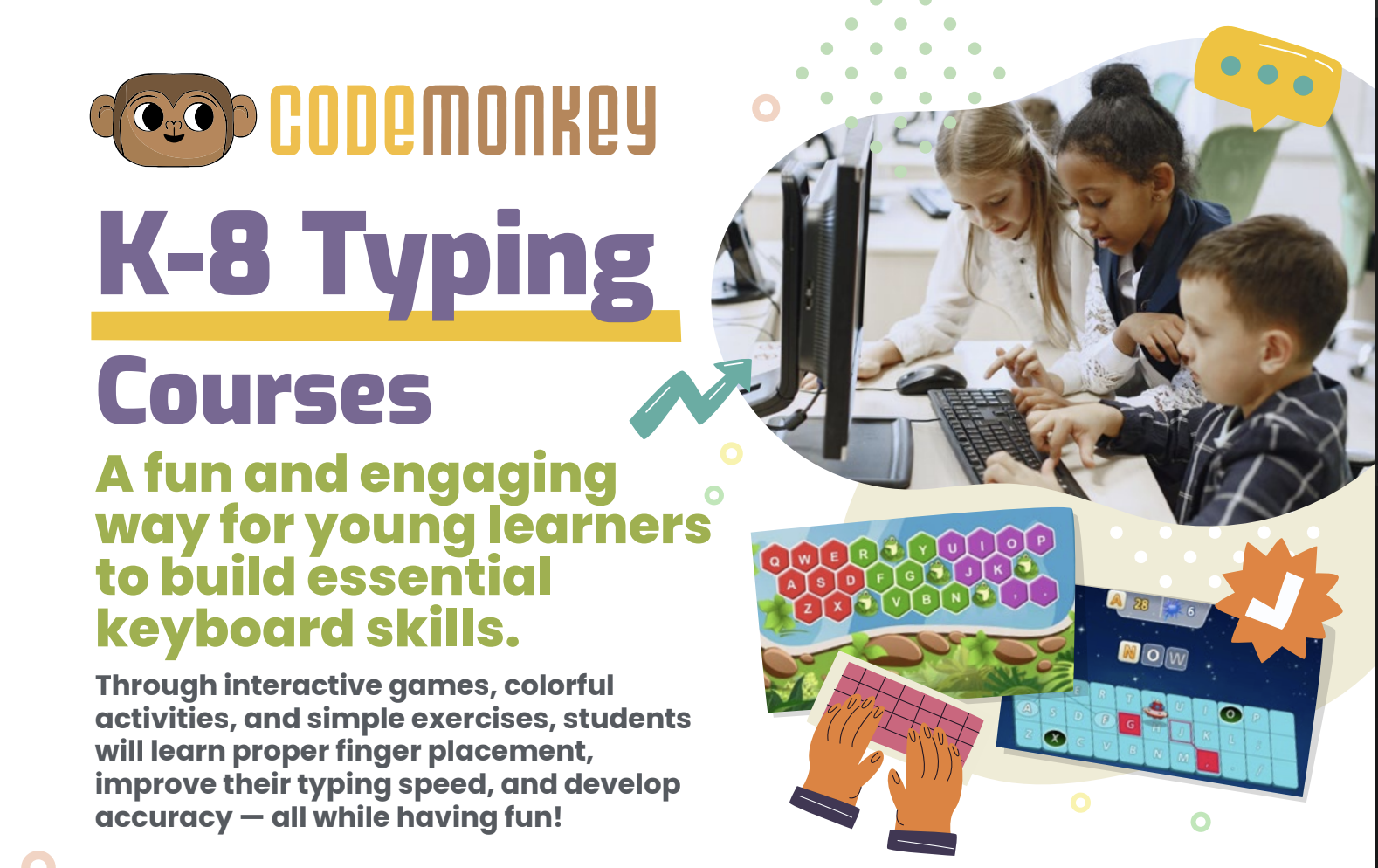
The K–8 Typing Course uses a mix of activities, exercises and games that help students learn proper finger placement, improve typing speed, and develop accuracy— while having fun in the process. Students are excited to move to the next level! It’s also fun for teachers to see the impact on students as they build these essential skills.
I always look at the navigation of these tools and platforms. The CodeMonkey platform is visually appealing and easy to navigate. Younger students will be able to log in and get started with minimal teacher guidance, while older students can work through structured lessons, receiving teacher and program feedback, and self-paced learning. The program offers a lot of autonomy, which is a benefit to students as they develop self-awareness, self-management, and student agency.
The Typing Curriculum includes:
13 courses
92 lessons (ranging from 10–35 minutes each)
760+ exercises
Progress tracking
Teacher Dashboard
Accuracy and Speed Assessments
Educators want better ways to scaffold student learning. I recommend trying out “Ready, Set, Type! Jr” which offers 7 lessons and 118 exercises and is ideal for students in grades K through 2, who are just starting to recognize the keyboard. It makes it fun for students as they build typing skills, which can be stressful at the start.
In “All Fingers Aboard” and “The Secret of Symbols,” students start to build up to more complex words, punctuation marks, symbols, and using the number pad. When working through these exercises, it is not just about providing students with drills that were common in the past. These resources provide challenges, mini-games, and even reward systems that help to keep students engaged and excited about learning. An approach like this is incredibly effective in helping younger students build comfort with the keyboard while also building their confidence in their digital abilities. Being comfortable and confident while learning is so important for student growth. Get started with CodeMonkey today!

Teacher-Friendly Features
When I start using a new program or platform, I also explore the teacher features and see how easy it is to get started and also to find information related to student progress and other resources available for teachers. With CodeMonkey, there is a comprehensive teacher dashboard. Teachers are able to track individual student progress, typing accuracy and speed, and student engagement levels. It provides real-time data that teachers can use to quickly adjust instruction or provide in-time help for students.
About Rachelle
Dr. Rachelle Dené Poth is a Spanish and STEAM: What’s Next in Emerging Technology Teacher at Riverview High School in Oakmont, PA. Rachelle is also an attorney with a Juris Doctor degree from Duquesne University School of Law and a Master’s in Instructional Technology. Rachelle received her Doctorate in Instructional Technology, and her research focus was on AI and Professional Development. In addition to teaching, she is a full-time consultant and works with companies and organizations to provide PD, speaking, and consulting services. Contact Rachelle for your event!
Rachelle is an ISTE-certified educator and community leader who served as president of the ISTE Teacher Education Network. By EdTech Digest, she was named the EdTech Trendsetter of 2024, one of 30 K-12 IT Influencers to follow in 2021, and one of 150 Women Global EdTech Thought Leaders in 2022.
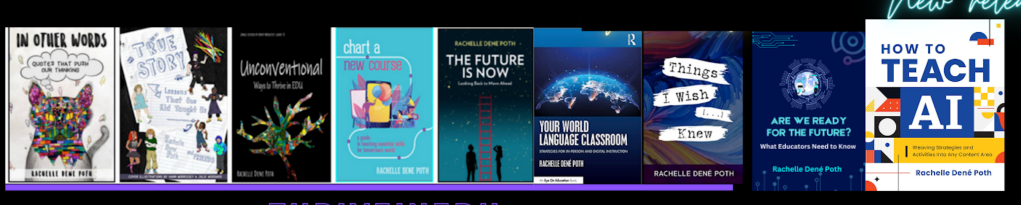
She is the author of nine books including ‘In Other Words: Quotes That Push Our Thinking,” “Unconventional Ways to Thrive in EDU,” “The Future is Now: Looking Back to Move Ahead,” “Chart A New Course: A Guide to Teaching Essential Skills for Tomorrow’s World, “True Story: Lessons That One Kid Taught Us,” “Things I Wish […] Knew” and her newest “How To Teach AI” is available from ISTE or on Amazon.
Contact Rachelle to schedule sessions about Artificial Intelligence, Coding, AR/VR, and more for your school or event! Submit the Contact Form.
Follow Rachelle on Twitter(X) and Instagram at @Rdene915
**Interested in writing a guest blog for my site? Would love to share your ideas! Submit your post here. Looking for a new book to read? Find these available at bit.ly/Pothbooks
************ Als, check out my THRIVEinEDU Podcast Here!
Join my show on THRIVEinEDU on Facebook. Join the group here.
 Learning as I go: Reflections & lessons learned