
Guest post from David E. Thomascall, @Stembits
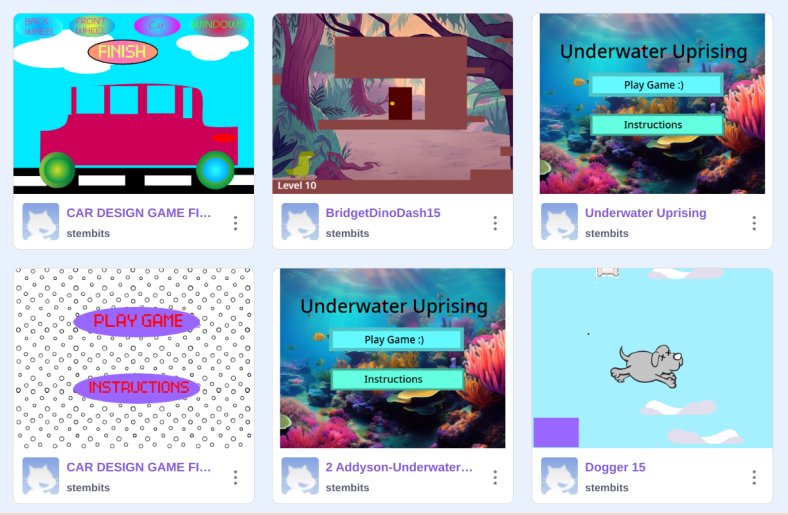
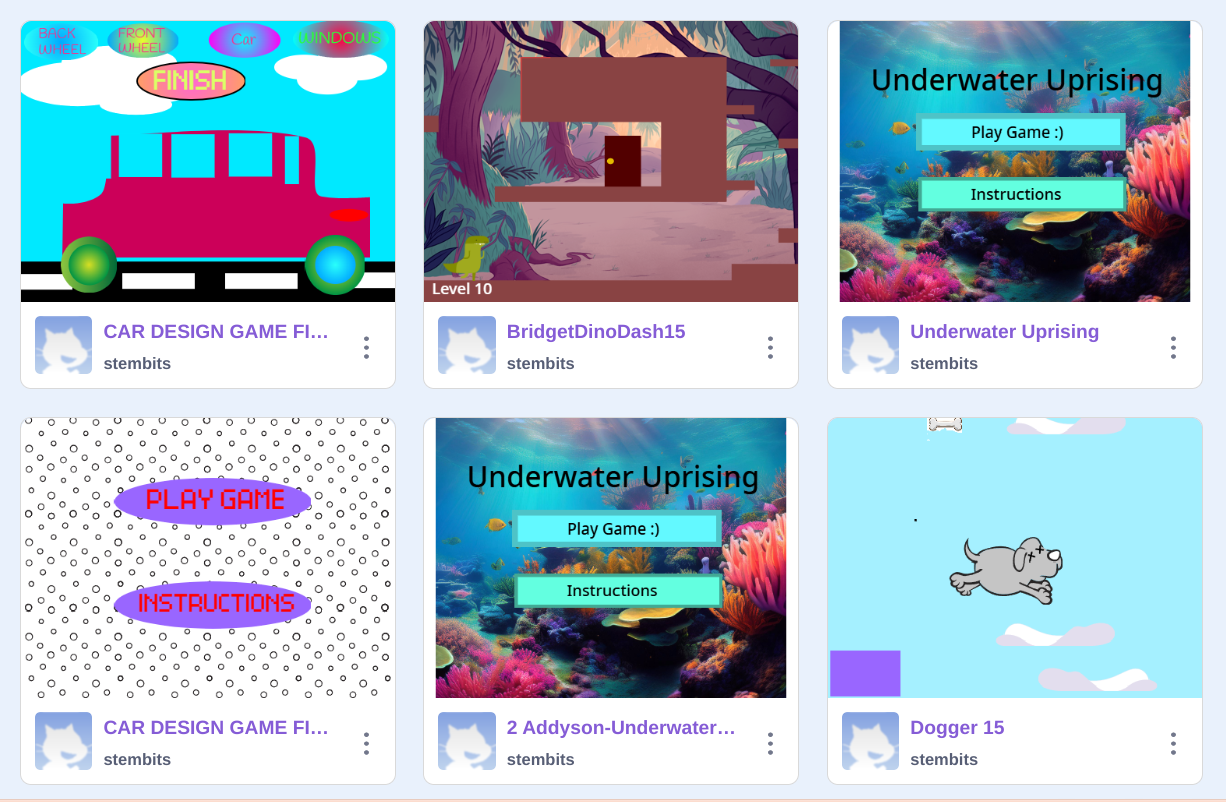
What if instead of just playing video games, students could create their own? That’s exactly what we did in my class, transforming a love for gaming into a hands-on project that blended coding, design, and creativity into a student-run video game. Using Scratch, students transformed their ideas into interactive games, coding everything from high-speed chases to intricate jumping challenges. But, the project went beyond coding as it integrated multiple STEM disciplines, including video production, graphic design, and even 3D modeling. The project culminated in a student-run arcade, where other classes came to play. By the end, students weren’t just players—they were game designers, engineers, and creative thinkers, bringing their ideas to life in an interactive, hands-on way.
This project is an example of project-based learning (PBL), an approach that makes learning more meaningful and engaging by connecting academic concepts to real-world applications. PBL immerses students in hands-on experiences that build critical skills like problem-solving, collaboration, communication, and creativity. It also helps students see the relevance of what they’re learning by giving them opportunities to apply their knowledge in practical ways. Perhaps most importantly, PBL allows for personalization—students can shape their projects around their own interests and strengths, making the learning process both more enjoyable and more impactful.
To make a PBL project successful, it needs to be broken down into manageable steps. Game development is complex, so I structured our arcade project into stages: coding, graphic design, video production, and 3D modeling. We started with coding since a working game was the foundation for everything else. Once students had their games running, they designed backgrounds and characters, then created posters to promote their work. After that, they produced instructional and promotional videos. Finally, they used 3D modeling to design a custom game controller and token. Some students needed extra time debugging their code, while others jumped ahead to designing graphics or planning their arcade setup. By keeping the schedule flexible, everyone had the time they needed to finish their game while still engaging in other aspects of the project.
A good PBL project teaches students the skills they need, one step at a time, so they can finish successfully. Since our students had different levels of coding experience, we began with Scratch tutorials—some moved through them quickly, while others needed more time. The goal wasn’t to get everyone to the same level but to ensure each student had sufficient skills to build their own game. The same idea applied to 3D modeling, where some students were already comfortable with the design tools while others were just getting started. By meeting students where they were and providing targeted support, we made sure everyone could engage with the project in a meaningful way.
PBL isn’t about having the latest equipment—it’s about making the most of what’s already available. For this project, we used Scratch for coding, Adobe Express for graphic design, WeVideo for video editing, and Google SketchUp with our 3D printer for modeling. These were tools I was comfortable with and ones our school already had. However, the project could have worked just as well with different tools—Python instead of Scratch, Google Slides for design, or Google Vids for video. If we didn’t have a 3D printer, modeling clay could have been an alternative, or we could have skipped that step altogether. The key was staying flexible and using what we had to keep the project engaging and manageable for both students and teachers.
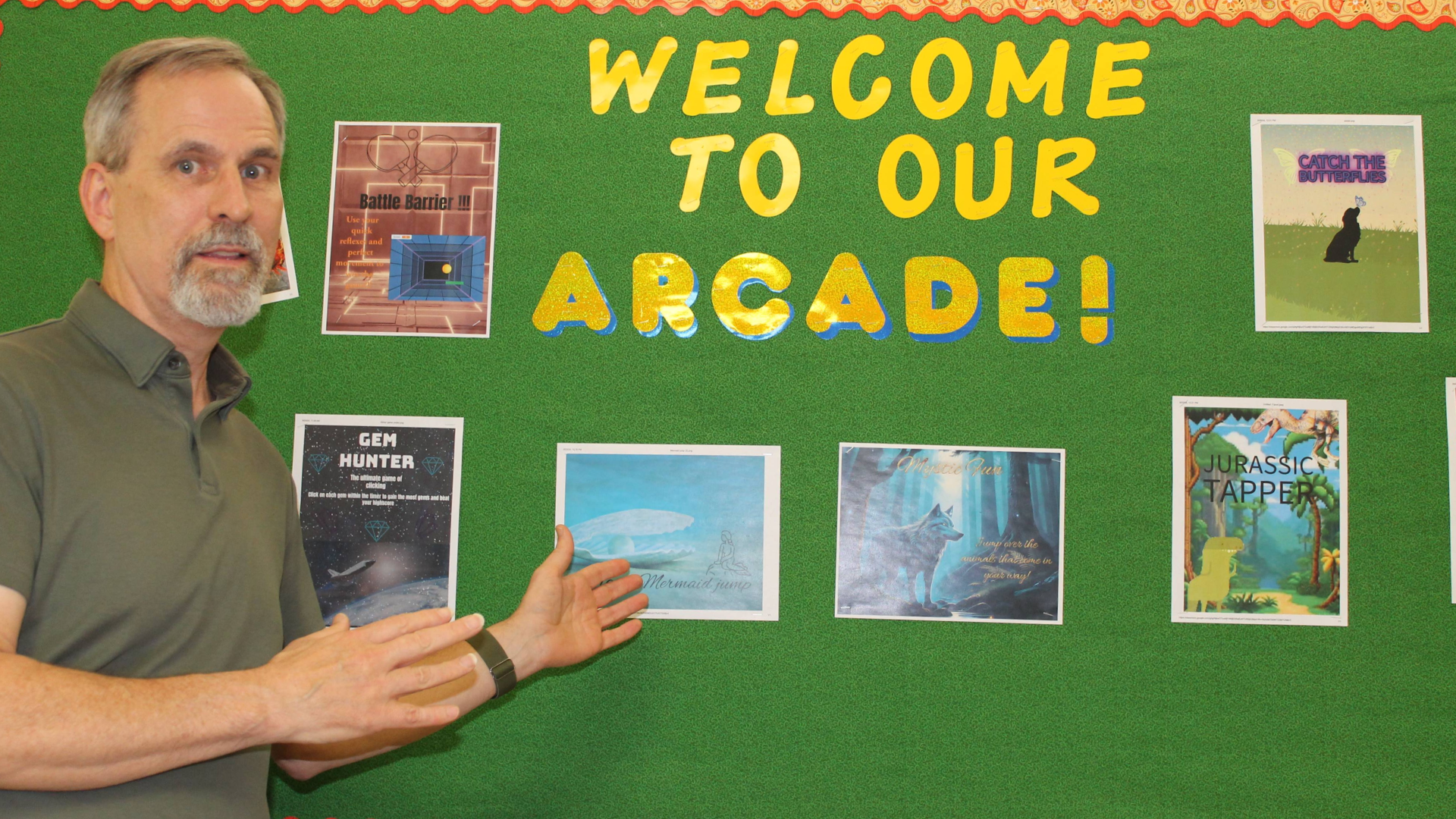

Finally, giving students a way to share their work makes PBL more meaningful. Finishing a project feels good, but presenting it to others gives it real purpose. For our arcade, we transformed the classroom into a real gaming space—students designed posters and signs, and we handed out tokens so visitors could “pay” to play. This small detail made a big difference. Students saw their games being played and enjoyed, which made their hard work feel real. No matter the project—whether it’s a school newspaper, a model city, or a website—having a clear end goal and a way to showcase the final product is essential. Giving students the chance to share their work helps them gain confidence and see the impact of what they create.
About Rachelle
Dr. Rachelle Dené Poth is a Spanish and STEAM: What’s Next in Emerging Technology Teacher at Riverview High School in Oakmont, PA. Rachelle is also an attorney with a Juris Doctor degree from Duquesne University School of Law and a Doctorate in Instructional Technology. Her research focus was on AI and Professional Development. In addition to teaching, she is a full-time consultant and works with companies and organizations to provide PD, speaking, and consulting services. Contact Rachelle for your event! She speaks on AI, AI and the Law, AI and the Environment, Cybersecurity, SEL, STEM and other topics.
Rachelle is an ISTE-certified educator and community leader who served as president of the ISTE Teacher Education Network. By EdTech Digest, she was named the EdTech Trendsetter of 2024, one of 30 K-12 IT Influencers to follow in 2021, and one of 150 Women Global EdTech Thought Leaders in 2022.
She is the author of nine books including, ‘In Other Words: Quotes That Push Our Thinking,” “Unconventional Ways to Thrive in EDU,” “The Future is Now: Looking Back to Move Ahead,” “Chart A New Course: A Guide to Teaching Essential Skills for Tomorrow’s World, “True Story: Lessons That One Kid Taught Us,” “Things I Wish […] Knew” and her newest “How To Teach AI” is available from ISTE or on Amazon.
Contact Rachelle to schedule sessions about Artificial Intelligence, Coding, AR/VR, and more for your school or event! Submit the Contact Form.
Follow Rachelle on Bluesky, Instagram, and X at @Rdene915
**Interested in writing a guest blog for my site? Would love to share your ideas! Submit your post here. Looking for a new book to read? Find these available at bit.ly/Pothbooks

************ Also, check out my THRIVEinEDU Podcast Here!
Join my show on THRIVEinEDU on Facebook. Join the group here.
 Learning as I go: Reflections & lessons learned