
In collaboration with CoSpaces Edu, All opinions are my own
Now that the school year is in full swing and we head into the fall of 2024, many educators are coming up for air and looking for new ideas. For me, it’s always the perfect time to consider how our year has started and look for ways to introduce fun, innovative ideas to our classrooms to boost engagement even more! What I love about technology, is that there is always a way to bring it into our classrooms for our students, and that is what I have found with CoSpaces Edu!
Whether you’re teaching elementary, middle, or high school, focused on STEM, language arts, or any other subject, we know there is an increasing need to equip our students with skills to be successful in the future. In my opinion, I think what better way to do that than with CoSpaces Edu!
CoSpaces Edu is a versatile, very user-friendly platform that brings learning to life for our students. Through augmented reality (AR) and virtual reality (VR), with a variety of wonderful features that enable students to engage in 3D creation, coding, and collaboration, CoSpaces Edu can be integrated across all grade levels and subject areas. I have come up with six ideas for getting started with CoSpaces Edu in your classroom this fall. At all grade levels, you can foster creativity, critical thinking, communication, collaboration, and digital literacy—skills, all of which are essential for today’s learners.
1. Virtual Tour of Student Interests
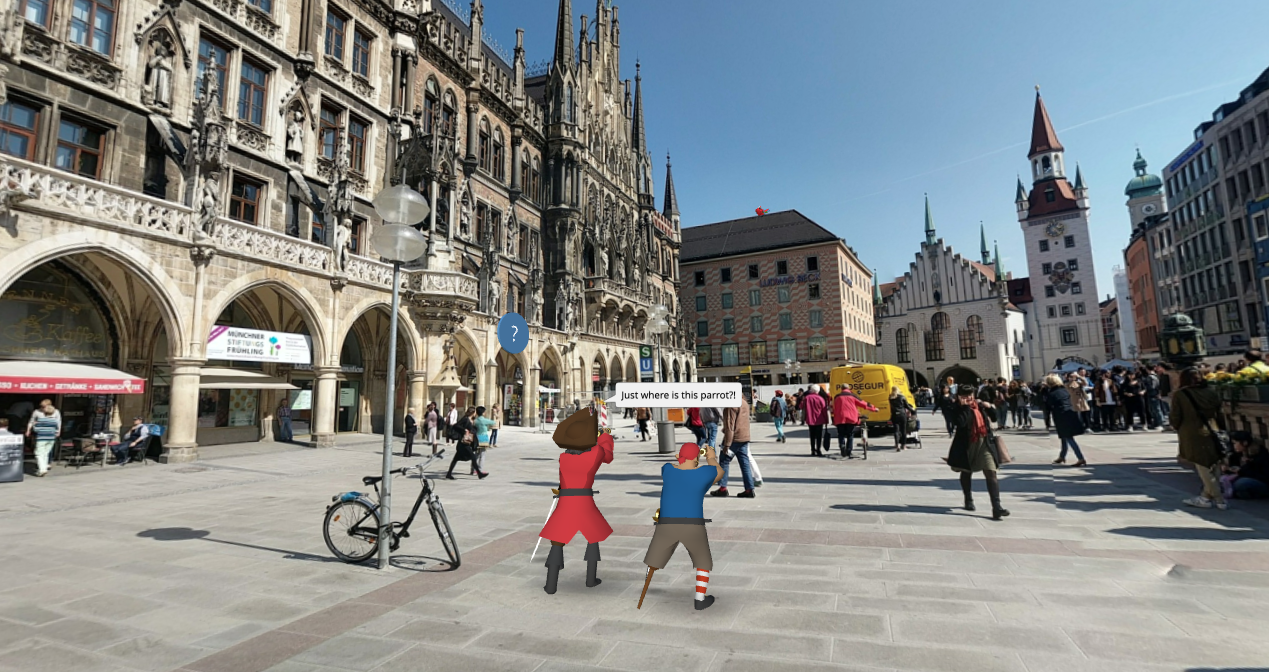
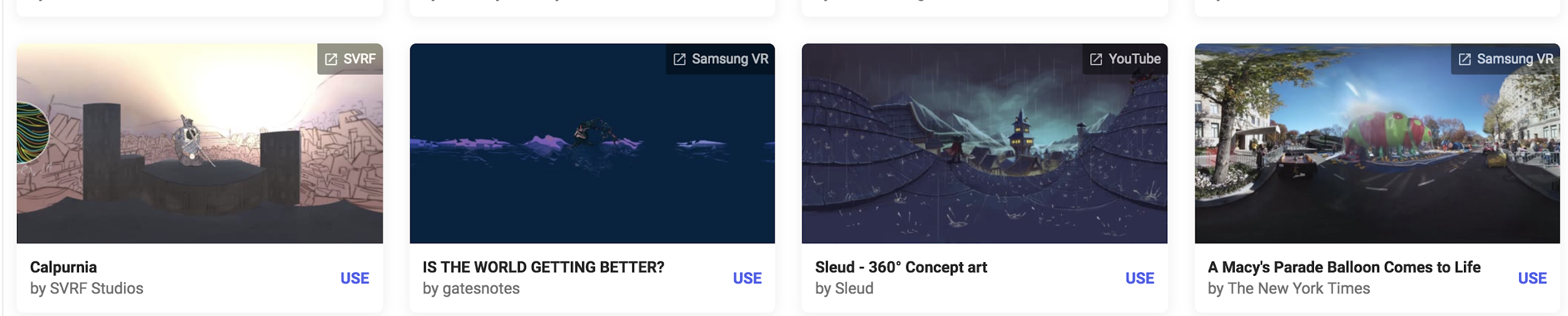
One of the easiest and most engaging ways to get started with CoSpaces Edu, which I use every year, is having my students explore its gallery of available projects. Whether they’re in elementary school or high school, students absolutely love the time they have to explore existing projects such as games and virtual museums. By giving them time to explore, not only can it boost their own creativity, but it also helps us learn more about their interests, which is essential.
How to start? Direct them to the gallery and ask them to choose a project or space they find interesting. After exploring, ask them to consider why it captured their attention. Was it the design? The characters? The actual activity itself? Encourage them to think critically about what they might create or how they might change or enhance what they explored. For example, if they enjoyed exploring a historical simulation, maybe they can build their own historical event space or propose redesigning a famous historical space. Moving through in this way not only fosters critical thinking but encourages student discussion, idea sharing, and brainstorming ideas. And the best part is that CoSpaces Edu allows them to explore both virtual and augmented reality so they can fully immerse themselves in and connect with the content they’re learning.
I have used this activity as an icebreaker for new school years or any time throughout the year. It benefits by giving students the opportunity to explore, discover, and connect with their classmates over shared interests that they may not have realized they had in common. Talk about fostering a real learning community!
2. Create an “About Me” Space
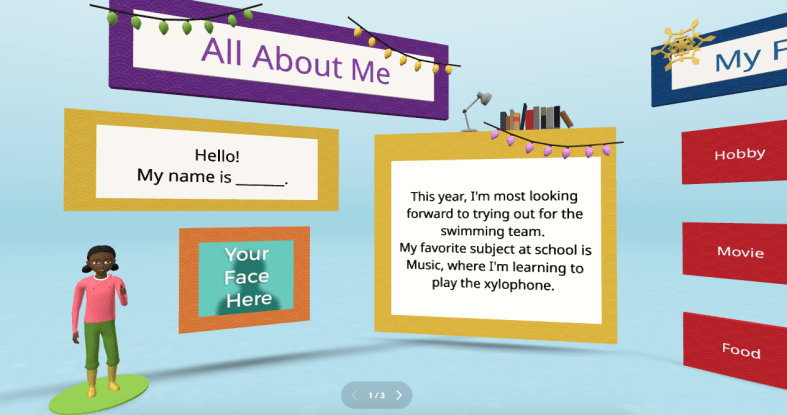
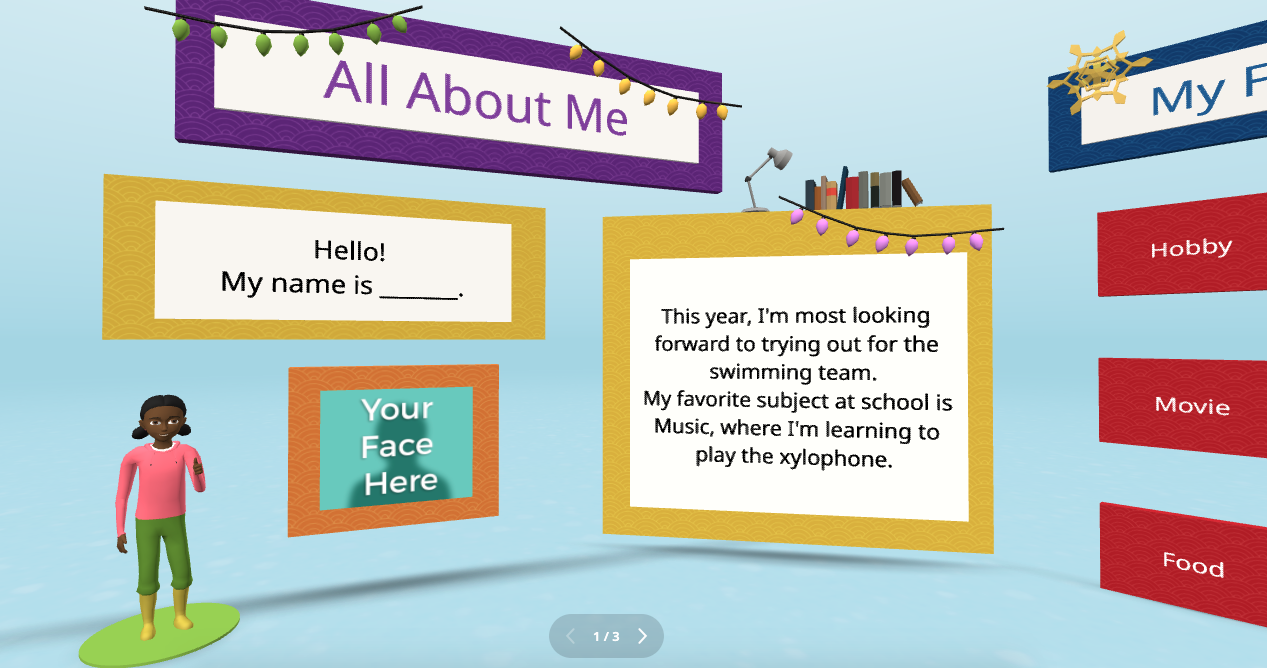
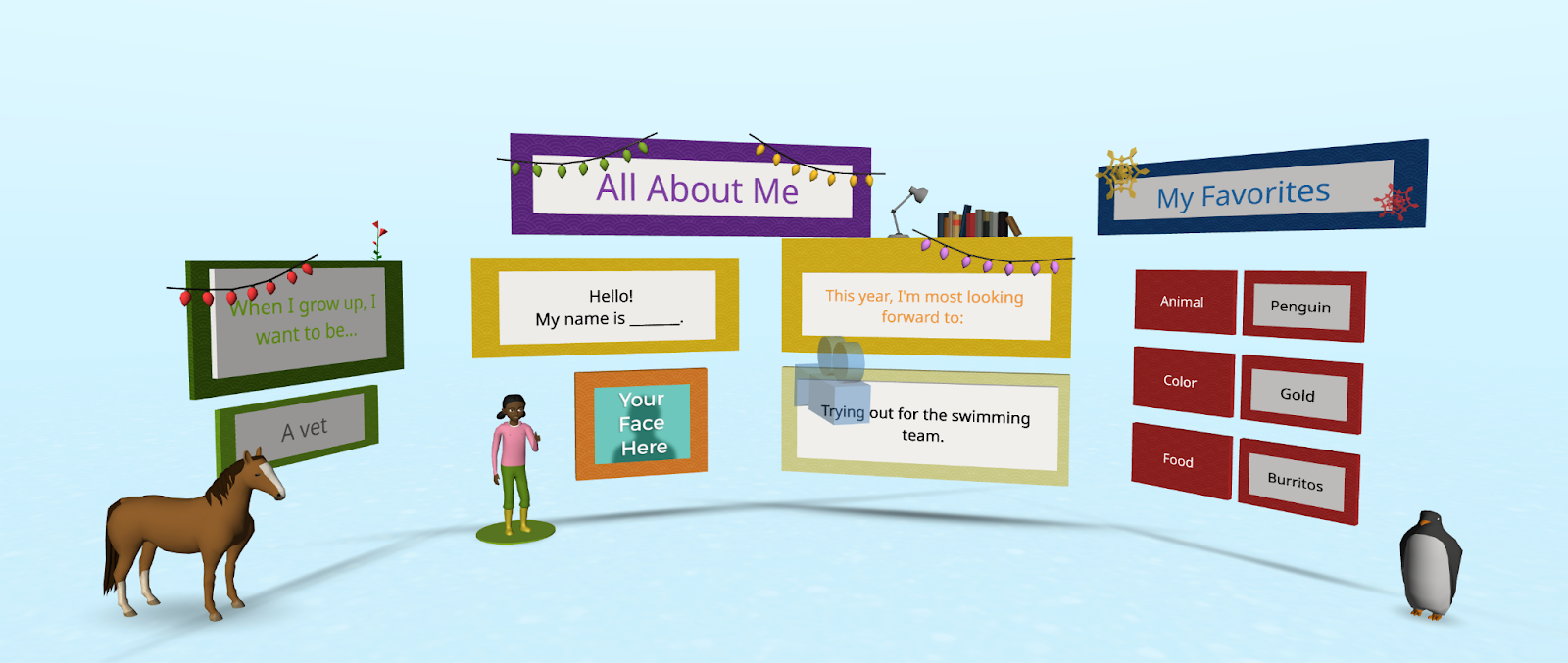
Every new school year, educators spend time finding ways to get to know their students better and for students to get to know each other. A new idea is to have students create an interactive “About Me” space. Not sure where to begin? CoSpaces Edu has a ready-to-use template that students can then customize and add fun characters, animations, and even their voice recordings to create a virtual introduction to themselves.
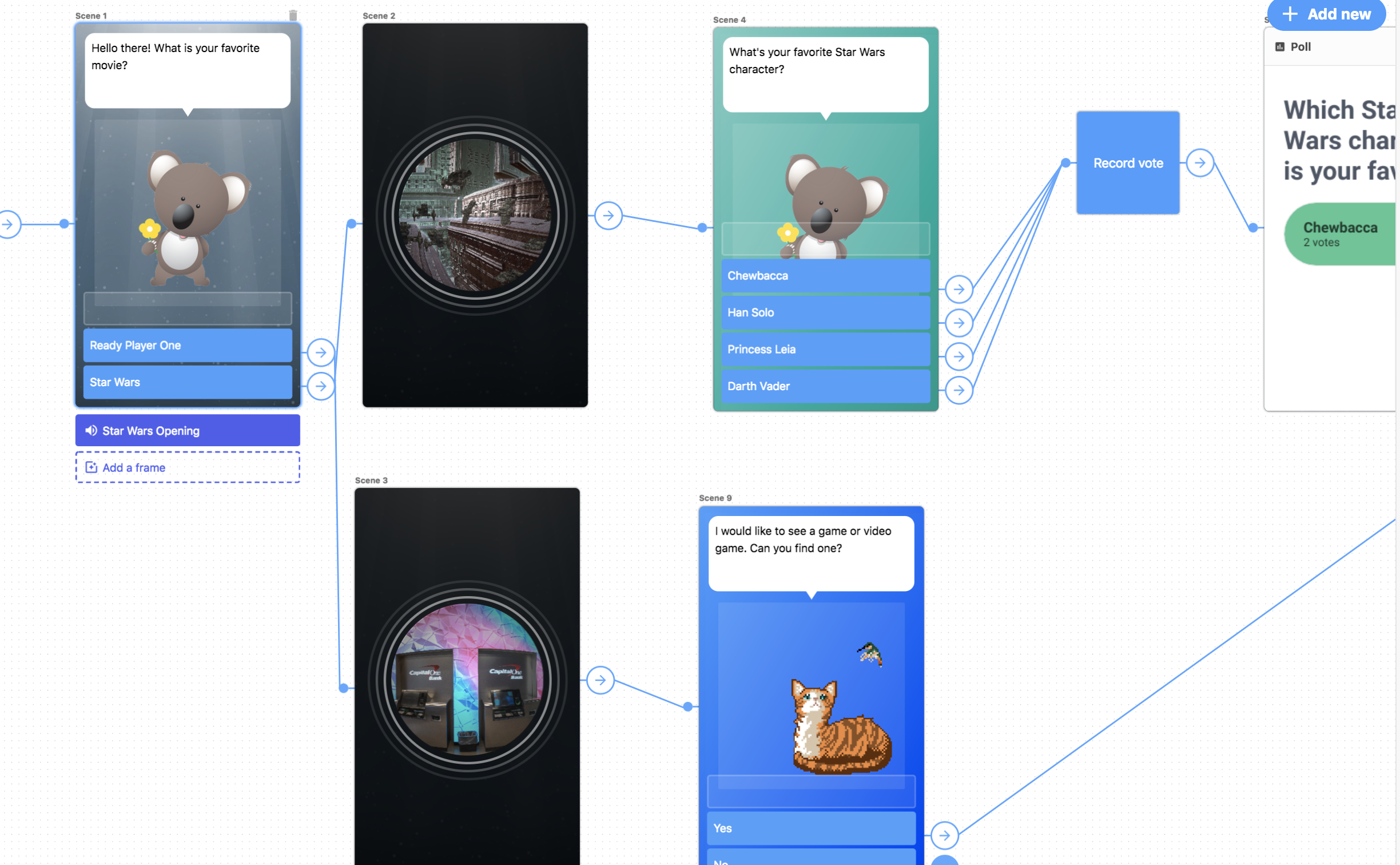
This activity is more than just fun—it builds digital literacy as students learn to manipulate 3D objects and text and even dive into coding. It’s a great way to build a learning community in the classroom as students explore each other’s spaces, and you will see the excitement as they learn from each other. You can easily adapt this project to any grade level. It is also a great way to introduce younger students to AR and VR in a structured way while also allowing older students to dive more into basic block-based CoBlocks or advanced coding with JavaScript.
My students have had a blast designing their virtual world to represent themselves. The About Me is a great way to spark creativity and help students develop essential communication skills as they express interests, hobbies, and goals with their classmates and teachers.
3. Interactive Storytelling in Virtual Worlds
Storytelling is an impactful way to promote learning whether you teach elementary or high school students. Now, students can bring their stories to life in immersive 3D environments with CoSpaces Edu!
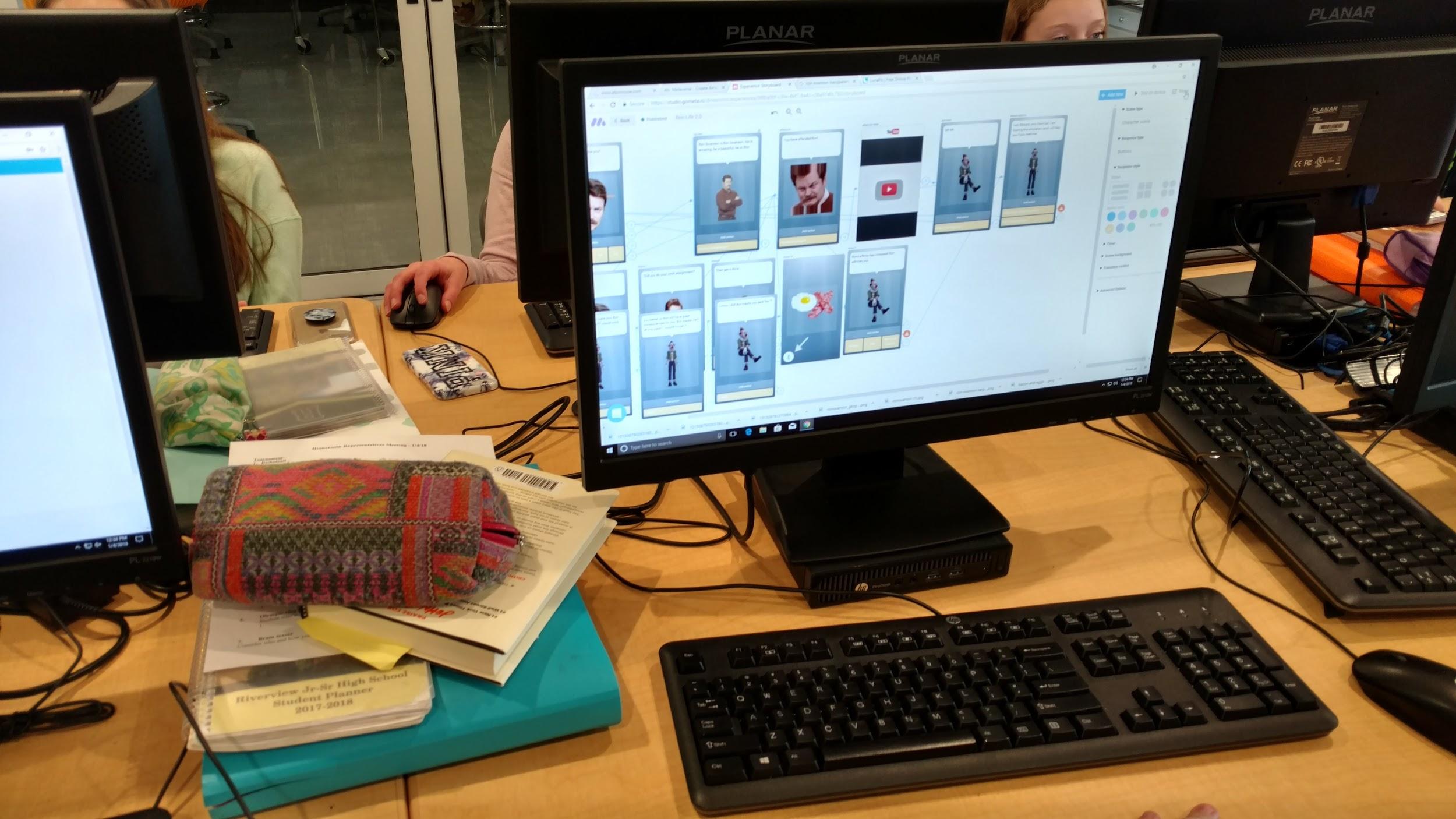
In my STEAM course, I work with the other content area teachers to have students leverage what we are learning and connect it to their other classes. Students have created animated and interactive recaps of stories they’ve read, and some have written their own narratives. The magic is when they bring these stories to life using 3D characters in a variety of settings. For example, students could adapt a classic story or novel they have read and add a twist, such as an alternative ending. Many students enjoy using their imagination to create stories. Once they set the scene, they can use CoSpaces Edu’s coding tools—such as CoBlocks—to add interactivity, allowing their characters to move, speak, and more. We can share their work with classmates, which adds more meaning to and engagement with the learning experience.
These types of projects foster creativity and problem-solving and build communication skills. Students not only have to write their narrative but also decide how to visually and interactively represent it. They engage in a process that encourages collaboration, especially when students work in teams to script, design, and code their virtual worlds. This was a game-changer in my Spanish II class!

4. Revolutionize Language Learning with AR/VR
Interactive storytelling can also be an excellent tool for language learners. In my experience, students in Spanish II created virtual worlds in which their characters engaged in dialogues, which helped them build their language skills in a dynamic and engaging way. It also led to greater retention of the content.
One project involved students creating a virtual Spanish-speaking city where they placed shops, restaurants, and other landmarks. Each student had a role in the virtual environment and had to speak in Spanish to describe their location or interact with others. This project increased student engagement, content retention, and enthusiasm for learning the language. It was also a unique way to reinforce grammar and vocabulary.
Incorporating AR/VR into language learning allows students to “live” the language, making it a more authentic and enjoyable experience. This kind of immersive learning fosters deeper connections with the material. It helps students retain what they’ve learned, which is essential in all areas, particularly in building confidence in language skills.
5. Collaborative STEM Projects
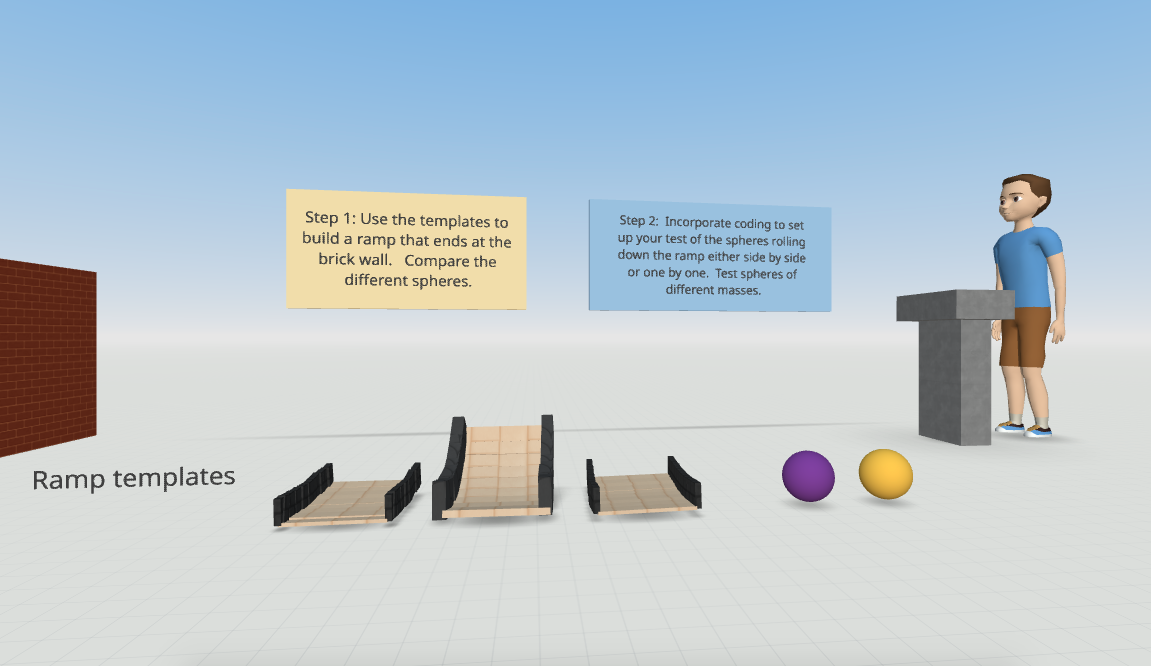
With CoSpaces Edu, students can design and code virtual prototypes, models, and even entire experiments. One of my favorite uses for the platform is collaborative STEM projects. Students can work in teams to design and build virtual spaces or objects, such as a virtual physics experiment exploring Newton’s laws or an architectural model of a bridge or building.
CoSpaces Edu’s collaborative features allow multiple students to work on the same project in real-time from different devices, making it perfect for group projects, whether students are in the classroom or learning remotely. Think about global collaboration possibilities, too! We want students to build teamwork, communication, and problem-solving skills and manage their time. Because they can collaborate in CoSpaces Edu, it makes opportunities available for STEM learning that is more engaging and hands-on.
6. Virtual Museums and Global Collaboration
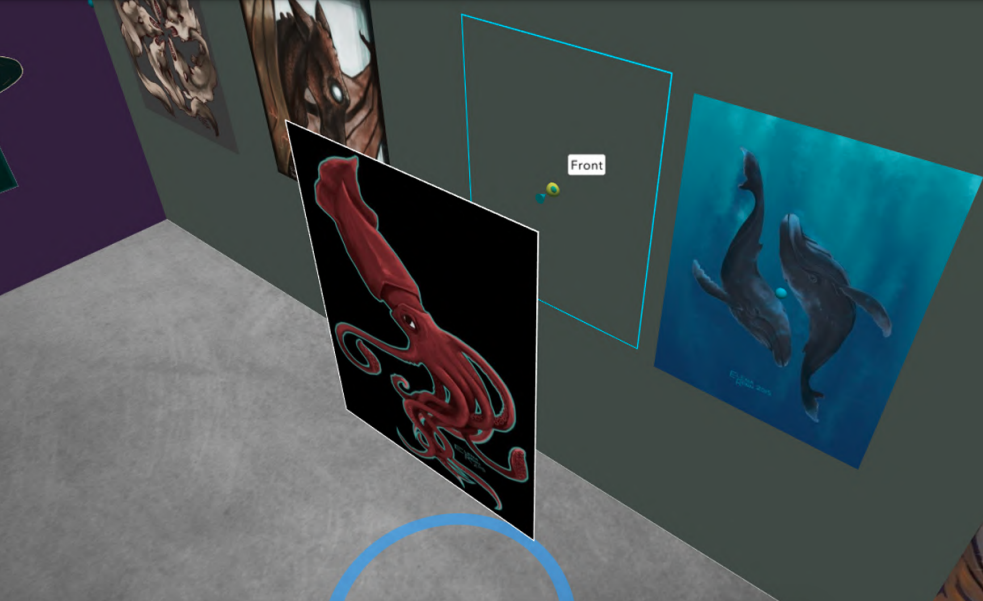
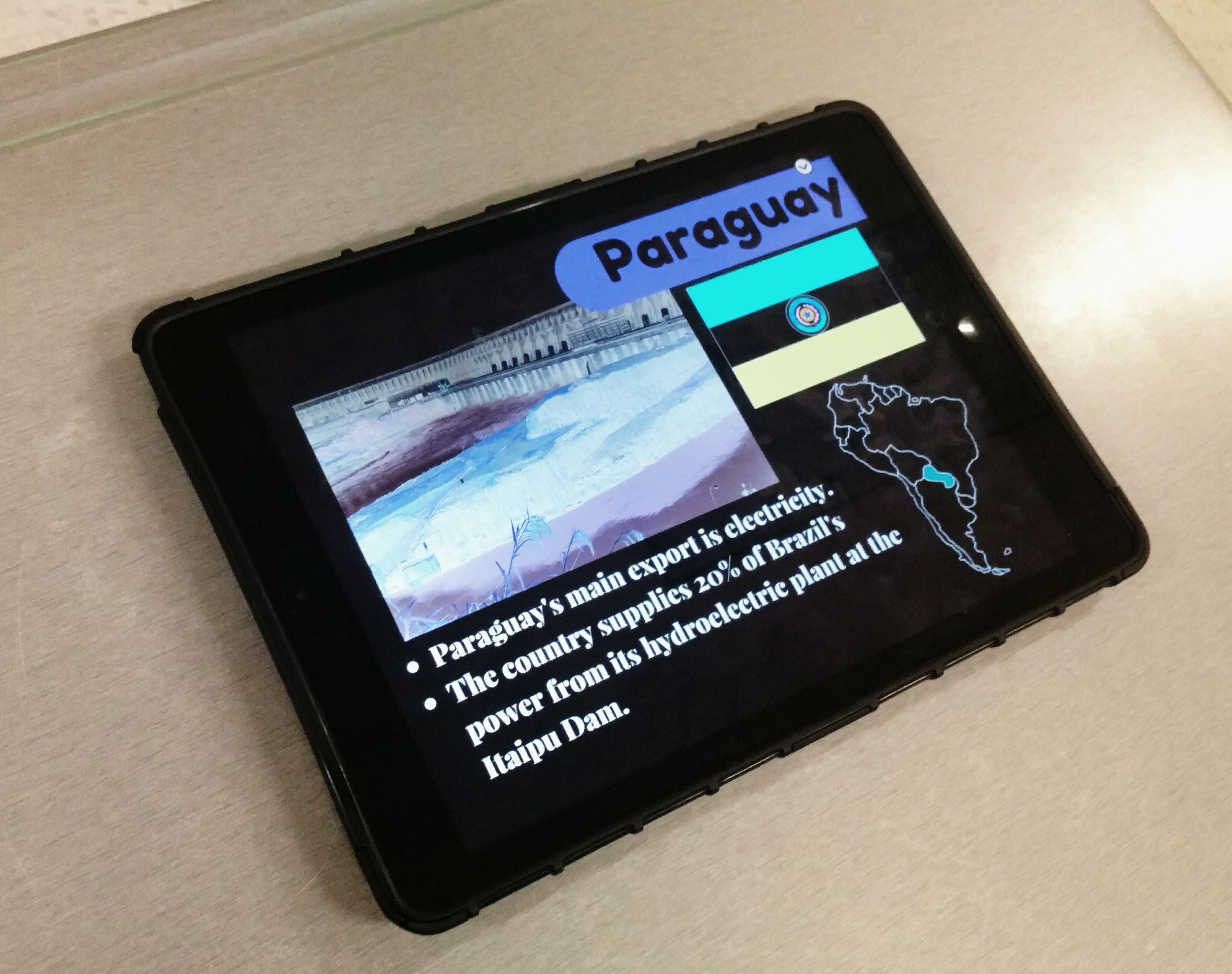
Building global awareness is so important. Our students must learn about other cultures and have experiences connecting them with authentic and real-world learning opportunities. What if students from around the world collaborate to create a virtual museum that represents items from their different locations? With CoSpaces Edu, this is not only possible but easy to implement. Teachers can connect classrooms from different countries, enabling students to collaborate on a global scale to build and curate virtual museums on various topics, from world history to art or any topic they choose.
Students can design a virtual museum showcasing the art of different cultures. Using CoSpaces Edu’s 3D creation tools, they can build exhibit halls and import 3D models of art pieces or artifacts. Each student can contribute a different exhibit and then link them together into a larger museum space. A project like this not only fosters creativity and digital literacy but also deepens cultural understanding and instills empathy as students explore and share knowledge from diverse perspectives.
Where to begin
I have used CoSpaces Edu for many years. It is definitely way more than just a tech tool for students. It is a transformative platform that fosters the development of critical future skills like creativity, collaboration, critical thinking, and digital literacy. Whether you’re teaching elementary students to create 3D models or high school students to code virtual worlds, CoSpaces Edu offers endless possibilities for engaging, interactive, and collaborative learning experiences.
CoSpaces Edu shifts students from consumers to creators! My students are always wowed by what they explore when we get started. These are only six ideas to explore, and there are many more possibilities and lesson plans available for educators to explore right away.
CoSpaces Edu is easy to use, works on any device, and offers a secure, COPPA- and FERPA-compliant environment, which is critical. Dive into CoSpaces Edu this fall and watch your students’ creativity and future-ready skills soar.
About the Author
Dr. Rachelle Dené Poth is a Spanish and STEAM: What’s Next in Emerging Technology Teacher at Riverview High School in Oakmont, PA. Rachelle is also an attorney with a Juris Doctor degree from Duquesne University School of Law and a Master’s in Instructional Technology. Rachelle received her Doctorate in Instructional Technology, and her research focus was on AI and Professional Development. In addition to teaching, she is a full-time consultant and works with companies and organizations to provide PD, speaking, and consulting services. Contact Rachelle for your event!
Rachelle is an ISTE-certified educator and community leader who served as president of the ISTE Teacher Education Network. By EdTech Digest, she was named the EdTech Trendsetter of 2024, one of 30 K-12 IT Influencers to follow in 2021, and one of 150 Women Global EdTech Thought Leaders in 2022.
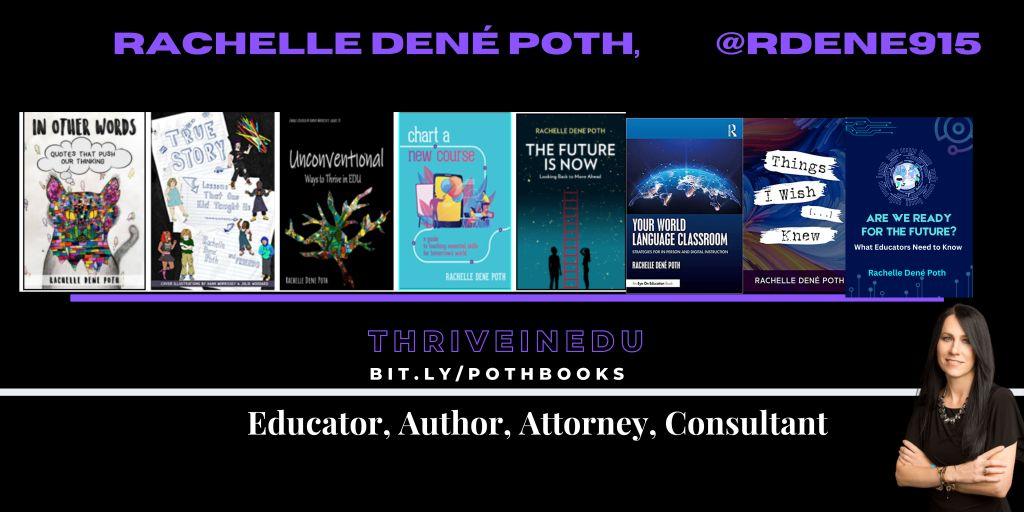
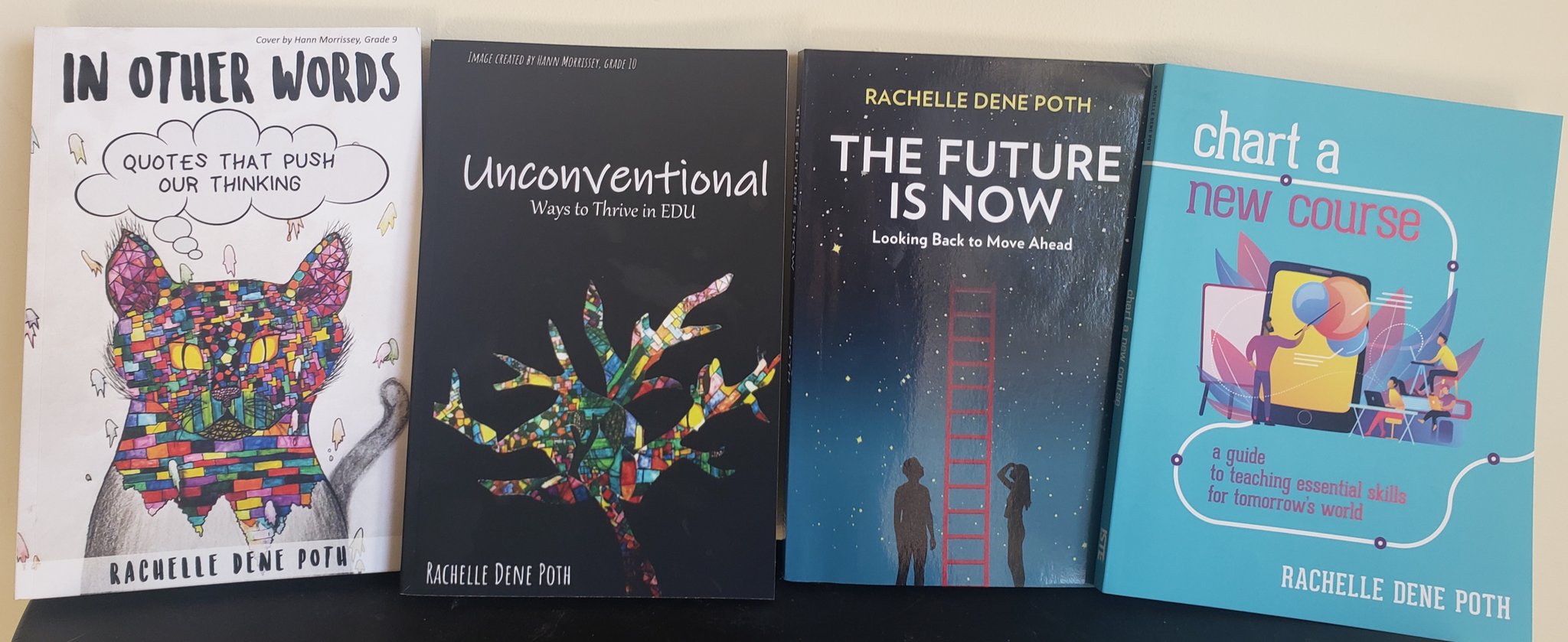
She is the author of nine books including ‘In Other Words: Quotes That Push Our Thinking,” “Unconventional Ways to Thrive in EDU,” “The Future is Now: Looking Back to Move Ahead,” “Chart A New Course: A Guide to Teaching Essential Skills for Tomorrow’s World, “True Story: Lessons That One Kid Taught Us,” “Things I Wish […] Knew” and her newest “How To Teach AI” is available from ISTE or on Amazon.
Contact Rachelle to schedule sessions about Artificial Intelligence, Coding, AR/VR, and more for your school or event! Submit the Contact Form.
Follow Rachelle on Twitter(X) and Instagram at @Rdene915
**Interested in writing a guest blog for my site? Would love to share your ideas! Submit your post here. Looking for a new book to read? Find these available at bit.ly/Pothbooks
************ Also check out my THRIVEinEDU Podcast Here!
Join my show on THRIVEinEDU on Facebook. Join the group here.

















 Learning as I go: Reflections & lessons learned