

In collaboration with CoSpaces EDU
The start of a new school year or calendar year is always a great time to explore some new ideas, especially with all of the amazing tools and technologies available to us. There are many exciting options available to educators and students to choose from, and sometimes, making the choice is a challenge. Personally, one of my favorites is bringing augmented and virtual reality into my classroom through CoSpaces Edu.
Initially, I used CoSpaces in my STEAM emerging technology course for several years, having students work on a variety of projects in my class and for some cross-curricular collaboration. One day, I was challenged by a few of my students in a Spanish II course who had seen the projects being created, and they wondered why they were not able to do something similar. I was speechless, and I didn’t have an answer for them. Honestly, I had not thought about bringing AR/VR into my Spanish classes. Fortunately, I knew about all of the benefits and great features of CoSpaces that foster collaboration, creativity, and many other essential skills. I also loved that students have the ability to create independently or to work together on the same project from wherever they are. So I thought to myself, why not?
If you are not familiar with CoSpaces Edu, it is a truly versatile, user-friendly platform that enables students and teachers to create virtual spaces full of animals, people, objects, and more. It is a great way to focus on developing many skills in schools, from SEL to STEAM and more. It is also a great option for helping students develop an interest in STEM, especially coding, a highly in-demand skill.

From coding and language learning to STEAM and collaboration, CoSpaces Edu offers so many ways for students (and teachers, we need to learn, too!) to create their own AR and VR experiences. An alternative to traditional tools that might be used for digital storytelling, explaining and exploring complex topics, or for creating virtual field trips through a moment in history, for example.
So, with all of the options available, why choose CoSpaces Edu? It has been a game-changer in my classroom. It provides an intuitive, user-friendly platform that educators, students, and families supporting students can easily navigate. It offers a different way to share and show learning as students can create, explore, and interact with 3D virtual worlds, which not only engages students but also provides more for different student interests. It also provides lesson plans and activity ideas for teachers to explore!
Most importantly, CoSpaces Edu encourages creativity, collaboration, and problem-solving — skills that are essential for today’s learners. It also gives students the chance to learn about coding, which is not something just for those studying computer science or teaching a STEM-related course. The best part of CoSpaces Edu is that it introduces students to the basics of coding in a truly engaging and meaningful way. As students explore independently while designing their virtual worlds, they learn how to create by selecting and manipulating different characters and objects and can start coding either with block-based coding or a scripting language like JavaScript.

Over the years, I have seen hesitancy when it comes to coding, and with CoSpaces, students build confidence as they create and enjoy working together with classmates in their virtual space. The variety of options available and with coding helps students understand what can be abstract concepts, develop logical thinking, and hopefully and ideally, lead to the development of an interest in computer science!
5 ideas to try in 2024!
- Take a tour! First, When I get started in my own classroom with my students, I always give them time to explore all of the different projects that are available in the gallery. What types of projects do they see, which ones do they like, and what might they like to create? I think it’s a good way to get them thinking about the different possibilities and also give them time to explore on their own and see what clicks with them. So when I say take a tour, I tell them to just choose a topic, whether it’s STEM or if they see some games to play, and then I ask them to share with their classmates what they found, why they liked it, and any other ideas that they come up with for what they could do that is similar or how they would make it different or improve it. But it’s a fun way to get students talking and brainstorming to help them prepare to make their own projects.

2) About Me: I love using the templates or giving students the option to create their own to design an About Me space. CoSpaces offers a great template to get students started and comfortable with learning how to navigate, change text, add, and animate characters by using this as a starter.
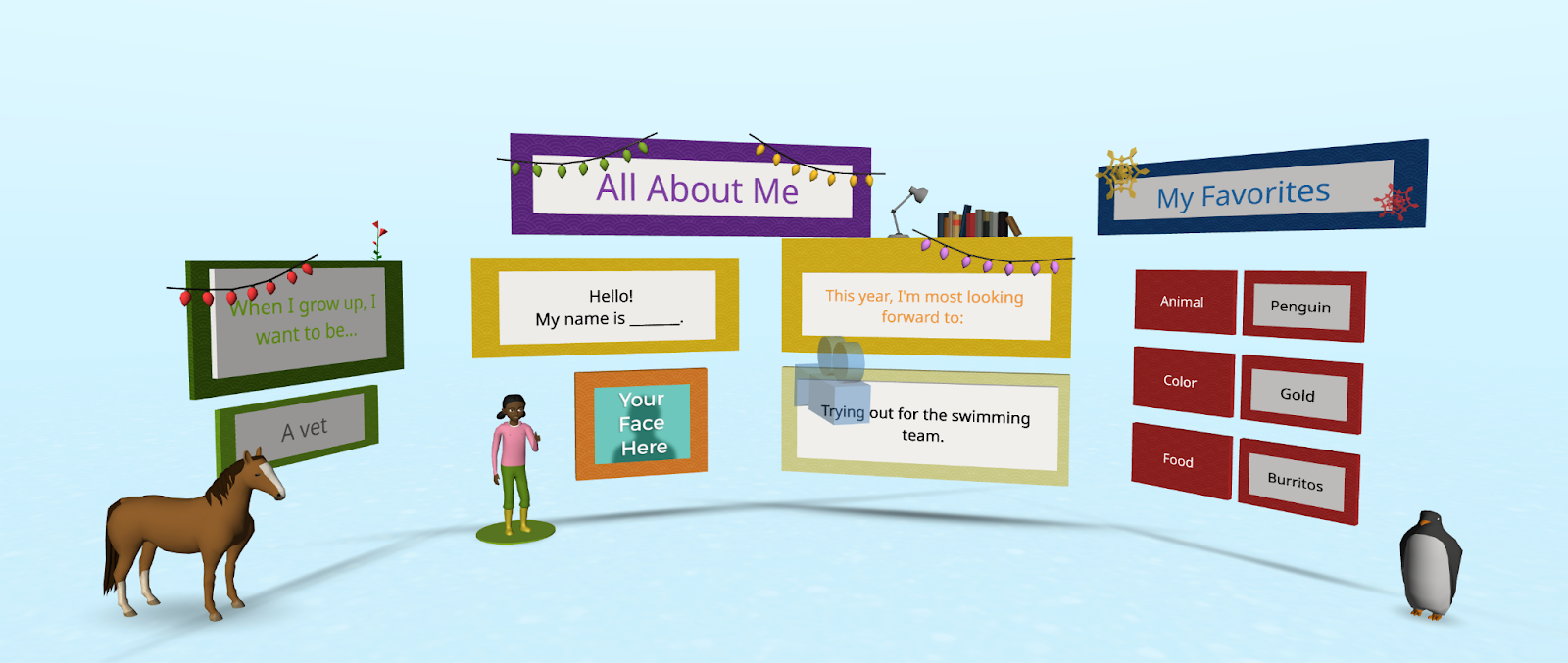
It leads to more excitement and creativity and is also a fantastic way to learn about our students and for them to learn about each other.

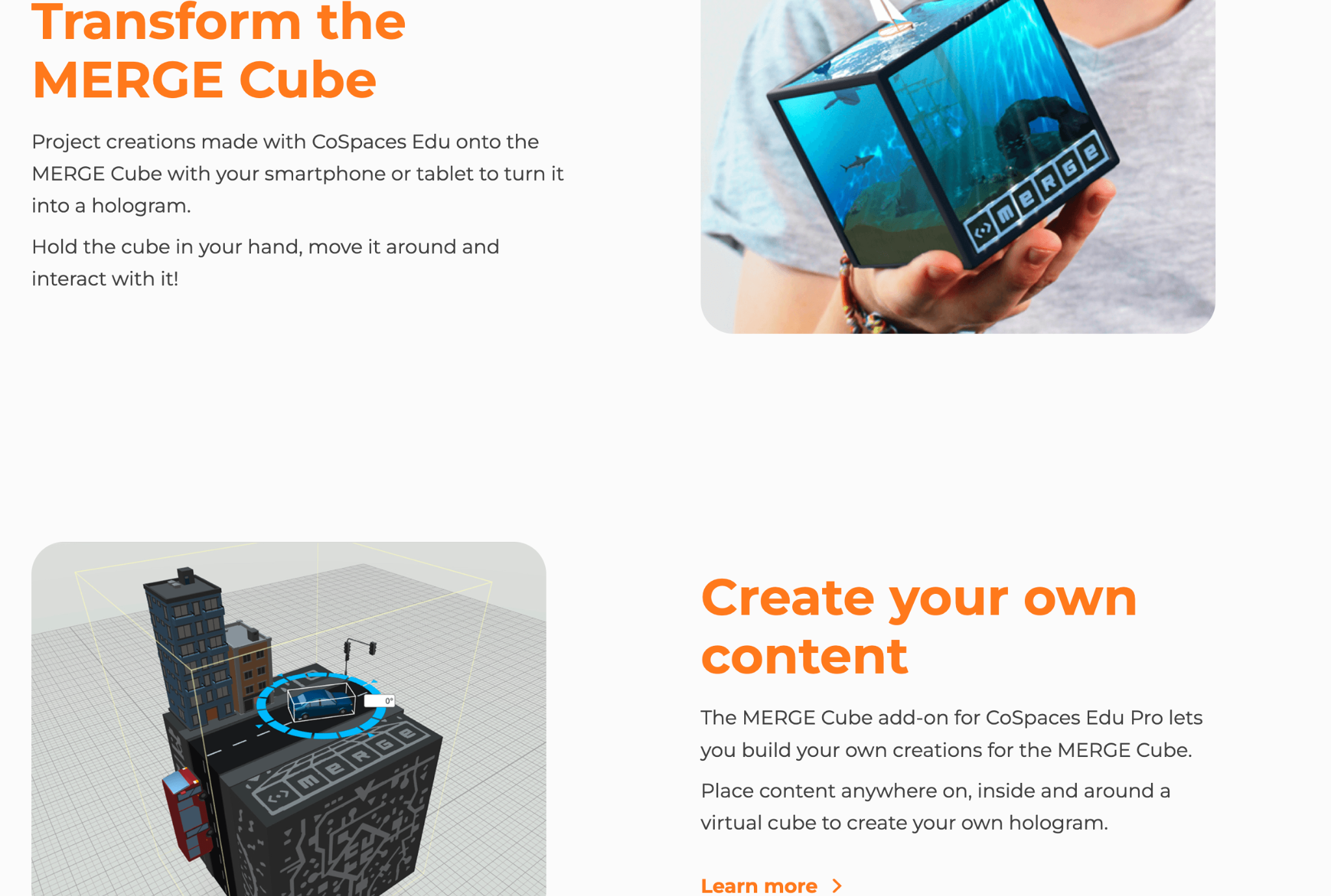
3) Interactive Storytelling: My students loved exploring the different projects in the gallery, and one way for students to use CoSpaces is to have them create an interactive experience. They can retell a story with a different ending or summarize something they have learned in class. To demonstrate, they can then include a variety of characters and other props to bring it to life. By diving into coding, they can really make it an interactive experience with animated characters and animals! Students can even create scenarios where they script and act out dialogues, recording their voices directly in the space. Also, give students the option to create on the Merge Cube, which makes interactive storytelling a real hands-on, fun learning experience!
4) Language Learning: A complete game changer for that Spanish class that pushed me to realize that I needed to bring in some new opportunities for them. Through a more immersive and collaborative learning experience with classmates, what a difference it made for language learning, student engagement, and increasing motivation! CoSpaces Edu offered all of that, and it was so much fun for them and for me! I was nervous at first, but it was a risk worth taking and one that paid off for them and their retention of the language. It also led to building relationships with classmates as students worked together to create their projects. Students had a different and more authentic way to practice vocabulary, build grammar skills, and engage in conversation in the virtual environment. And, they retained the content, which typically is a bit challenging because of the grammar, far beyond prior years!

5) Collaborate: Think about the grade level you teach and the content area. There are many ways to incorporate projects for students to create virtual models, or design prototypes, or bring a story to life! When CoSpaces Edu added the ability for students to work in groups, what a difference that made! Fostering collaboration is so important as we prepare students for the future. The ability to work effectively in teams is one of the most in-demand skills on the Job Skills Outlook from the World Economic Forum.
With the collaborative features of CoSpaces Edu, multiple students can work on the same project from different devices and from wherever they are! Not only can they learn about augmented and virtual reality and build essential skills, but it also boosts digital citizenship skills in the process. For collaborating, we can teach them how to manage a group project, assign roles, and problem-solve.
One of my other favorites is for a class project where all students are involved in a complex project where each student is responsible for a part of the virtual world. Think of a topic or a theme. Each student can create their space and then design one comprehensive experience that everyone can learn from and reinforce their content area skills through.
As educators, our primary goal is to prepare students for the future. CoSpaces Edu is not just another tech tool; it’s a platform that fosters the essential skills needed in the 21st century. It encourages creativity, critical thinking, collaboration, and digital literacy. By integrating CoSpaces Edu into your curriculum, you’re enhancing your students’ learning experiences and equipping them with the skills to thrive in an increasingly digital world. And, for extra fun, check out the goodies available, such as classroom posters, badges, and more! Use my code: COSRACHELLED or COSPromoRDP24.
About the Author:
Rachelle Dené is a Spanish and STEAM: What’s Next in Emerging Technology Teacher at Riverview High School in Oakmont, PA. Rachelle is also an attorney with a Juris Doctor degree from Duquesne University School of Law and a Master’s in Instructional Technology. Rachelle is an ISTE-certified educator and community leader and served as president of the ISTE Teacher Education Network. She was named one of 30 12 IT Influencers to follow in 2021 and one of 150 Women Global EdTech Thought Leaders in 2022.
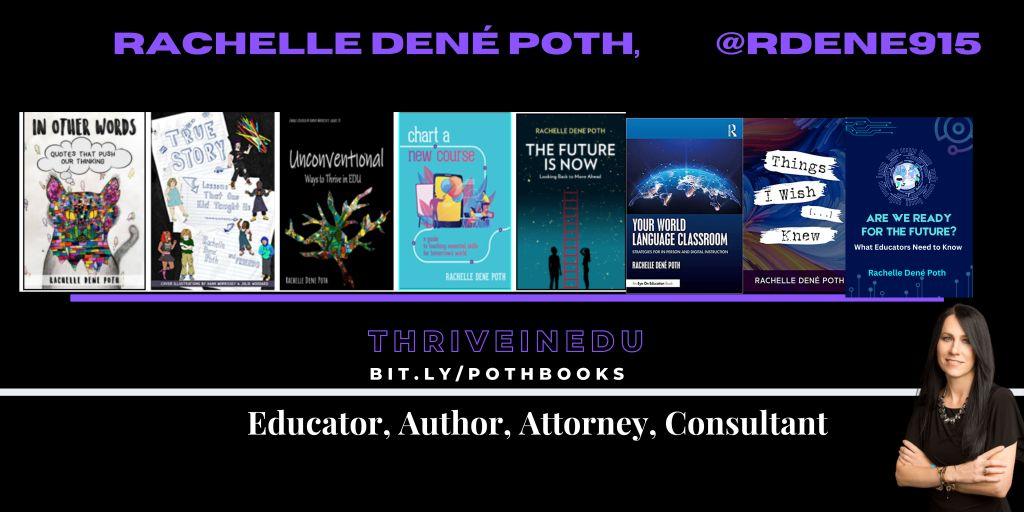
She is the author of eight books including ‘In Other Words: Quotes That Push Our Thinking,” “Unconventional Ways to Thrive in EDU,” “The Future is Now: Looking Back to Move Ahead,” “Chart A New Course: A Guide to Teaching Essential Skills for Tomorrow’s World, “True Story: Lessons That One Kid Taught Us,” and her newest book “Things I Wish […] Knew” is now available at bit.ly/thingsiwishedu.
Contact Rachelle to schedule sessions about Artificial Intelligence, Coding, AR/VR, and more for your school or event! Submit the Contact Form.
Follow Rachelle on Twitter(X) and Instagram at @Rdene915
**Interested in writing a guest blog for my site? Would love to share your ideas! Submit your post here. Looking for a new book to read? Find these available at bit.ly/Pothbooks
************ Also check out my THRIVEinEDU Podcast Here!
Join my show on THRIVEinEDU on Facebook. Join the group here
 Learning as I go: Reflections & lessons learned