
A post in collaboration with CodeMonkey. All opinions are my own
I remember when I started to learn how to code as a seventh grader many years ago and the impact it had on me. Writing lines of code and seeing what we could create was fascinating. Back then, we did not have the powerful tools or resources available in our classrooms today. As a student, I did not realize how beneficial of a skill coding was then, nor how much of an increasing demand for coding skills there would be.
As educators, we want to ensure that we prepare students for the future with the right skills and a variety of learning experiences to build those skills. Learning about STEM, especially AI and coding, is at the top of the list. I’ve taught a STEAM course to 8th graders for the past 8 years, and a lot of what we cover involves AI and coding. When I came across CodeMonkey, I couldn’t wait to try it in my classroom and share it with other educators.
CodeMonkey is a great option that benefits every student, regardless of their starting point and comfort level with coding. For educators wanting to dive into coding and unsure where to begin, CodeMonkey’s K-8 curriculum offers a great choice because it focuses on developing coding skills, fostering digital literacy, and introducing AI concepts to all students. Its design makes it easy for educators to get started in any classroom. I enjoyed learning more while chatting with Jonathan Schor, the CEO and Co-Founder of CodeMonkey, on my ThriveinEDU podcast!

Curriculum for Every Learner
One of the standout benefits of using CodeMonkey is that it helps educators meet students where they are. Preschoolers who are just learning about computational thinking can do so with CodeMonkey Jr. Elementary students can learn about logic by using Beaver Achiever. When students get stuck, they can get a hint to help them continue the coding process! It’s so much fun with the coding, sounds, and animations!

Students enjoy trying to problem-solve when different animals come up, and they have not programmed the right shake to be made!
Courses like Dodo Does Math and Coding Adventure teach students to use code to solve problems and express their creativity. Students need to use the ruler, do math, figure out steps and learn the process of coding to carry out the task. So much fun!

When students reach middle school, they are better prepared to explore more complex concepts, like designing their games in Game Builder or exploring artificial intelligence in the award-winning AI for Kids curriculum. CodeMonkey offers something for all grade levels. The Artificial Intelligence lessons are great for building students’ understanding of AI, its components, how it works and building their skills in various areas.
Diving in with CodeMonkey
Whenever I try something new, I like to dive in on my own and just know enough to get my students started. It is fun to learn with and from them. In my 8th-grade STEAM classroom, I started my students with CodeMonkey’s advanced courses like Coding Chatbots and the AI for Kids curriculum since we had spent a lot of time learning about AI. These courses resonated with students who were excited about these rapidly advancing topics. I was thrilled to see their interest in continuing to work independently and sharing their learning with me and their classmates.
Beyond building coding skills, I also see how CodeMonkey’s gamified, scaffolded approach helps to empower students of any age to build their confidence and skills in coding. Building confidence is key, especially as I have seen how frequently students tend to be afraid of coding or hesitant to start for fear of being unable to figure it out and problem-solve. However, the support provided by CodeMonkey helps students become more comfortable with learning about coding, which leads to increased confidence.
Some of CodeMonkey‘s great features are the user-intuitive drag-and-drop functionality of block-based coding and the logic-driven challenges of Python. Each course helps teach students about core programming concepts while fostering creativity and problem-solving, which are essential skills for future preparedness. I also appreciate its emphasis on ethical considerations.
In my classroom, we discuss bias in AI, privacy concerns, and the societal impact of automation. Engaging students in discussions focused on these ethical considerations helps them understand that coding is not just about algorithms—it’s about understanding the implications and how to safely, ethically, and responsibly leverage this technology.
How CodeMonkey Benefits All Students
By the time students reach the 8th grade, they’re ready for more complex challenges and real-world coding applications. CodeMonkey’s progressive curriculum helps educators to provide great learning experiences for all students. My students have enjoyed working in Python-based courses like Banana Tales and Coding Chatbots, which move them beyond basic coding into text-based programming, focusing on logic, creativity, and problem-solving.
For students new to coding, the structured, scaffolded approach ensures they don’t feel overwhelmed. Each lesson builds on the previous one, and the platform’s gamified elements make it feel more like an adventure than a traditional coding class.

Bringing Artificial Intelligence into Every Classroom
The AI course is one of the highlights of using CodeMonkey with my 8th graders. Covering foundational AI concepts like machine learning, neural networks, and the ethics of AI, this course bridges the gap between theoretical knowledge and practical application. Now that my students know they can train models using image and pose recognition and then apply these skills to create games, the learning becomes more authentic and meaningful.
In class, we also connect these AI lessons to broader societal implications. For example, we discuss how neural networks are used in everything from social media algorithms to self-driving cars. Then, we connect it back to real-world scenarios the students can relate to. When we do this, it sparks meaningful conversations about the impact of technology on our lives. It highlights the importance of responsible AI use—a topic I’m passionate about as an educator and attorney.
Building Real-World Skills
CodeMonkey isn’t just about coding; it’s about preparing students for the future. Through its courses, students develop essential skills like problem-solving, planning, and critical thinking, which are invaluable not only in STEM fields but also in life.
For example, in the Game Builder course, students can design their games from scratch, learn to iterate on their ideas, debug their code, and test for user experience. This mirrors the iterative design process used in tech startups, giving students an idea of what creating in a professional environment would be like.
Digital Literacy and Citizenship
In addition to coding, CodeMonkey offers a Digital Literacy course that introduces students to the safe and responsible use of technology. This has been especially valuable in my 8th-grade emerging technology class, where we discuss topics like the metaverse, AI ethics, and digital citizenship and focus on cybersecurity and topics like phishing. CodeMonkey’s approach aligns seamlessly with these discussions, reinforcing that coding is not just a technical skill but a tool for thoughtful and ethical problem-solving.

Coding Tools for All Teachers
As a classroom teacher, one of the things I appreciate most about CodeMonkey is how user-friendly it is. When I explore new tools, I always evaluate how long it will take to get started, what the learning curve might be, and what it offers for all educators. In CodeMonkey, the Classroom Dashboard provides teachers with a clear overview of student progress, making it easy to identify students needing extra support quickly. Automatic grading and detailed lesson plans save time, allowing me to focus on fostering creativity and critical thinking.
CodeMonkey’s resources make it easy for teachers new to coding to get started, but I can’t recommend it enough. Whether teaching block-based coding to younger students or diving into Python and AI with older students, this platform has something for everyone. Its intuitive design, gamified approach, and focus on real-world skills make it an invaluable resource for K-8 classrooms as they prepare students for the future.
At a time when technology is evolving faster than ever, teaching coding and AI isn’t just an optional extra; it’s a necessity. Platforms like CodeMonkey make coding approachable and enjoyable—for teachers and students. As someone who has seen firsthand the impact it can have, I’m excited to continue exploring what’s possible with this incredible tool.
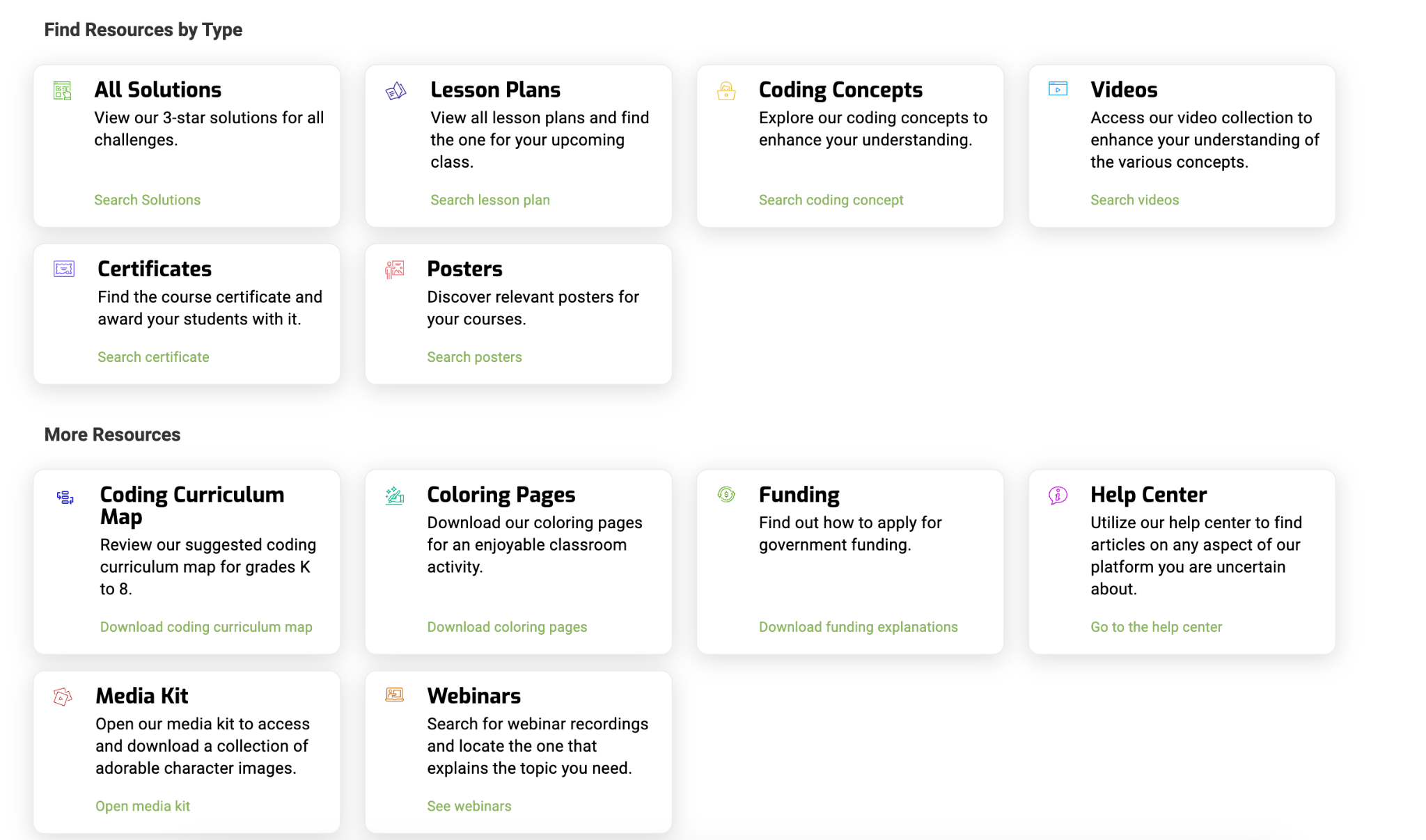
If you’re an educator ready to take your students on a coding adventure, CodeMonkey is the perfect place to start. CodeMonkey doesn’t just teach coding; it fosters creativity, critical thinking, and a love of learning that will serve students well in any field they pursue. There are so many support resources available for educators! You can find lesson plans, videos, webinars, and more!
It’s a great option for introducing coding to kindergarteners or guiding 8th graders through AI and Python. CodeMonkey offers a curriculum that adapts to students’ needs and inspires them to keep pushing through and having fun with it. Listen to my podcast with CEO and Co-Founder Jonathan Schor here. Happy coding!
About Rachelle
Dr. Rachelle Dené Poth is a Spanish and STEAM: What’s Next in Emerging Technology Teacher at Riverview High School in Oakmont, PA. Rachelle is also an attorney with a Juris Doctor degree from Duquesne University School of Law and a Master’s in Instructional Technology. Rachelle received her Doctorate in Instructional Technology, and her research focus was on AI and Professional Development. In addition to teaching, she is a full-time consultant and works with companies and organizations to provide PD, speaking, and consulting services. Contact Rachelle for your event!
Rachelle is an ISTE-certified educator and community leader who served as president of the ISTE Teacher Education Network. By EdTech Digest, she was named the EdTech Trendsetter of 2024, one of 30 K-12 IT Influencers to follow in 2021, and one of 150 Women Global EdTech Thought Leaders in 2022.
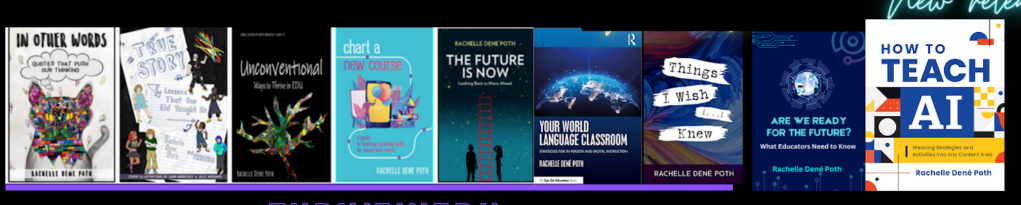
She is the author of nine books and a blogger and podcaster.
Contact Rachelle to schedule sessions about Artificial Intelligence, Coding, AR/VR, and more for your school or event! Submit the Contact Form.
Follow Rachelle on Twitter(X) and Instagram at @Rdene915
**Interested in writing a guest blog for my site? Would love to share your ideas! Submit your post here. Looking for a new book to read? Find these available at bit.ly/Pothbooks
************ Also, check out my THRIVEinEDU Podcast Here!
Join my show on THRIVEinEDU on Facebook. Join the group here.
 Learning as I go: Reflections & lessons learned