
In collaboration with Almanack. All opinions are my own.
Education is moving fast. Educators have many responsibilities in their work, requiring flexibility and the ability to balance many things at once. Tasks such as lesson planning, creating assessments and grading, differentiating class materials, and finding ways to boost student engagement can be quite time-consuming. In addition to these tasks, educators want to find the best ways to provide all students with a meaningful, impactful learning experience.
All of these responsibilities demand many hours and can also lead to burnout. However, we are teaching during a time of rapidly evolving educational technology, particularly through AI-powered tools. With the increased use of artificial intelligence (AI) in the world and in education, especially over the past two years, it is important to find tools that leverage this power to enhance student learning and benefit educators.
Almanack is a great option for educators searching through the tools available to find something that will help them streamline their workflow. Having one platform that offers a variety of commonly created resources and other materials makes sense. I often tell educators that they need a toolkit. I think that Almanack is an essential toolkit for educators. It offers many options for educators looking to create different resources for students and those who want to save time and become more efficient, which benefits students because educators have more time available for them.
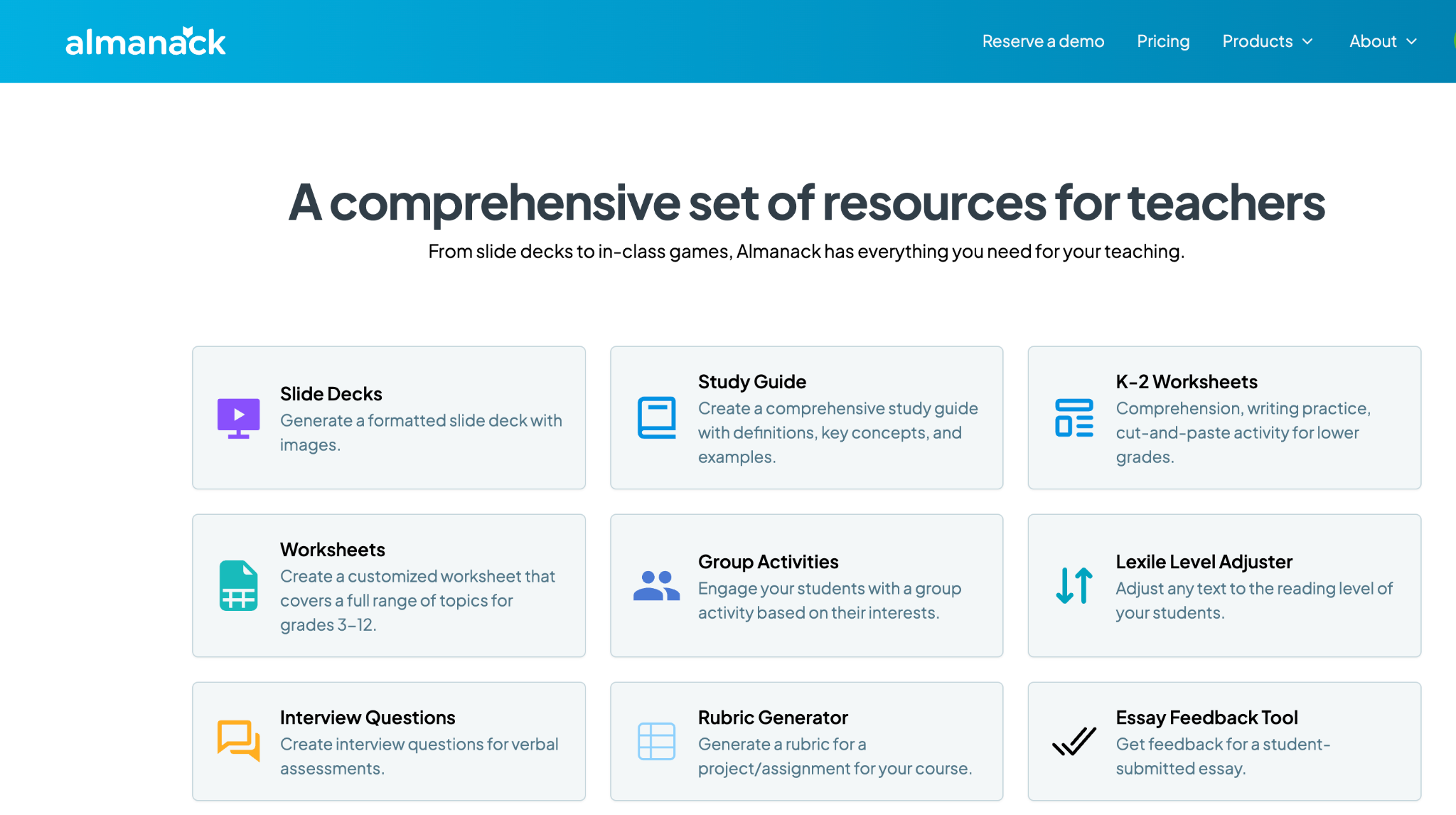
Some of my favorite Almanack features
Almanack isn’t just an educational tool; it’s a robust and comprehensive platform that provides various resources to help educators design and implement effective learning experiences in the classroom. Here are a few examples of why I think Almanack stands out:
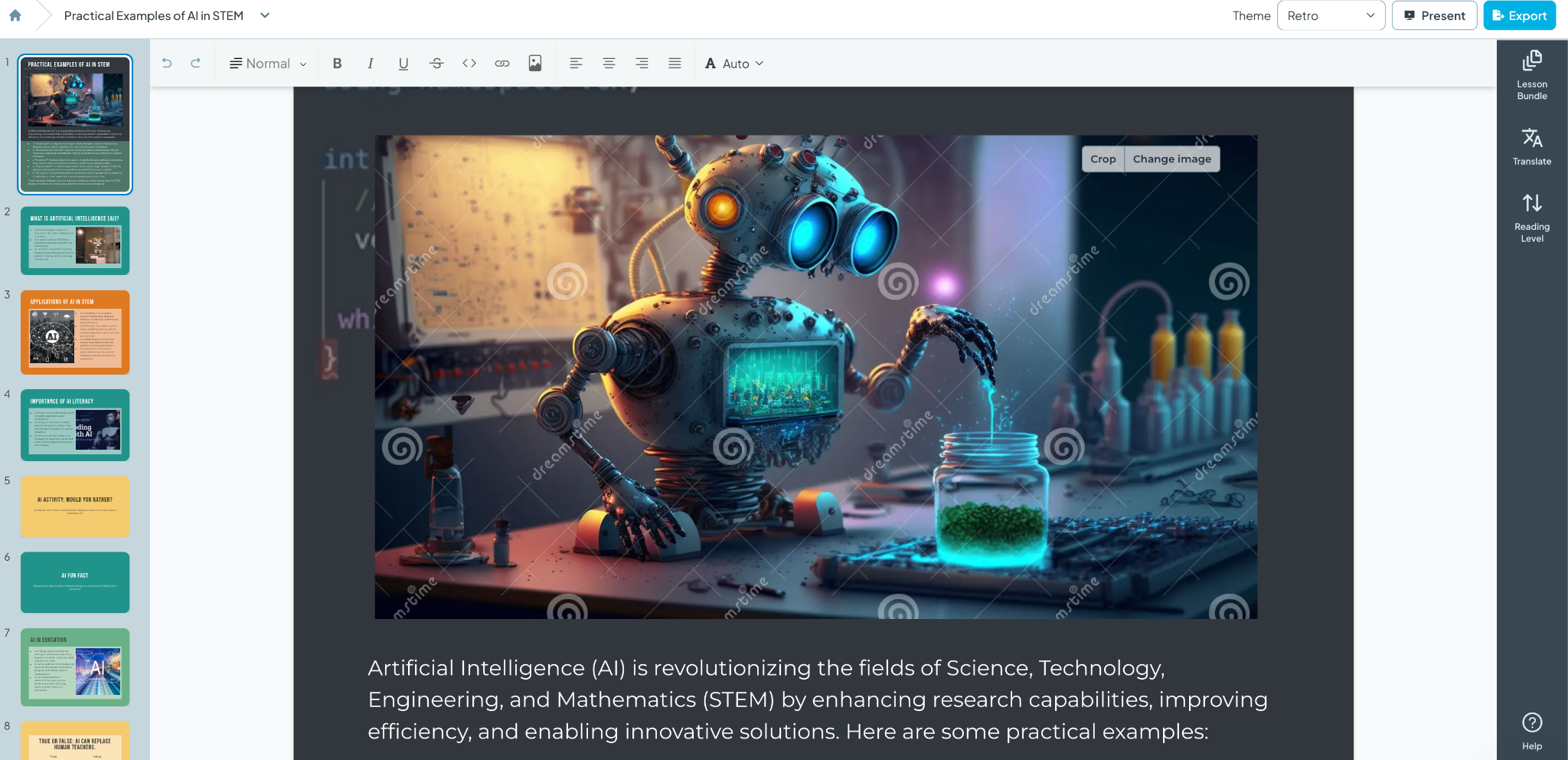
1. Slide Decks and Visual Aids: When I created my first slide deck using Almanack, I was amazed at how professional it looked. The layout, colors, images, and information it generated were all impressive. What would have taken me an hour or more took only a few minutes. Almanack enables educators to leverage AI to create visually appealing slide decks that are informative and more engaging for students. The decks can then be customized with your own images and specific content that aligns with the lesson. See below for an example created simply with a prompt! And it can be translated to different languages!
2. Customizable Worksheets: From K-2 literacy and numeracy activities to advanced topic sheets for grades 3-12, Almanack provides templates that can be customized to fit any subject area. I spend a lot of time creating worksheets for my students and want to provide different activities that best meet my students’ needs. Creating worksheets is easy with Almanack.
3. Interactive Classroom Games: Students love playing games, and when they can interact, the benefits are great. Building collaboration, communication, critical thinking, and problem-solving skills are essential for future success. Almanack offers a variety of options, including Battleship-style review games, Bingo, Forbidden Words, and Jeopardy. What once took a lot of time to create is now easier, and it adds fun to the learning experience, promotes retention, and encourages student participation.
4. Comprehensive Study Guides and Rubrics: Teachers can quickly create graphic organizers, detailed study guides, and rubrics to provide students with clear expectations and study aids to support their learning.
5. Multilingual Support: As a language educator, I always explore the languages available within the tools that I use. Almanack can translate text lesson plans and resources into multiple languages, ensuring no student is left behind due to language barriers. Select the Output language when creating your resource; the translation will be done for you.
Compliance and Security: A Core Priority
A common concern is data privacy and security. Almanack complies with COPPA and FERPA, which shows its commitment to safeguarding student information. It strictly regulates the collection and use of personal data to provide a secure environment for students and educators.
Standards Aligned
Almanack also has state standards pre-loaded on its platform. This helps teachers to save time when creating standards-based assessments. It also allows teachers to design and map their curriculum to ease the overhead of tracking compliance with school curriculum/state standards.
Innovations in Worksheet and Assessment Design
Recent updates to Almanack have introduced features like the ability to create differentiated worksheets. Teachers can design their learning materials to meet the specific needs of their students, ensuring that each student can engage with the content at a level that challenges them appropriately. You can also create answer keys directly within the worksheet editor, simplifying the assessment process and enabling teachers to provide timely and accurate feedback, which is essential for student growth.
Effective Teaching with Almanack’s Lesson Planning Tools
Educators may implement a variety of lesson planning methodologies, such as Understanding by Design (UbD) and the 5E instructional model, which are commonly used since they meet a range of teaching styles and are appropriate for all subject areas. Other great options include resources that help plan a project-based learning activity or a simulation, which help educators foster an engaging and informative classroom environment.
Ease of Use
When I first use a website or try a new digital tool, I focus on its ease of use and how user-friendly it is. Almanack is very user-friendly, making it easy for teachers to create lesson plans and classroom resources in minutes. They don’t need any prior experience in AI or knowledge of how to use complex software. It is a very intuitive platform, so educators don’t have to worry about losing time learning how to use it. They can dive right in.
Almanack offers teachers a comprehensive set of tools. I always recommend exploring the different options and considering what would benefit you and your students right now. Something with gamification? Opportunities for students to collaborate? Or something to help you save time and design engaging lessons and presentations for your students. Explore Almanack’s tools and its integration with some other favorites! Whatever you need to create, getting started with Almanack will be easy!
About Rachelle
Dr. Rachelle Dené Poth is a Spanish and STEAM: What’s Next in Emerging Technology Teacher at Riverview High School in Oakmont, PA. Rachelle is also an attorney with a Juris Doctor degree from Duquesne University School of Law and a Master’s in Instructional Technology. Rachelle received her Doctorate in Instructional Technology, and her research focus was on AI and Professional Development. In addition to teaching, she is a full-time consultant and works with companies and organizations to provide PD, speaking, and consulting services. Contact Rachelle for your event!
Rachelle is an ISTE-certified educator and community leader who served as president of the ISTE Teacher Education Network. By EdTech Digest, she was named the EdTech Trendsetter of 2024, one of 30 K-12 IT Influencers to follow in 2021, and one of 150 Women Global EdTech Thought Leaders in 2022.
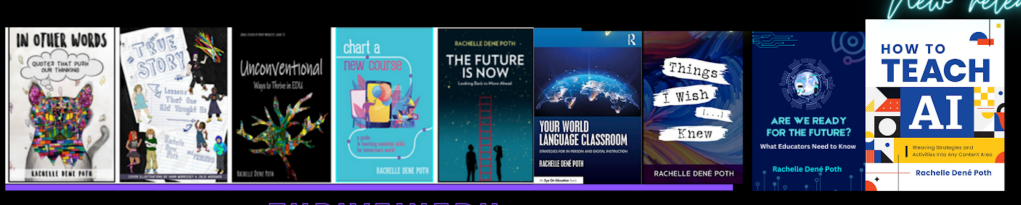
She is the author of nine books including ‘In Other Words: Quotes That Push Our Thinking,” “Unconventional Ways to Thrive in EDU,” “The Future is Now: Looking Back to Move Ahead,” “Chart A New Course: A Guide to Teaching Essential Skills for Tomorrow’s World, “True Story: Lessons That One Kid Taught Us,” “Things I Wish […] Knew” and her newest “How To Teach AI” is available from ISTE or on Amazon.
Contact Rachelle to schedule sessions about Artificial Intelligence, Coding, AR/VR, and more for your school or event! Submit the Contact Form.
Follow Rachelle on Twitter(X) and Instagram at @Rdene915
**Interested in writing a guest blog for my site? Would love to share your ideas! Submit your post here. Looking for a new book to read? Find these available at bit.ly/Pothbooks
************ Also check out my THRIVEinEDU Podcast Here!
Join my show on THRIVEinEDU on Facebook. Join the group here.
 Learning as I go: Reflections & lessons learned