
In collaboration with Socrait, Opinions expressed are my own
Educators have a lot of responsibilities, from planning lessons, creating assessments, grading, providing feedback to students, communicating with families, analyzing student data, and more. With so many responsibilities, burnout has become a big factor in education. According to the National Center for Education Statistics, nearly 25% of teachers leave the profession within their first three years. The reason? Teachers feel overwhelmed by administrative tasks and paperwork, emotional and physical exhaustion, and a lack of support.
Socrait was developed for this purpose. While AI continues to make an impact in education, not all AI solutions are designed with teachers in mind. Socrait is a voice-enabled class assistant designed by a teacher who understands the demands of the job. Many other AI tools have been created for administrative efficiency, student engagement, or content generation. Few are built specifically to help teachers reclaim their time, reduce burnout, and focus on what truly matters: teaching and connection, like Socrait provides.
Reimaging the classroom
Socrait’s goal is to reduce teacher burnout by lowering cognitive load during the day and streamlining some of the time-consuming aspects of teaching. Reflecting on our classes each day is important for our own growth, but more importantly, to truly understand our students’ needs. Sometimes after a long day or many activities in class, it’s tough to remember who raised their hand, who received a warning, or which family may need me to send a follow-up email.
Socrait helps with this by automating some of the time-consuming (yet essential) aspects of teaching. Tasks such as taking attendance, logging behavioral incidents, tracking student participation, recording praises, reminders, warnings, and even drafting personalized follow-up emails to families are important and can take away valuable time from our students.
These are essential components of classroom management and communication, but they can also add to a teacher’s daily cognitive and emotional load and, of course, reduce the amount of time that teachers can spend working with students. Socrait provides a solution by working with teachers to facilitate these actions.
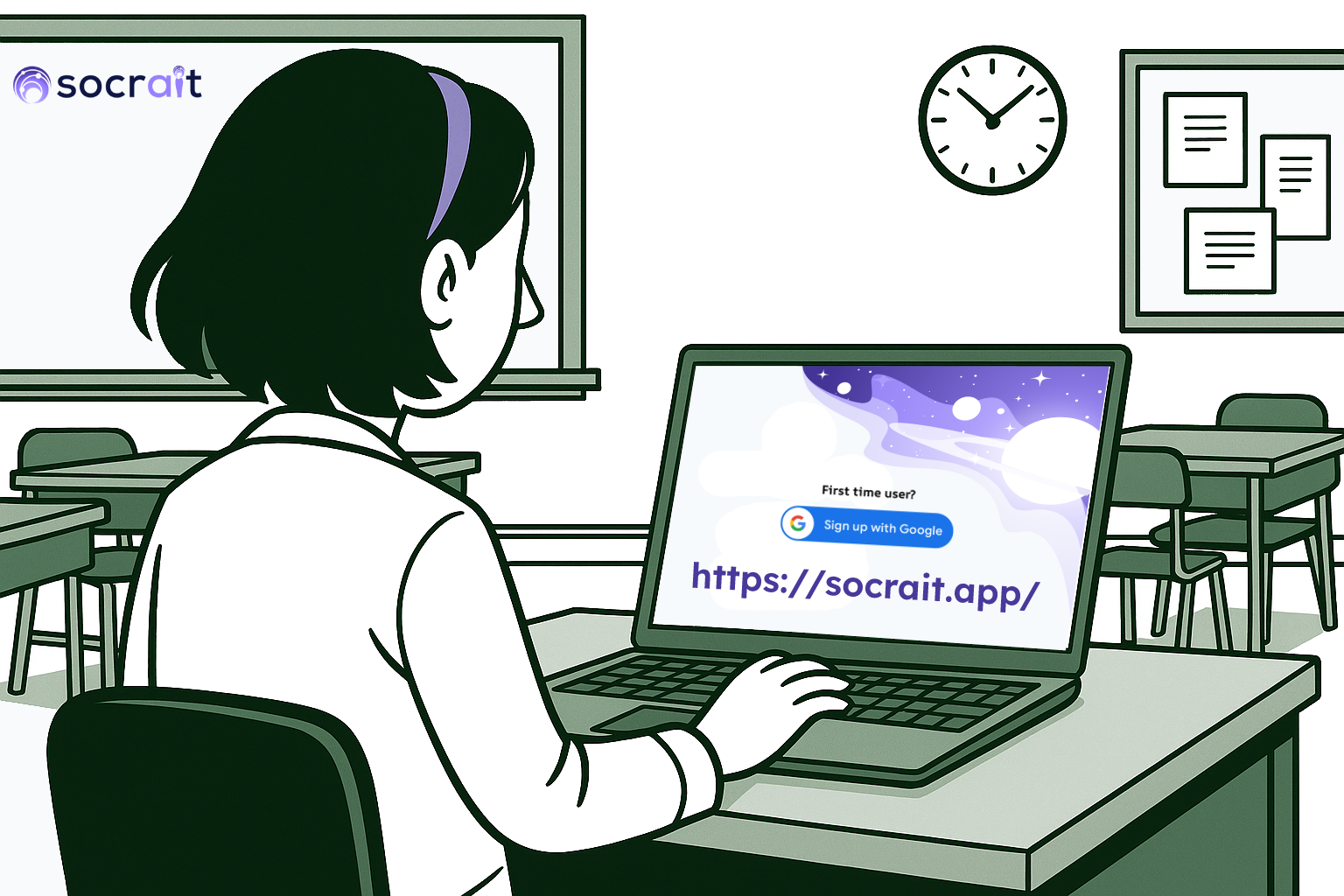
How Socrait Works
Getting started with Socrait takes only a few minutes.
- Before class: Open the Socrait app, press the “stream” button, and begin teaching.
- During class, the app runs quietly in a pouch that comes on a lanyard. Teach class as you normally would; no special voice commands are required.
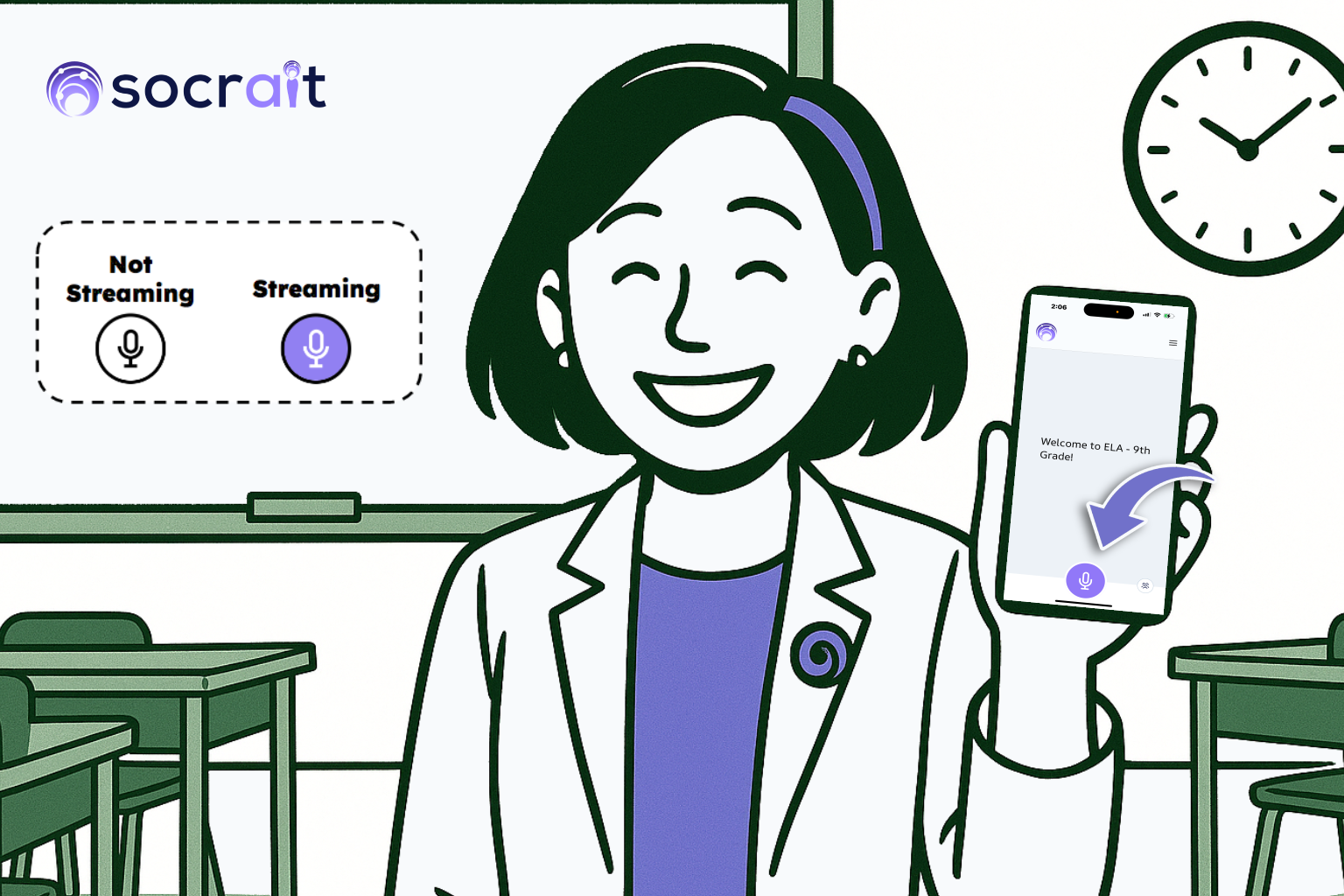
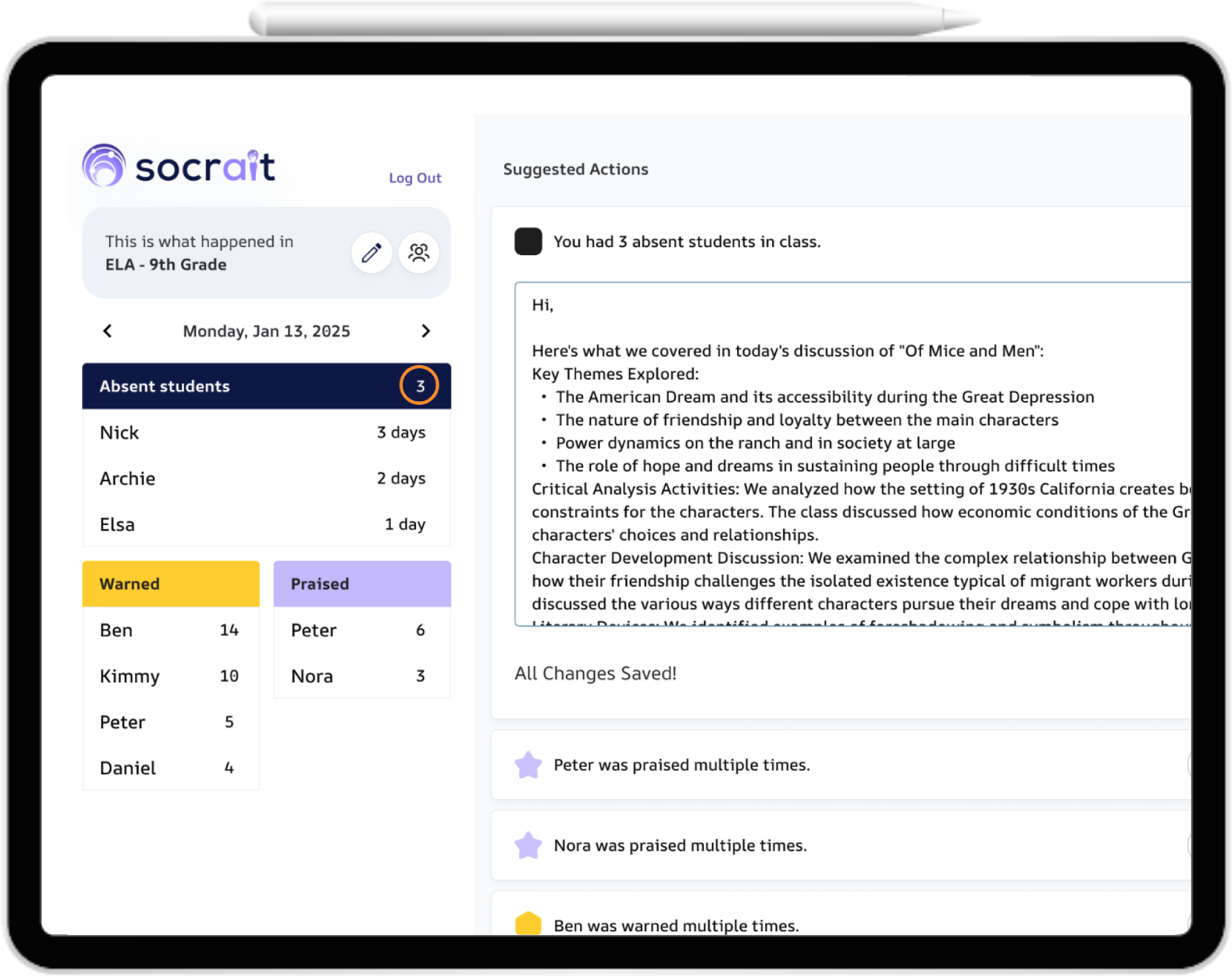
While teaching, Socrait listens through a secure mobile app and transforms spoken words into a digital log. At the end of class, simply log into your dashboard, and you will see a summary of attendance, praises, reminders, and any warnings given, plus student participation. It can even draft messages to send to parents, ready for teachers to review before sending. Socrait is also compatible with Google Workspace for Education, making it easy for schools and districts to integrate securely. It has plans to integrate through Clever in the upcoming school year!
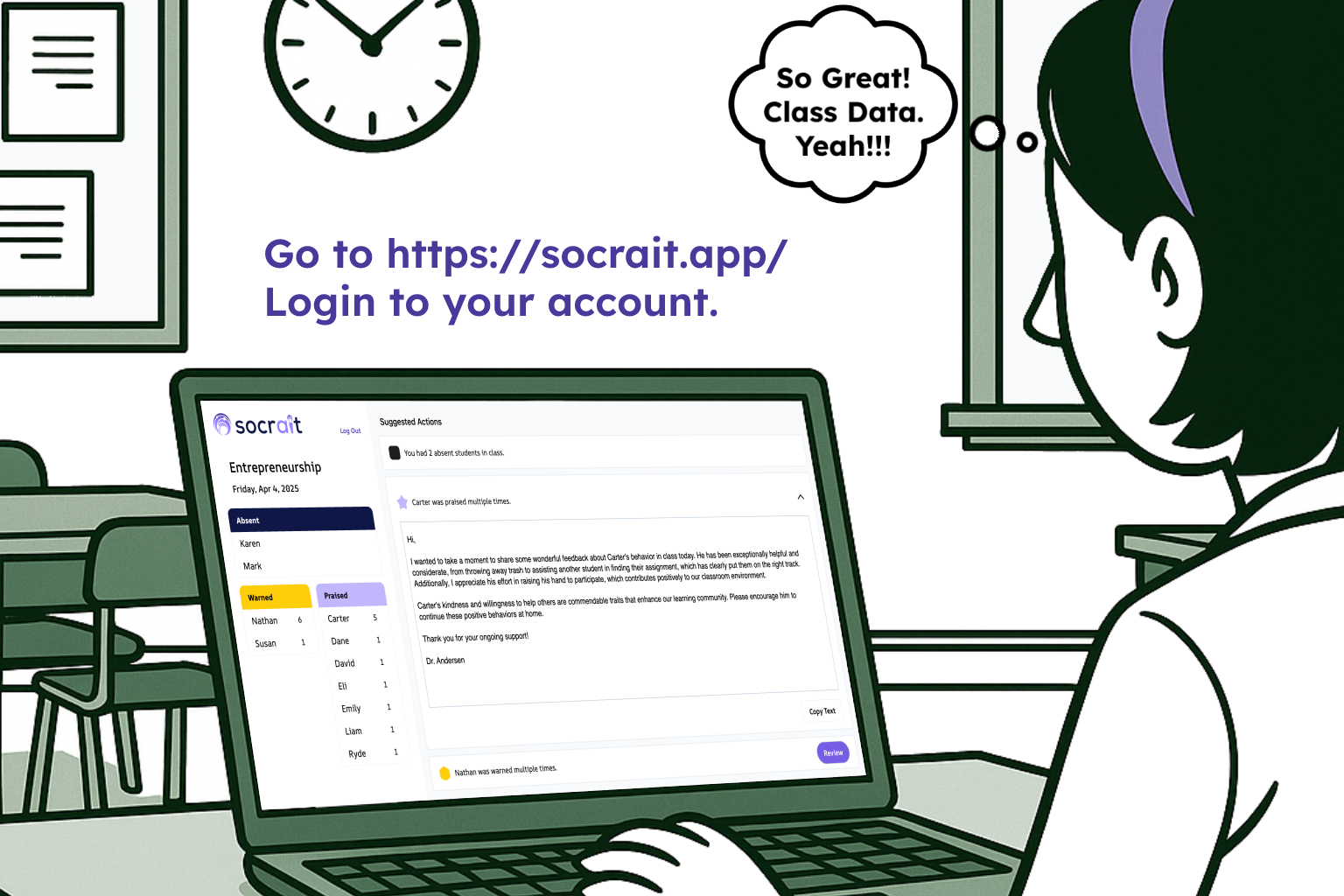
What I think makes Socrait so unique is the voice-to-text technology that processes speech without needing to save audio or keep a recording. The audio is processed into useful insights without affecting students’ or teachers’ privacy. With Socrait, teachers can evaluate their class data to look for/identify patterns that will help them to target instruction: Are there students who are consistently disengaged or engaged in the lesson? Is praise being evenly distributed throughout the classroom? What are the most frequent reminders given in class? These insights can promote thoughtful reflection and help educators adjust instruction or classroom management strategies to better align with student needs..
I was amazed by its ability to detect and categorize my comments during instruction. It facilitates accurate tracking of both positive reinforcement and behavioral redirection. Here are some of the statements that I made and how they were categorized in my dashboard.
“Great job staying focused during group work, Mia.”
“I appreciate how you explained your thinking, Kevin—that was clear and well-stated.”
“Thanks for your help in class today, John.”
These statements were categorized as praise. The following statements were categorized as warnings:
“Cody, I’ve asked you twice to put your phone away. If you could please put it in your backpack.”
“I’m concerned about your grades, Kelly, as this is your third missing assignment.”
At the end of class, here is an example of what you see in your dashboard:
Built with Privacy First
When I try a new tool, the first thing I do is look for information related to privacy and data security, especially when it comes to AI-powered tools. Socrait does not store audio recordings but rather functions through real-time streaming to convert speech into text and then generate summaries, which are stored securely.
More Time for What Matters
Socrait helps teachers to save time. Socratit saves the time they used to spend writing notes, sending emails, or filling out behavior logs and gives teachers an assistant that frees up time for what really matters: building relationships, reflecting on lessons, and taking care of themselves.
With Socrait, teachers are able to:
✔️ Track student participation and engagement in real time
✔️ Automatically log attendance and behavior data
✔️ Generate and send follow-up emails after review
✔️ Reflect with accurate, accessible class summaries
Want to give it a try?
Socrait is currently in Alpha testing, and the best feedback comes from teachers using it in their classrooms. If you’re interested in testing a tool that supports teachers instead of overwhelming them, now is the perfect opportunity!
👉 Sign up today at https://socrait.com to be an early user. You’ll be able to use Socrait daily, and your feedback will help shape its development.
About Rachelle
Dr. Rachelle Dené Poth is a Spanish and STEAM: What’s Next in Emerging Technology Teacher at Riverview High School in Oakmont, PA. Rachelle is also an attorney with a Juris Doctor degree from Duquesne University School of Law and a Master’s in Instructional Technology. Rachelle received her Doctorate in Instructional Technology, and her research focus was on AI and Professional Development. In addition to teaching, she is a full-time consultant and works with companies and organizations to provide PD, speaking, and consulting services. Contact Rachelle for your event!
Rachelle is an ISTE-certified educator and community leader who served as president of the ISTE Teacher Education Network. By EdTech Digest, she was named the EdTech Trendsetter of 2024, one of 30 K-12 IT Influencers to follow in 2021, and one of 150 Women Global EdTech Thought Leaders in 2022.
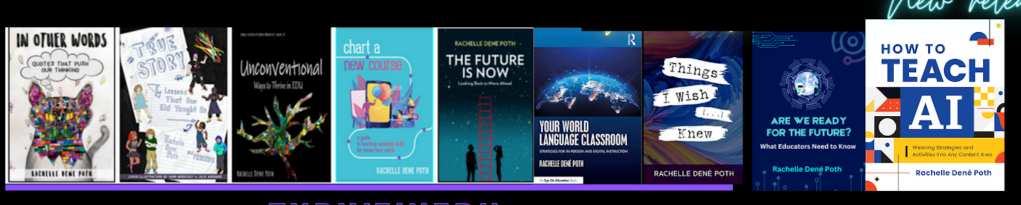
She is the author of ten books, including ‘What The Tech? An Educator’s Guide to AI, AR/VR, the Metaverse and More” and ‘How To Teach AI’. In addition, other books include, “In Other Words: Quotes That Push Our Thinking,” “Unconventional Ways to Thrive in EDU,” “The Future is Now: Looking Back to Move Ahead,” “Chart A New Course: A Guide to Teaching Essential Skills for Tomorrow’s World, “True Story: Lessons That One Kid Taught Us,” “Things I Wish […] Knew” and her newest “How To Teach AI” is available from ISTE or on Amazon.
Contact Rachelle to schedule sessions about Artificial Intelligence, Coding, AR/VR, and more for your school or event! Submit the Contact Form.
Follow Rachelle on Bluesky, Instagram, and X at @Rdene915
**Interested in writing a guest blog for my site? Would love to share your ideas! Submit your post here. Looking for a new book to read? Find these available at bit.ly/Pothbooks
************ Also, check out my THRIVEinEDU Podcast Here!
Join my show on THRIVEinEDU on Facebook. Join the group here.
 Learning as I go: Reflections & lessons learned