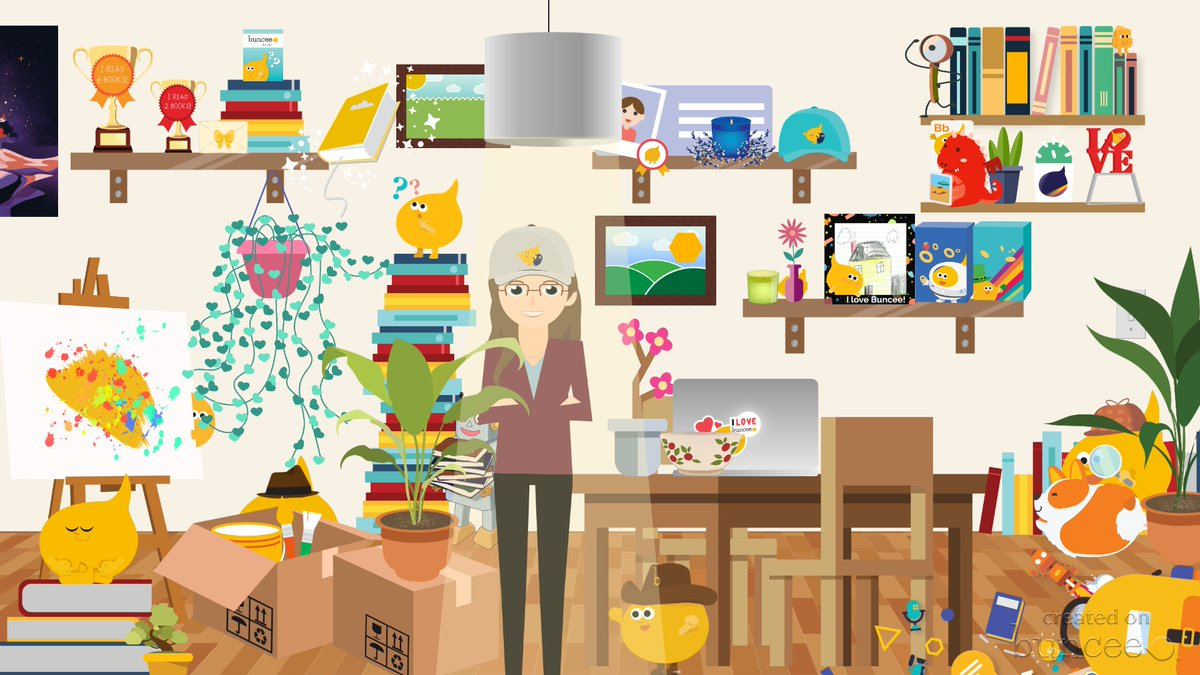
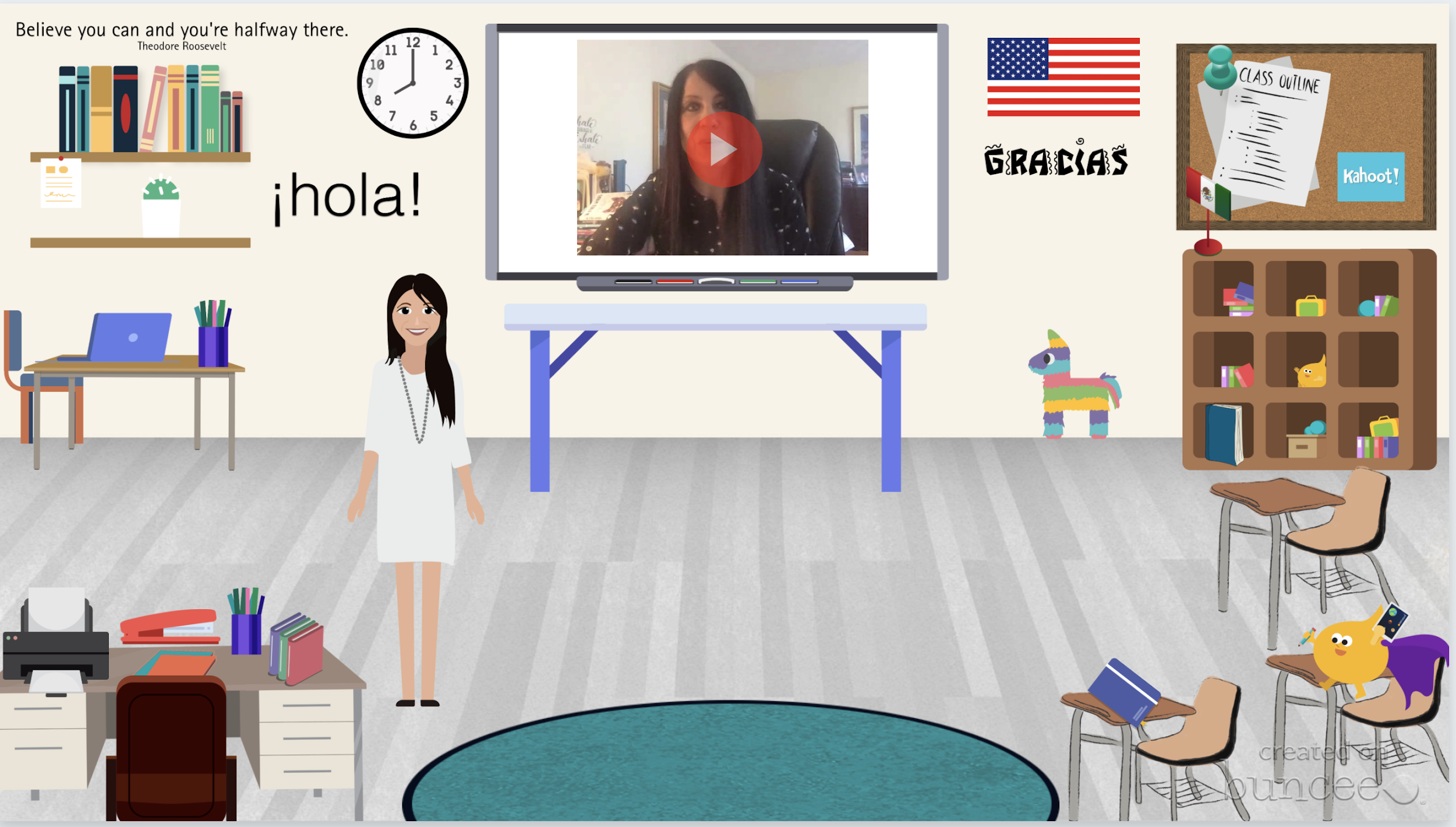
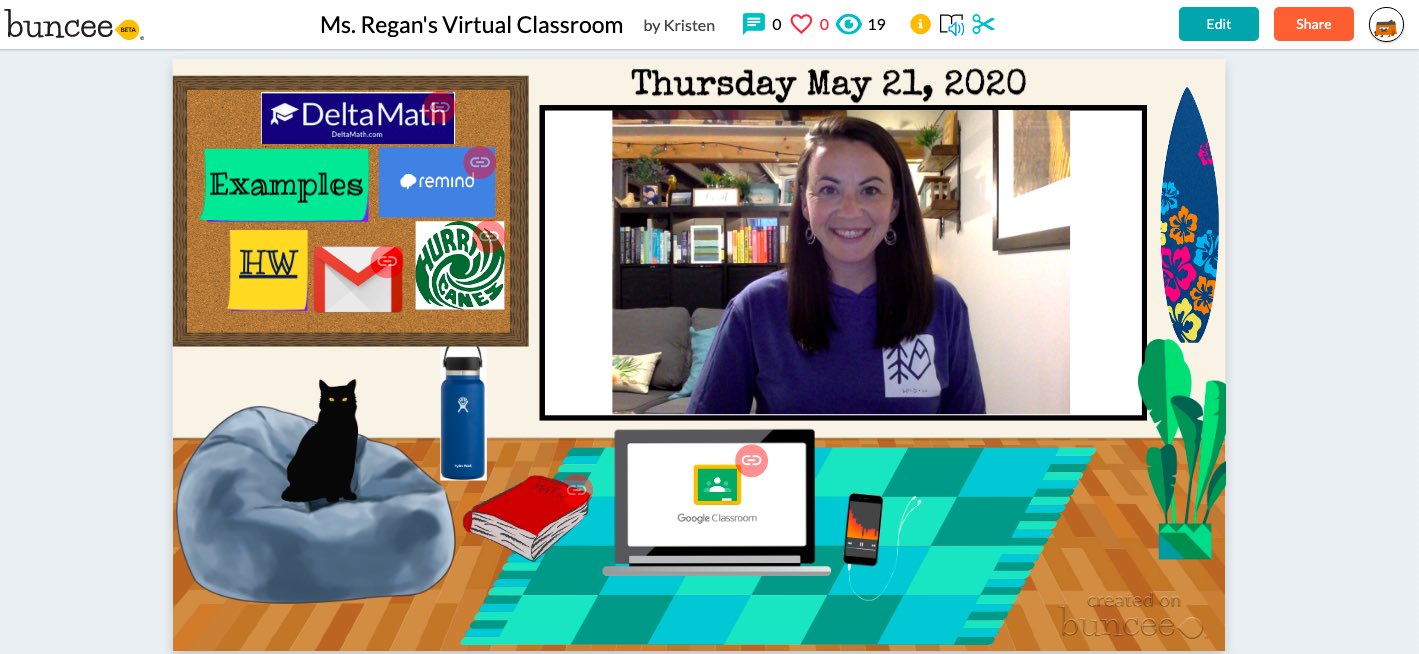
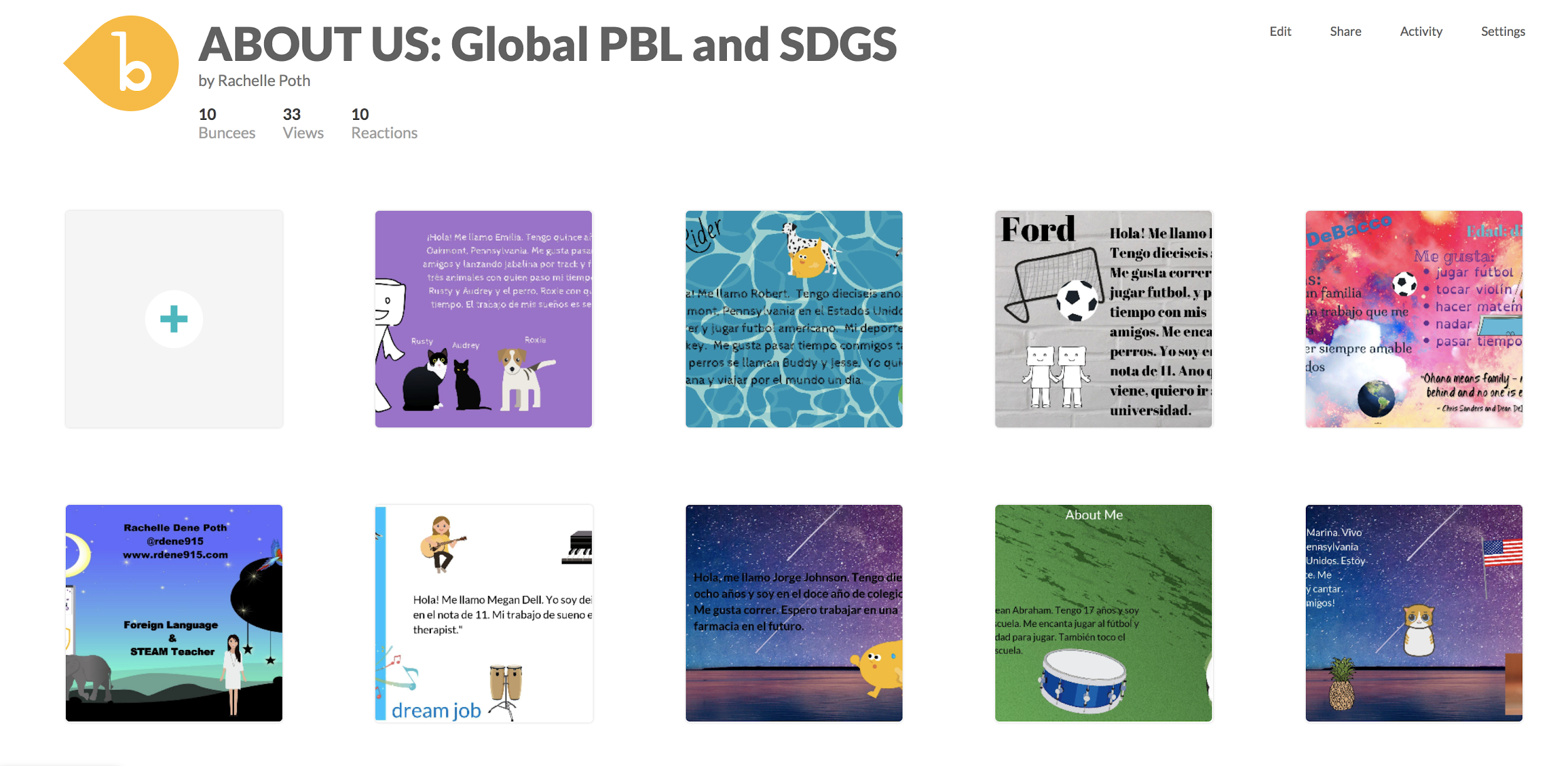
We are a few weeks into the new school year and for many educators, it has been an interesting start to the year. Whether in physical classroom spaces or in a hybrid or distance learning environment, our focus at the start of the year is on building relationships and engaging students in learning. The challenge this year for many is creating the right spaces to build those relationships when we are not together in our physical classrooms. Buncee provides so many possibilities for doing just this.
Introductions
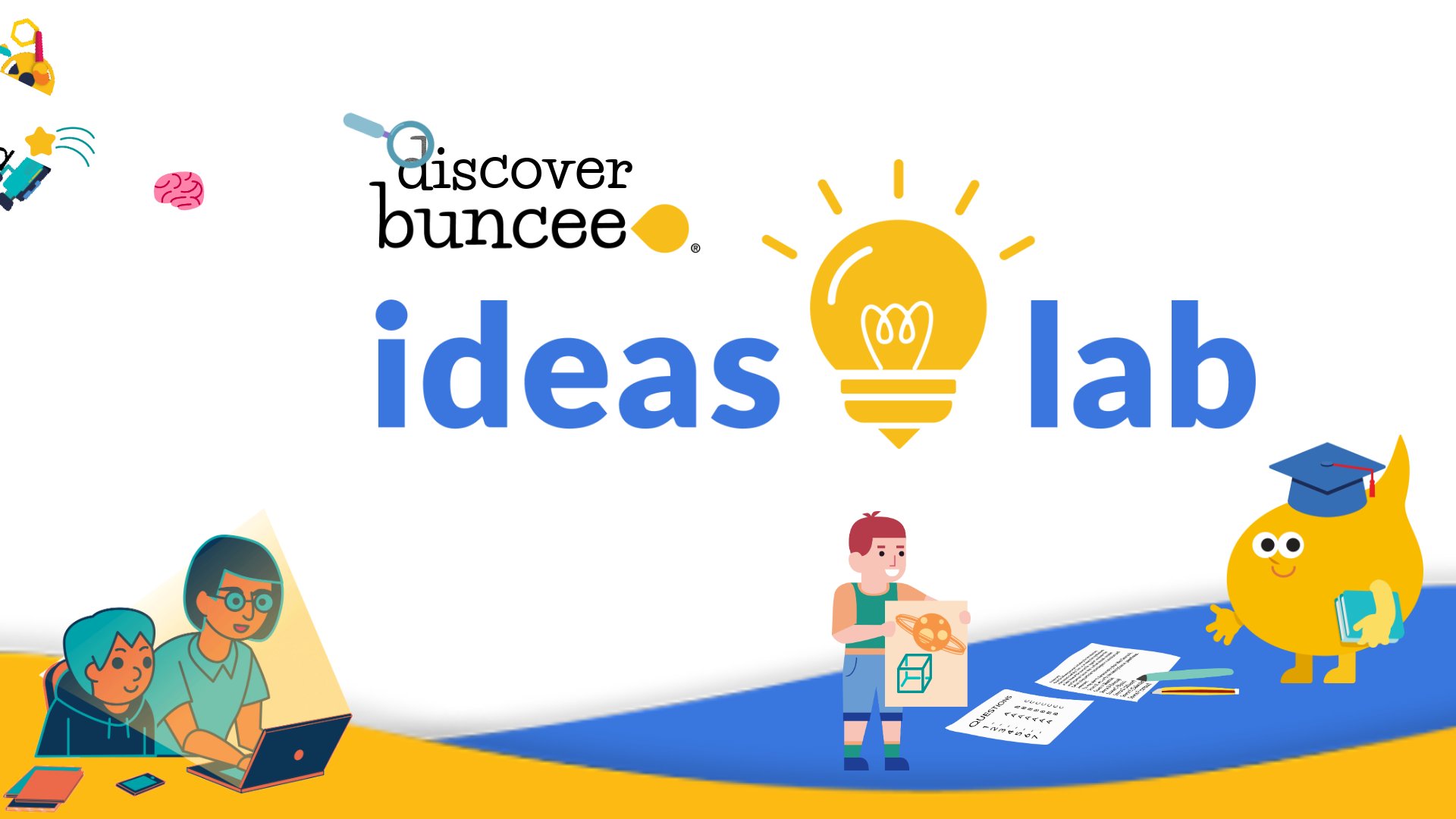
I can create with Buncee and engage my students in opportunities to not only create and engage more in learning, but provide a way that they can feel connected to each other if we cannot be together in the same physical space. A great place to start is exploring the Ideas Lab. There are great templates available to choose from that work well for the beginning of the year and a back to school theme, or for some ice breakers to build relationships that are so important.
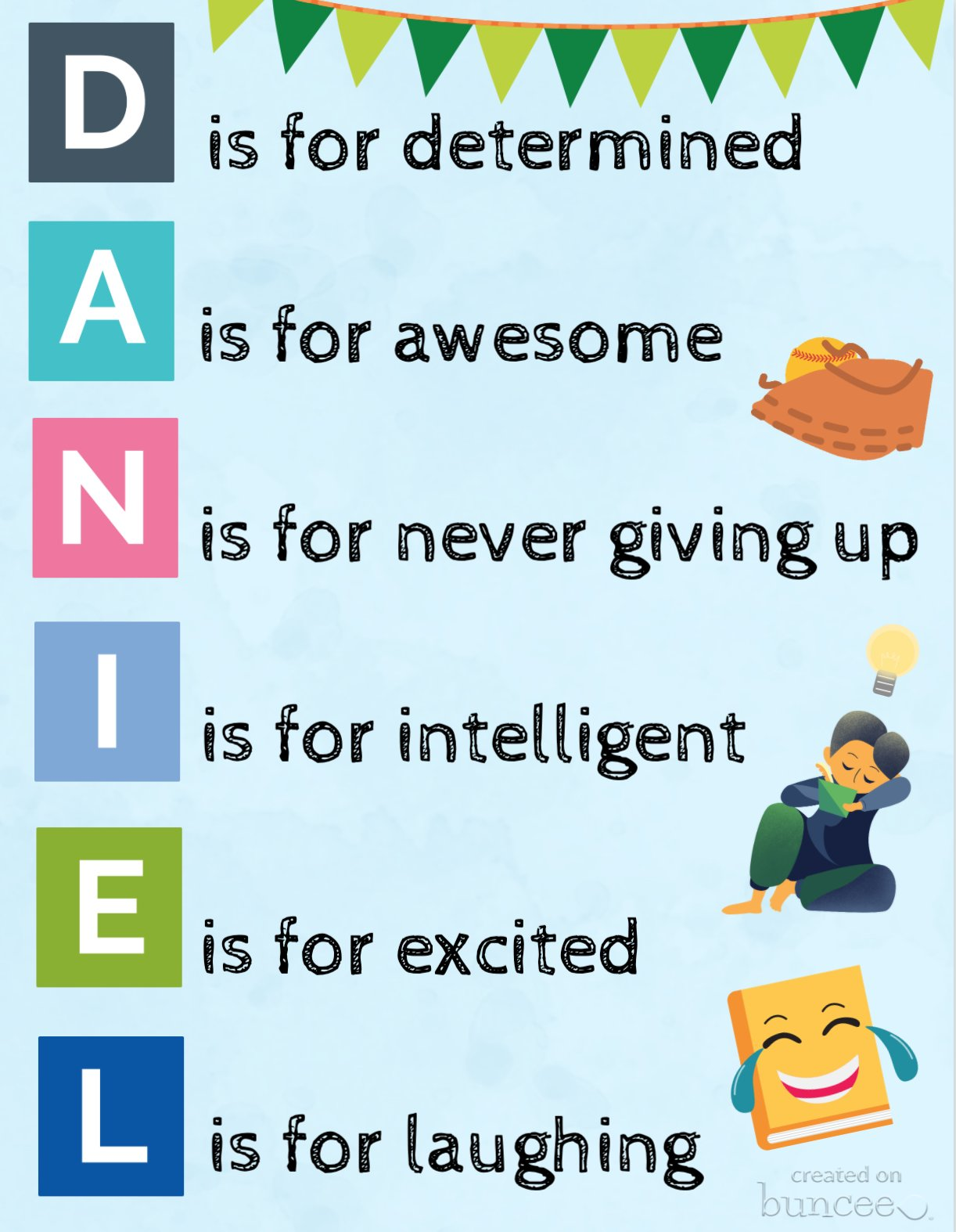
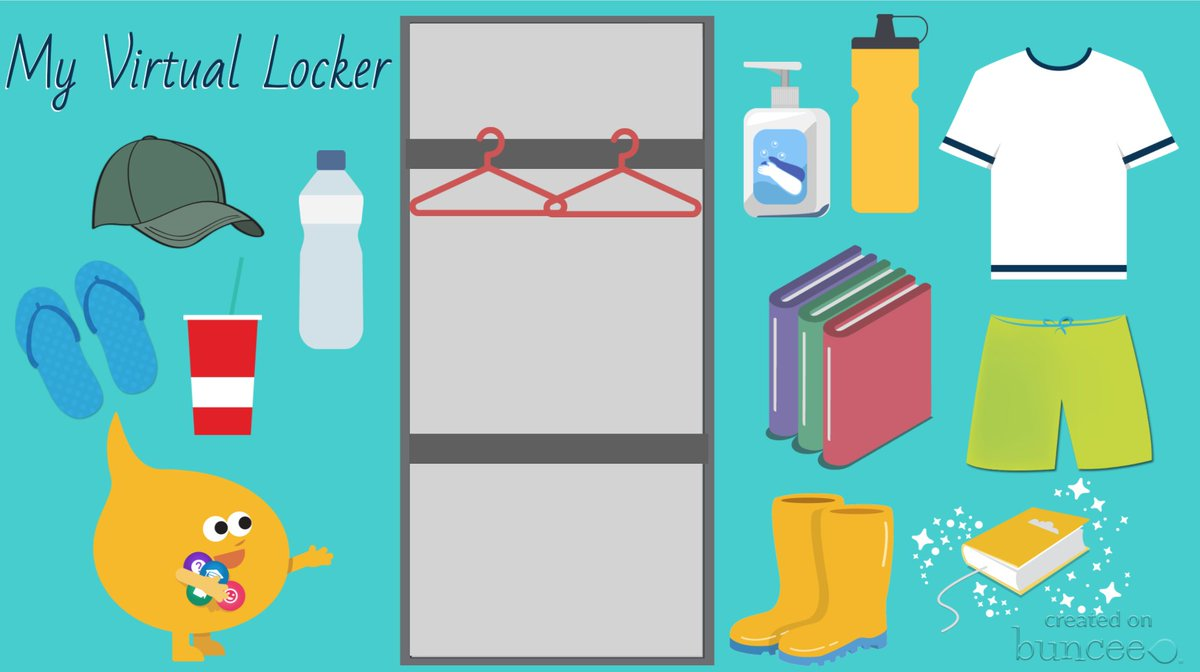
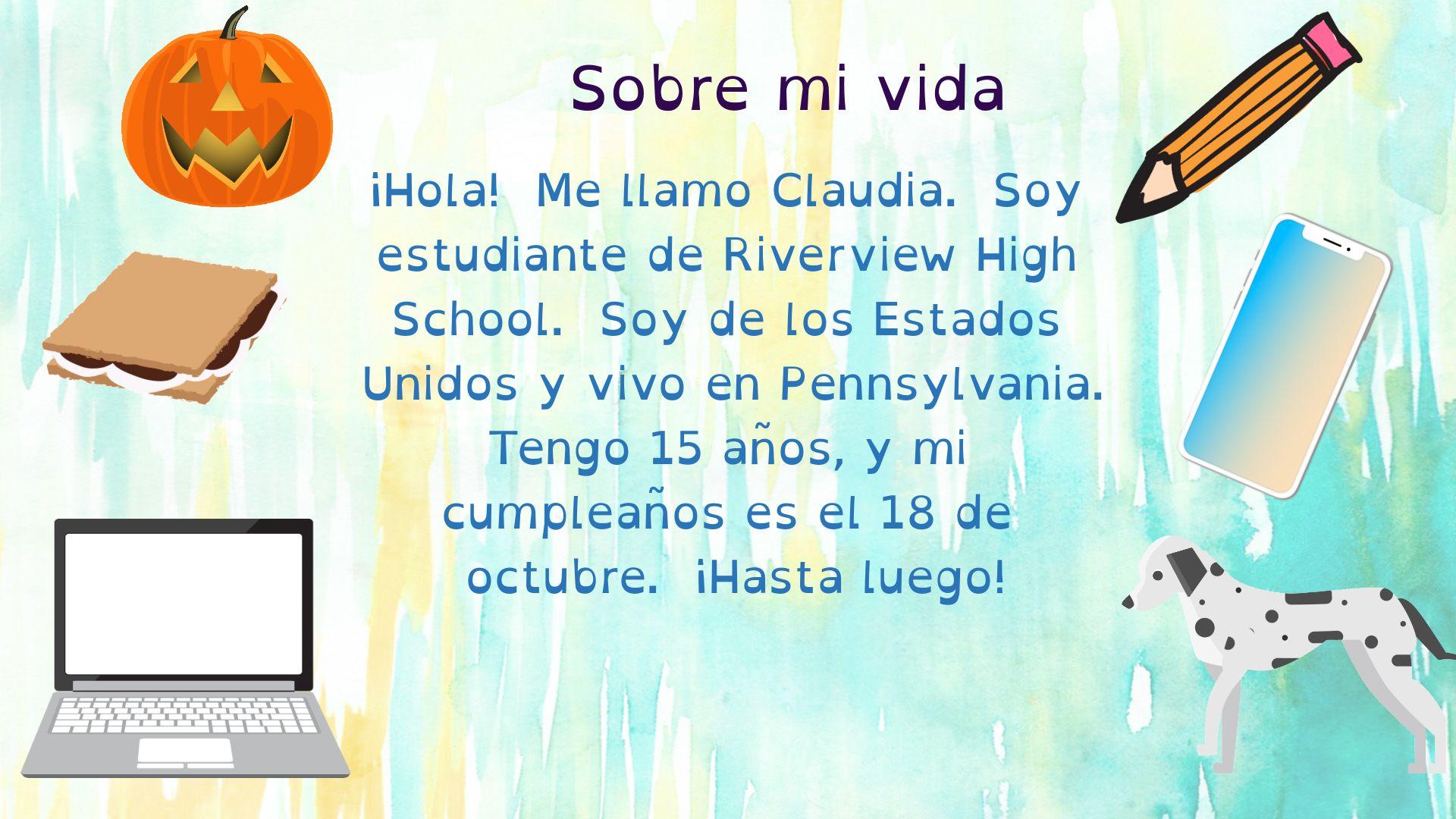
Check out some of these recent additions to Buncee templates for having students express themselves by creating an acrostic poem or a virtual locker. These are great options to have students create a Buncee to introduce themselves to their teacher and to their classmates!
(this one was shared by Buncee)
(drag and drop items into your virtual locker)
Using Microsoft Teams or Google Classroom, it makes it really easy to share these with students. For global collaboration, create a Buncee board to post all of the amazing student creations. With project-based learning, my students have been able to connect with students in Argentina and Spain and share a little bit about their experiences as students and what life is like here in the United States. With all the options available for creating within Buncee, it’s fun for students to be able to create something that represents who they are and even to have the option to include audio or video to really get to know each other. Being able to collaborate like this is quite valuable regardless of where learning is happening but definitely beneficial as many schools are working with hybrid and distance learning. It helps students to feel more connected to their classmates and their teachers and also to be able to connect on a global scale which is important for all students.
Teach a Lesson
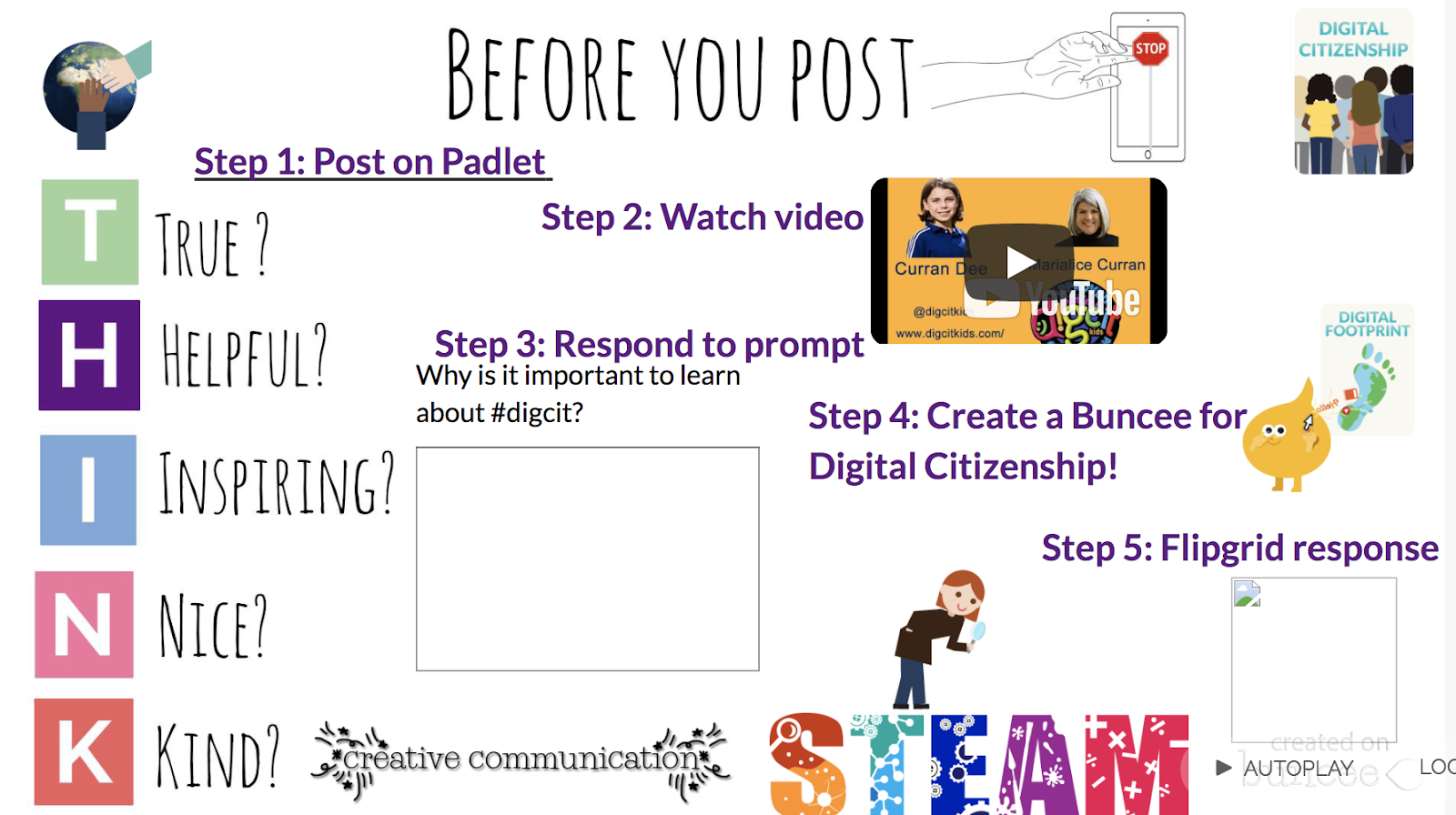
One of my favorite ways to use Buncee is to create lessons to share with my students. One of the first ones that I did was to teach about digital citizenship and it was easy to create something using all of the different options available within the media library and to give students an opportunity then create their own buncee to share what they had learned.
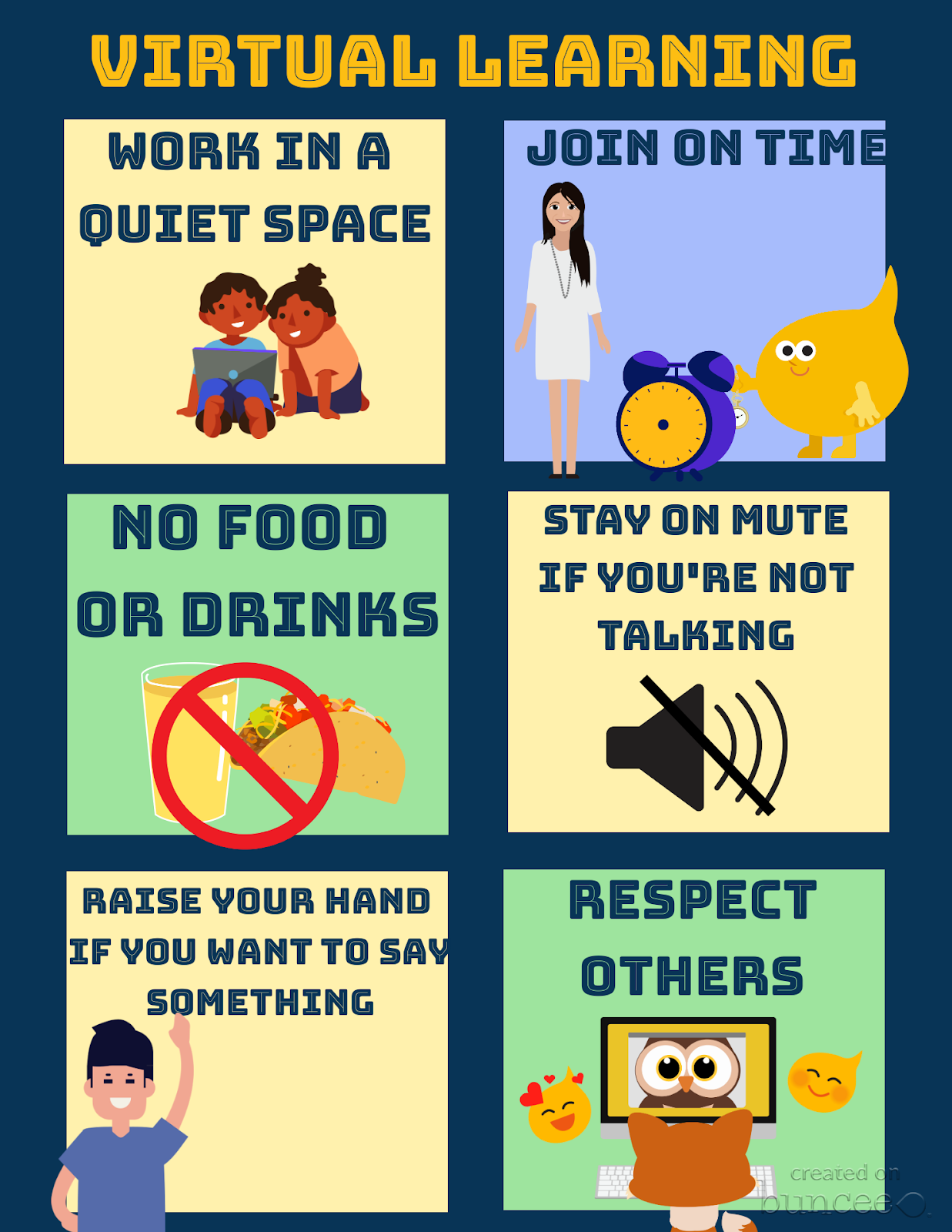
Set up class expectations for virtual learning
Explore the templates and create something like this fast and make it your own by selecting from the more than 35,000 choices available in the media library!
Ready-made templates and new topics
Something else that I’ve always loved about using Buncee is that it integrates with other tools that we use in my classroom. With this new partnership with Flipgrid, there are even more ways to use these tools together to provide more opportunities for students to build essential skills. You can find pre-made Buncee templates available in the discovery library focused on topics like social emotional learning, goal-setting and schedulers and organizers. Check out all of the choices today!
One of the things I love the most about using Buncee is that there is always support available. Whether you connect with the Buncee team through the different social media platforms, or make connections with educators from around the world through Twitter or Facebook, there are so many ways to learn and grow as educators. And even more importantly, to bring new opportunities to our students. If you need some quick resources on different topics, check out all of the many options available at their Buncee help desk.
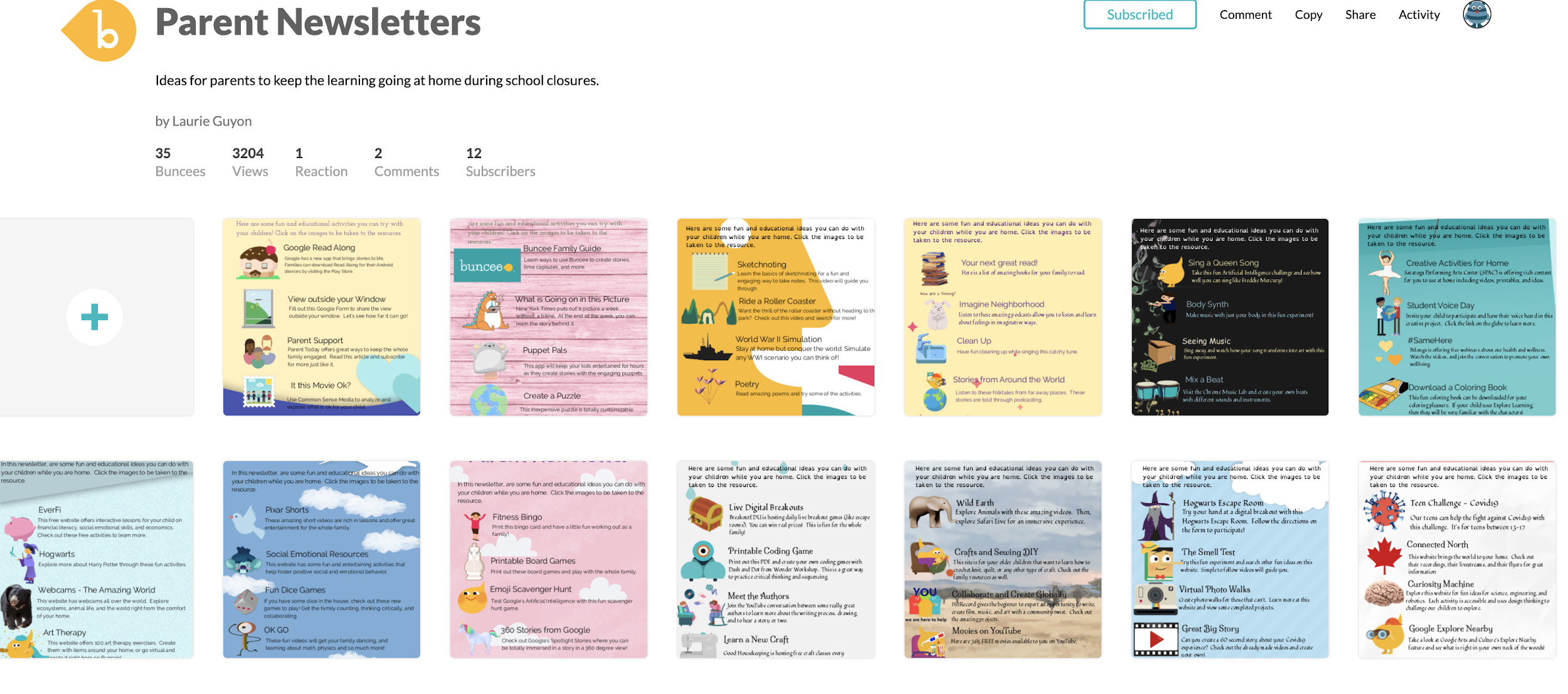
Looking for more ideas? See what the Buncee Ambassadors are up to! Explore the 66 ideas for using Buncee from Maria Jose Giavedoni. Did you catch the Creative Beginnings event at the beginning of August? Three days of sessions and so many topics and ideas. Catch the recordings here.
Coming up:
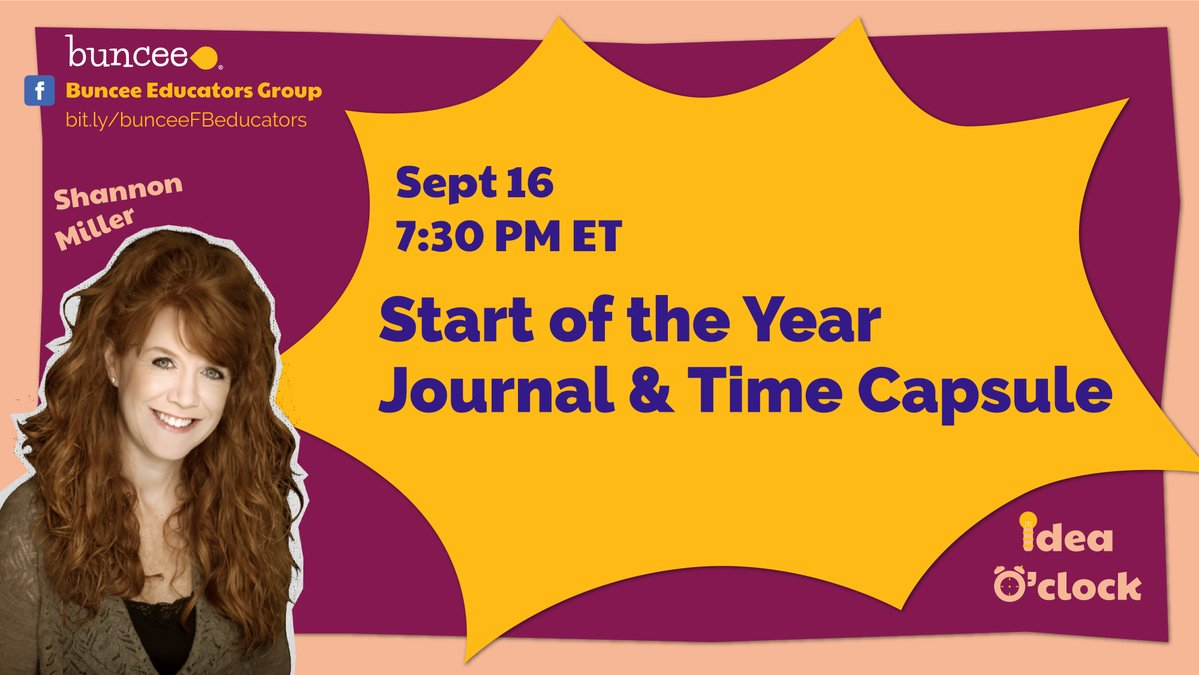
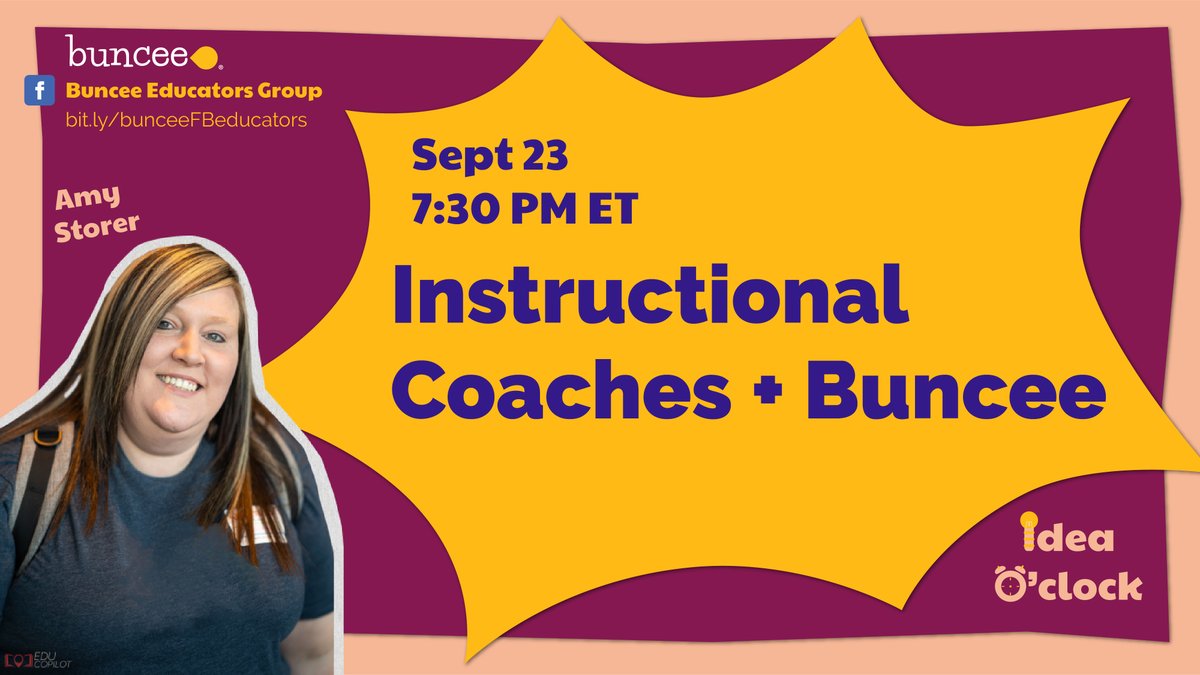
Don’t miss out on the new idea o’clock with Buncee starting September 16th happening live on Facebook at 7:30 p.m. Eastern. First up was Shannon Miller and Amy Storer is on the 23rd! Be sure to tune in to learn new ideas from Buncee educators!
Guest post by Monica Gupta Mehta @monicagmehta and Co-authored by Ariana Pokatilova, EmotionalMUSEVolunteer
“MOMMYSCHOOL,” by Deb Liu, released a cartoon entitled ‘Back To School Blues.’ The humorous graphic proclaimed fire and brimstone and doom for the 2020–2021 school year. When I saw this cartoon, I was struck by how much I related to every single one of the 10 bulleted items, based on our own family’s first week back to school.
This past week was essentially a series of timers set about 20 minutes apart to keep our three kids on track…three kids in three different schools with three entirely different schedules, despite being in the same district. Snack breaks and lunch breaks did not line up even once, which meant the adults in the house were “short order cooks” all day every day. As I frantically attempted to work with any amount of focus in my 15 minute windows of distraction-free time, I found myself looking up to “shhhh!!” the one child who was on break while the other two were on zoom calls. That’s right — even when they had breaks, there could be no loud boisterous play, out of respect for their siblings still in school. A collective sigh was heaved each day at approximately 3:30pm.
Reading Deb Liu’s ‘Back to School Blues,’ I find comfort in the knowledge that our family is not alone. If the plane is about to go down in flames, at least we are all in this together. But why is that comforting? I suppose it is the hope that comes from knowing that others are experiencing the same obstacles and challenges; somehow, somebody will come up with solutions to these challenges. As founder of the MUSE Framework for Social Emotional Learning, with a mission of developing the emotional intelligence of generations of students, I felt compelled to offer whatever advice I could to the parents who are attempting to thrive…or at least survive!…during this unprecedented school year.
1. “Orientation: Attended orientation with sixteen 8 year-olds, half didn’t know how to mute, one was upside down. Chaos ensued.”
I think we can all agree that it is not the most natural thing to have children set up on all day video conferences that rival the schedule of the busiest tech execs.
One way to help mitigate the unfamiliarity of this situation is to teach children the basics of video conferencing, beyond simply showing them how to join a video call. If your child’s teacher doesn’t already have something similar, share this graphic with them to help create a set of virtual community guidelines. It is also helpful to have a discussion with your children about what steps to take when their call is not working. Teach them to self advocate!
2. “Textbook Pickup: Freshmen book pickup cancelled due to the insufficient staff. Still TBD on the updated calendar. School starts Monday.”
It is eerie how similar our experiences were — our schools had to delay materials pickup multiple times, and many students did not have their textbook pick up until after the school year had started. The schools tried to recruit more parent volunteers, but without adequate childcare, most parents with younger kids are not free to leave their homes. My teen found a partial workaround for this problem — there are many sites out there that offer both free and rental versions of textbooks in digital, PDF format. To make this easier for younger children, print out the pages they actually need so they can take notes and annotate as they would in a print textbook.
3. “Class Assignments: Middle school class assignments were delayed until just before the first day of class due to technical issues.”
I guess this is one of those “it is what it is” things in life. Hopefully it’s true what they say — tough situations build strong people. One thing is for sure…we’ll come out of this pandemic with more grit and resilience than we could have learned through any purely educational methods.
4. “Lunch Roulette: Found all three kids have different lunch times. Will need to be a short order cook to feed them.”
Ugh. I feel your pain, Deb Liu! This was my life the first few days of school. However, I wised up (eventually) and remembered that we used to pack lunch in the morning before school, and my kids had lunch whenever it fell in their school schedule — without me trying to give them company, or serve them hot, fresh food. Save the nice meals for dinnertime and go back to pre-packed foods that are prepared ahead of time! If you find yourself wanting to make fresh lunches, prepare everyone’s lunch at the same time as you prepare the first child’s lunch. The other children are likely to be along within the hour, and most foods can sit out that long without spoiling.
For those feeling especially ambitious, one bonus idea I had is to set up a lunch ‘playdate’ schedule, with virtual calls set up for each child to socialize during their lunch break. For some of my kids, this works great…for others, they just want a break from video calls even more than they want to socialize with their friends at lunch.
5. “School Days: Kids are expected to be on zoom for 5 to 6 hours a day, but each day is staggered so the schedule is different per day of the week, per kid. Send help.”
Yes. This. This is exhausting. Not only does each child’s day look different from their siblings’ day; each child also has a different bell schedule for each day on their own school schedule. This is difficult to manage for all of us, and creates the additional difficulty of children who are on “break” having to be quiet and solitary while the other children are still in school. One way to deal with this is to plan your younger children’s breaks a little bit ahead of time, ideally with their input. Write down various break activities your child could do during downtimes. For my own children, I ask them to use the restroom and drink water at every break as needed, then to either get a snack or do anything on the list of brainstormed activities. These include stretching breaks, puzzles, journaling, coloring, quick chats with friends, shooting some baskets, taking a short walk (for older kids), having a mindful moment, reading a book, etc. I also let my kids play in this virtual “playroom” I created, which they find simultaneously both fun and relaxing. (FYI the virtual playroom only works on computers; it is not yet optimized for mobile use.)
I’d also recommend creating a master schedule of all of your children’s log in times as well as codes. If possible, give your children “view” access and teach them how to check the master schedule. Include all additional schedule items, such as exercise, meal plans, and extracurriculars. As things change (updated zoom links, changes in schedule) you can then simply update this master spreadsheet, and your kids will always find the most updated schedule/links as they check back throughout the day.
I find it useful to include my own general schedule in this spreadsheet — that way my kids know if I am in meetings or appointments, on a walk with our puppy, etc.
6. “Communication Management: After reading through two dozen back-to-school emails from five schools and filling out online forms for two days, I am sure I missed at least three things. Just not sure which three.”
This is not my strong suit; I have come to dread my emails with a passion (can you dread something with a passion?? I think the answer is you can during a worldwide pandemic.). However, one hack I have started using seems to be working pretty well. I’ve created a separate folder for emails coming from school, since there is so much communication home these days. Any school email that comes across my inbox I dump in the folder to read in the evening, and I keep the email there even after I’ve read it. Once I am sure I have processed it, noted vital info, and done all tasks from the email, then I remove it from the folder.
7. “School IT Support: Juggled logins to Schoology, Infinite Campus, UpToUs, Google Classroom, Quickschools, Clever, and Konstella to figure out all of the action items. Probably forgot all of the usernames and passwords already.”
I think the solution to this one is obvious…it’s just frustratingly time consuming. Somehow, somewhere all of that information needs stored where it can be readily retrieved. I threw out my usual hesitation to write down passwords and created a login information tab in my master spreadsheet (the one the kids use to see their schedule each day and all the zoom links). The benefit of this is that the kids can see their own login information, and they now come to me far less for this specific need. If I end up getting hacked because we wrote everything down, I suppose I’ll be eating my words. Fingers crossed it all works out.
“8. Calendaring: Realized one of us will be a full-time executive assistant to manage the calendar for three kids or else everything will fall apart.”
This is just factually true, and it is no fun. I do have hope this will get better as things become more routine; but it does feel like half my day goes to this. There are two strategies that have helped me counteract this. One is, yet again, my master schedule. Having a really organized place to collect all information, and to update it as it changes, is a game changer. Every bit of new info that comes in has a spot either in that spreadsheet or on my Google calendar. Knowing where to record the constantly changing information as it comes in is half the battle.
The other two thirds of the battle (yes, we are all metaphorically putting in way more than 100% effort!!) is to not procrastinate. This is a huge ask when everyone is overwhelmed and working way too many jobs at once (paid and unpaid)…but aim for an empty email inbox each day if possible. The more you let the emails build up, the more reluctant you will become to address them.
9. WiFi: Our WiFi is melting down already with too many concurrent video connections. Next week will be WiFi-Mageddon.”
Oof. I have lost count of the number of things we have tried to do to create enough bandwidth for the kids to all be in school synchronously, for me to get my work done, and for my husband to be on all day long conference calls. We have called our Internet service provider, and that has occasionally helped, as sometimes the issue is on their end. You can also try resetting your router — sometimes if we do that enough, the WiFi magically begins working again.
If this issue persists, internet connection is the area I would say is most worth spending a little extra money if you can afford it. Upgrading to a better router will generally help immensely. We have also purchased something called a MiFi — a personal internet hotspot that can be plugged anywhere, with its own monthly fee. This is amazing to have for our outdoor classroom, which we are doing four days a week (we are allowing some friends to come do school with our kids socially distanced in the backyard). That is, four days a week if the California wildfires are not devastating our air quality and trapping us indoors! (…while simultaneously making us so grateful to have an “indoors” to be trapped in, as our neighbors to the north, east, and south are all being evacuated).
One last suggestion for sparing your WiFi is to encourage yourself and your kids to take breaks from their devices when they are on school breaks. Encourage them to move their bodies and to engage their minds in different ways, such as reading, puzzles, chores and games.
10. “Assessment for School Year 2020: We are doomed.”
Well…here’s hoping my Dad is right. He is always telling us to be “wildly optimistic.” While every word of Liu’s cartoon depicts exactly how I felt last week, this week I am optimistic that the tips and strategies collected here can keep us aloft. It certainly won’t be a smooth flight, but with a confident pilot and the advice of our co-pilots, I believe we will get through this. Together.
Visit Monica’s site EmotionalMUSE.com for Social Emotional Learning curriculum you can use with your children. My first two units include a Piloting Your Plane emotional regulation curriculum for early elementary school children, and a Socializing During A Pandemic social skills unit for secondary school students. It is a rapidly growing site — follow me for updates when new units become available!
_________________*********************
**Interested in writing a guest blog for my site? Would love to share your ideas! Submit your post here.
Looking for a new book to read? Many stories from educators, two student chapters, and a student-designed cover for In Other Words.
Over the past couple of weeks, there have been a lot of conversations about what educators will do if schools need to experience school closures or move to a hybrid model in the upcoming school year. With so many uncertainties when it comes to the pandemic, it has definitely been a challenge to figure out how to provide the best learning experiences for our students and to keep them engaged and motivated during this time. I miss being in my classroom and the interactions with my students, greeting them at the door, working with them on activities and projects in that classroom” space” although the time we had never seemed to be enough!
Finding ways to extend the “space” of learning for our students has been a popular topic of discussion for many years, and something that I have worked on, so it is not entirely something new. However, with our current global situation, educators and schools are seeking to find the right resources that can be put into action right away and that will work for transitioning back into the classrooms too. I love that I can create a message to share with students, to check in and for them to connect with each other.
We must look for ways to provide rich learning experiences through versatile tools that students can access and work on independently wherever they are and regardless of time. What I have suggested to many educators is finding one or two tools that enable them to do many of the same things they would do in the classroom and even more. With Buncee, we can work remotely and provide meaningful learning experiences that engage students in the digital space as well as our physical classroom spaces. As students create, they can work from school, at home, or anywhere, and be able to share their work with classmates and teachers, even globally.
Endless Possibilities with Buncee
One of the things that I love the most about Buncee is that it can be used in so many different ways, not only for instruction in our classrooms but also in life. I tell the story often that I have used Buncee personally to create cards for family and friends, personal business cards, design engaging graphics for Twitter chats and presentations for webinars, or to make quote graphics for my books. There are so many ways to use it and for me, it always comes down to the why, or the purpose for choosing a specific digital tool. What can I use it for? What are the benefits? How does it help students to learn, to be more engaged in learning and to build skills?
When I decide to use digital tools in my classroom, I want students to practice the content in a more authentic and engaging way, while also developing essential skills such as collaboration, critical thinking, problem-solving, and creativity that will benefit them in the future but that are necessary now too.
Having a specific platform or digital tool in place that all educators can use and making sure that all students will have access is very important. As teachers, we have so many choices for how we can use Buncee in our classrooms and we can share ideas for families to use it for activities too. It is a versatile tool that provides multiple ways for people to learn and to express themselves.We’ve tried a lot of different ways for using Buncee in the classroom, many of which have been a result of the creativity and out-of-the-box thinking of the students.
Unlock the Power of Creativity
It just takes logging into Buncee to unlock the power of creativity once you see a library of more than 31,000 graphics with new assets added every day that connect with what is happening in the world. Regardless of what you want to create, there are more than enough choices for what to add into your multimedia presentation. Students (and anyone) can quickly create a multimedia presentation full of animations, drawings, stickers, emojis, 3D objects, Buncee messages, 360 images, audio and video embedded and even student artwork!
Beyond the potential for creativity, collaboration, critical thinking, and communication, using Buncee, students can build skills in digital media literacy, technological proficiency, and digital citizenship. Students have the opportunity to use technology as a tool for solving real-world problems or making real-world connections.
Buncee is so invested in providing a lot of options and opportunities for students and educators to enjoy learning, creating and growing together. I have been proud to be a part of this growing educator community and have learned so much from the connections that I have made and from the relationships that have formed with the Buncee team and Buncee Ambassadors.
I looked for some examples and asked for some feedback from ambassadors and Buncee educators.
“Buncee has been a wonderful asset during this time of remote teaching/learning. I used Buncee every week to create my lesson plans. I would make a copy and adjust my template to what I needed for that week. I also used Buncee to create flyers for our school-wide virtual spirit days.
Buncee provided templates that I was able to use both for paper packets as well as digital templates for the students who were able to connect digitally (even if that number is small).
One big way that Buncee was a help was the sense of community and support that it provided during this time.” Jessica Chandler
“It is such a special time for my students and for me as we look back.” Barbie Monty.
Barbie worked on the Hugs4Heroes initiative with Kristina Holzweiss and Amy Storer and there was also the #WithHeartWhileApart.
Check out this Buncee Board with more than 10,000 views!
Reflection is an important act that regardless of your profession or role, is something that we all need to take part in regularly. On a daily basis, the interactions we have, the actions we take, and the decisions we make, likely have an impact on someone else, ourselves, or otherwise that we may never be aware of. Personally, reflecting was not something that I had always done. As a student in high school and growing up, I had a diary that I wrote in quite often, which at the time, I didn’t realize that I was in fact reflecting. But looking back now, that’s exactly what I was doing.
As a teacher, for many of my beginning years, mentors would ask for my thoughts on a lesson that I had taught or my principals would discuss their observations with me and ask me to reflect on my lesson. Whether it was to reflect on the choice in the activities I had used in my lesson or they offered additional questions in order to help me think through my methods and set new goals. But other than those experiences, reflecting was not something that I could say I did on a regular basis. I was not intentional about it and did not fully realize the importance of doing so for many years.
Why We Must Practice Reflection
In order to bring our best selves into our classrooms each day, we must evaluate our own practice and use a reflective process to grow professionally. We also need to help our students develop these skills and because of our role, it is important that we model reflection and provide different ways for our students to reflect as well. Not only will we help them build their skills, become self-aware and develop a greater understanding of their interests and needs, but we will also provide them with learning experiences that will benefit them in the future regardless of where their education takes them or which careers they pursue later on in life. Doing this will also help us continue to engage in the practice ourselves, and enable us to reflect with our students by asking for their feedback and working on goals together. However, not everyone feels comfortable expressing themselves in the same way, which is why it’s important to have different options available for engaging in the practice of reflection.
Here are some ways that you can incorporate reflection in your daily practice as well as include it as part of the work you do with students and colleagues. There is an idea here that can match your interests, needs and even time and place constraints,
Old-fashioned pen and paper. Take time to jot down thoughts at certain periods throughout the day. For some people, trying to remember to write notes down throughout the day can be overwhelming, so instead pick a specific point in the day where it can become part of your routine. Grab a notepad or a special journal that you use, anything that makes sense to you. Make the effort to write down at least one thing or a few things each day and then the next day review your thoughts. See what you could change, if you want to change anything and how you can improve a little bit from the prior day. I used this practice with my students years ago, as a daily journal entry in Spanish and gave them questions to consider as prompts. It can also be a good practice to include in your daily activities.
Blogging has become a great outlet for many educators to share the work they’re doing in their classroom, to express challenges or frustrations, or share positive thoughts or anything in between. Incorporating blogging into the classroom is also good for students for many reasons beyond just simply enhancing their writing and literacy skills. By using digital tools for this purpose, we can also promote peer collaboration, digital citizenship skills and it helps to build a solid online presence. Students can build their reflective skills with their peers and develop communication skills and better understand the importance and power of feedback.
Podcasting can also be effective for reflection. Create your own podcast and invite people to listen to your thoughts, respond in a thread or simply create a podcast just for your own purpose of listening and reviewing. There are many free tools out there to use including Anchor and Synth, and who knows, it just might be something that you decide to pursue on a more regular basis and share with other educators in your PLN.
Voxer is a walkie-talkie messaging app that can be used for anything ranging from recording voice memos for yourself, participating in synchronous or asynchronous discussions, connecting with other educators from around the world. It can be used for participating in a book study, having a topic and engaging with colleagues about specific discussion points and reflecting together. Voxer makes it easier to “think out loud” and then be able to process your thoughts. It is also a convenient way to communicate to meet everybody’s schedule and location. Students in my classes have also used it for their project-based learning to share ideas with me and to reflect on the work they have done and to ask questions and feedback.
Videos. There are a lot of options out there for recording oneself while teaching, Swivl, as well as some online web applications that school districts can use. Although it can feel uncomfortable, especially watching yourself teach, it’s really good to be able to analyze your teaching practices, evaluate your rate of speech, how well you explained ideas, the involvement of your students, and many more important components of teaching. Having a video recording of a lesson or lessons that you’ve taught, are great ways to reflect because it gives you the chance to go back and really focus on key parts of your lesson delivery. You can also use these videos to share with a supportive group and use as a way to give one another feedback
Reflecting is important for all of us because it’s how we evaluate our actions. We can explore who we are, whether looking at the qualities and traits that we convey to others, our behaviors and how we interact with other people. It’s important that we continue to understand ourselves and to work on bringing our best selves to our families every day and to those with whom we work. When we work on this together, we will have it become a regular part of our daily practice and will continue to grow. We will also empower our students and those we lead with this powerful practice for personal and professional growth.
**Interested in writing a guest blog for my site? Would love to share your ideas! Submit your post here.
Looking for a new book to read? Many stories from educators, two student chapters, and a student-designed cover for In Other Words.
By Rachelle Dene Poth, Spanish and STEAM Teacher, @Rdene915
One of the things that I love the most about Buncee is that it can be used in so many different ways, not only for instruction in our classrooms but also in life. I have used Buncee to create cards for family and friends, personal business cards, graphics for Twitter chats and webinars, quote graphics for my books, invitations, and more. When I decide to use digital tools in my classroom, I want students to practice the content in a more authentic and engaging way, while developing skills such as collaboration, critical thinking, problem-solving, and creativity that can be transferred to their future. In using digital tools like Buncee, my hope is that they will also use them in other classes, for personal use, and will share them with family too.
Buncee is more than just a creation tool, it is a supportive educator network that is invested in fostering connections, expressing kindness and gratitude. There have been many initiatives for classrooms and families around the world to join in, most recently Hugs for Heroes. This is an amazing project worked on by Kristina Holzweiss, Barbie Monty and Amy Storer. Learn more about itand create your own!
Why Buncee?
Now with the shift to remote learning and educators looking for ways to connect with students and provide authentic and meaningful learning opportunities, I have been recommending Buncee more. As a multimedia creation tool, it offers so many possibilities for educators of any content area or grade level, and provides resources for students, families and educators to get started right away. For ideas, check out some of the Coffee Talks!
Finding time to explore new resources can be a challenge because our lives as educators become quite busy and we may find ourselves lacking in time to really explore a variety of options for use in our classroom. With the sudden transition to remote instruction, this is another one of the reasons that I recommend and choose Buncee and appreciate the team’s investment in providing exactly what educators, students and their families need. It truly has become a go to multi-purpose platform that can do so much, that I feel pretty comfortable in saying that the possibilities really are endless when it comes to creation with Buncee.
Fostering the SEL skills and making connections
At the start of each school year and throughout the year, I focus my efforts on student relationships, learning about my students and also providing opportunities for them to learn about one another. In the past I have done this by using activities in our classroom such as ice breakers or having students work together on different review games and other in class collaborations like that. Earlier this year I created a project for students to learn about the Spanish language and culture and also to engage more in learning about one another. I came up with a project focused on using the “About Me” template in Buncee. I wanted students to share who they were and create one slide to show this using words, animations, stickers, and other add-ins. My hope was that by looking at each student’s slide, we would understand one another better and relate to each other based on similarities and differences.
I also thought this would be a good opportunity for them to choose and learn a little about a place where Spanish is spoken and create an “About_(country)_____” to share that information with the rest of the class. But I also realize that there are many students who are visual learners like me and I wanted to encourage students to be able to quickly look at and process information and represent it in a different way. Rather than simply restating the same content, push them to apply it at a higher level or find a different way to demonstrate an understanding of a concept.
I also wanted students to choose a Spanish speaking country and I placed a limit on the number of actual words they could use because I wanted them to represent what they had learned about the place that had chosen using the Buncee features. The topics they had to include were: languages spoken, school subjects, foods, activities, and other information like that that they could display using Buncee.
How did it go?
It was a fun activity and I learned so much about them and they learned about each other and what life is like in countries where Spanish is spoken. We shared them on a Buncee board which made it easy to access and created a colorful display of students and their creativity. Students shared their slides and gave a brief description in Spanish about themselves and made connections with their classmates. We had good conversations exchanging our likes, dislikes, and learning about our backgrounds.
For the second slide, students were able to get a quick glimpse of different Spanish-speaking countries and begin to understand the culture of some of the places they would be studying. It was fun that they could only include 3D objects, animations, stickers or emojis, to represent the information for each country. So for visual learners, being able to choose the right object to use to share this information made the learning stick a little bit more. Students who enjoy creating but not drawing really enjoyed the activity.
A recent feature is the ability for students to comment and give feedback on the boards. This is a great way to encourage online student interaction whether through comments or emojis!
One other feature that I thought was important to share with students was the new Immersive Reader and how it works. We enjoyed looking at all of the capabilities with it and using Buncee for learning! Check out the video to learn more here!
Check out the information from Buncee for Remote Learning and everything you need to get started here. Want to learn more about Buncee? Sign up for their live webinars happening each day, Monday through Friday at 12:00 and 3:00 pm EST. Sign up here.
**Interested in writing a guest blog for my site? Would love to share your ideas! Submit your post here.
Looking for a new book to read? Many stories from educators, two student chapters, and a student-designed cover for In Other Words.
Are you familiar with HyperDocs? You can learn more about them ontheir website, but essentially it is using one document (They specifically say a Google Doc, but it works the same with a document in Word Online.) that contains all the elements of your highly engaging lesson. Although the “hyper” refers to hyperlinks, it is not just a bunch of urls pasted on a page. HyperDocs should have a blend of multiple ways to access content as well as a variety of activities for students to engage with the content in addition to alternatives for assessment os learning. In short, a good HyperDoc addresses all ofUDL– multiple means of engagement, multiple means of representation and multiple means of action and expression.
If a HyperDocs are supposed to be “visually engaging and packaged learning experiences as it says ontheir site, how much more visually engaging can you get than being fully immersed into a Minecraft world?
Let’s take a look at applying the principles of a HyperDoc withinMinecraft Education Edition. First, there is an immersive world to build a story in. Any way we can build a story is a great way to get students engaged. This has been widely known in business, particularlymarketing, but as usual, education is a little bit behind. (You’d think this is one trend education wouldn’t be behind on! The Minecraft platform has multiple ways to distribute content, but it can also be a portal to other content platforms. Likewise, there are several ways of encouraging students to create or engage with lesson content, as well as ways to assess student learning. Once again, it can also be the doorway to other tools that accomplish these tasks.

First, let’s build a story. You can start from scratch with an infinite world in Minecraft and build what you need. Well, maybe you don’t even need to actually build it. I recently had a request for a specific lesson topic, and I found a lesson plan onEducation.Microsoft.com that addressed that topic, as a murder mystery. It used some Word documents to deliver the lesson material. I adopted the murder mystery idea, but used the /locate command in Minecraft to find an existing mansion, teleported my character there and turned the mansion into a hotel. I then filled the hotel with NPC characters, and took each of the puzzles from the Word document, each of which was a clue, and “distributed” those to students through the NPCs.
Because there are multiple biomes to choose from in theMinecraft:EE library, it’s easy to select a custom setting for your story. Another way I like to start is by taking an existing lesson from the Minecraft Lesson library and just replace the academic content. Some of the lessons have great bones- the world’s have already been created for you, and you can swap out the questions and prompts with your own topics.
Now let’s consider ways to distribute content to students. The most time intensive way might be to build structures. For example, you can create the setting for a novel or short story. If I need to do that, I pay my 9-year-old. He works for cheap, since, well, I’m paying him to play Minecraft. In the absence of a 9-year-old coworker, don’t fear. Within Minecraft there aresigns, slates, posters and boards
that you can write on if you want to deliver instructions, guidance or questions via written text. You can also grab abook and quill and write things there, and leave them for students to pick up. Each of those items (except the “sign”) can also be edited so students can write their responses in or on those tools.
All of them also have Microsoft’sImmersive Reader, an entire suite of reading accessibility tools, built in. All text inside of Minecraft Education Edition has these accessibility features.
However, what makes Minecraft amenable to the HyperDocs model, is that NPC’s (non-player characters) can be easily programmed to send students to websites.
You can essentially insert aQuizlet set of vocabulary in your world, or even an entire self-paced Nearpod lesson. Looking for more collaboration? Remember that every Word document, Google Doc, PowerPoint or Google Slides slideshow have a unique URL. You can give that url to an NPC so when a student clicks on that button, that document opens online. When multiple players, each playing in their own copy of the Minecraft world (or in the same copy if the teacher is hosting it), they can all collaborate in that same document or slideshow.
The same holds true for student work and assessment. Within Minecraft students can build, then take a picture with thecamera. Pictures are saved in aportfolio, where students can type in a caption. Or, they can choose pictures to insert into a book and quill, where they have far more space to write, or simply write without pictures. They can also take pictures of any signs, slates, posters or boards they write on. Both portfolios and books can be exported as a PDF and shared with the teacher through Microsoft Teams, Google Classroom, OneDrive or Google Drive. However, you can also use an NPC to send students toFlipGrid to record a video response,Padlet to brainstorm together, link to a quiz in Microsoft Forms or Google Forms, or an assignment in Teams, OneNote Class Notebook or Google Classroom, among many other options.
The idea of a HyperDoc is solid pedagogy in an engaging format that provides variety and student choice. They can include a story component or not. They are usually visually compelling. By taking these same principles into Minecraft, it’s like a far more immersive HyperDoc, a Hyper-HyperDoc!
**Interested in writing a guest blog for my site? Would love to share your ideas! Submit your post here.
Looking for a new book to read? Many stories from educators, two student chapters, and a student-designed cover for In Other Words.
Guest post by Ava-Gaye K Blackford (@BlackfordAva)
(I read this post and and agree with the foreword below, Ava is an inspiration and her passion for education is clear.)
From Ava’s blog
I had the pleasure of connecting with Ava through my work with Participate. I was helping to pilot a new professional development program, and Ava was one of the brave teachers who took a risk and learned alongside her students as they looked for ways to make their school lunch healthier through multiple student-driven avenues. I was immediately impressed with her motivation and excitement toward teaching and learning and her openness to feedback. Here’s what Ava believes about education and what she’s been up to since I last worked with her.
I believe that teaching is the foundation for all other careers which requires compassionate and patient individuals who have a passion for scaffolding students and imparting knowledge. I feel that it is the ability to help others to acquire new information, competencies or values and implementing specific interventions to help students who need support to learn particular things. I also believe that teachers are born and not made. I know that I am an outstanding teacher because I am able to connect with and relate to my students to bring out their true potential. I also do not crumble under pressure or when I face obstacles instead I persevere. I am intrinsically motivated, and the reward I find in teaching is the personal satisfaction I obtain when I see students learn something new and achieve academic success and development. Being a part of the Participate international teaching program has been a very fulfilling and life-changing experience, and I recommend more teachers to gravitate towards this adventure.
My decision to join participate was due to several reasons. First, I wanted to share my culture by acting as a Cultural Ambassador so people can learn the uniqueness of my Jamaican culture as well as learning about other cultures. Secondly, I wanted the opportunity to travel the world, meet new people and build partnerships with stakeholders in the education system. Besides, I would be able to learn new strategies so that I may share with colleagues back home, learn about different technological devices, apps, and sites that may be used to boost students’ engagement and learning. Finally, to grow professionally as an educator. Reflecting on my journey thus far, I can safely say that I have achieved all of these goals and have grown into a productive Global Educator.
Currently, I have been assigned the role of Local Advisor. I have been granted the opportunity to guide two new Participate teachers and help them to transition smoothly in their new job position. As a local adviser, I serve as a mentor to new international teachers and share my own experiences, cultural opportunities, and ideas on how to be a successful exchange visitor teacher and cultural ambassador of their country.
School lunch project
To be a successful exchange teacher, one has to capitalize on both human and physical resources present within the walls of the school to maximize students’ full potential, improve one’s self as a Global Educator and adjust to the school’s culture and climate. In my first year, I worked closely with the Academic coach to plan classroom routines and school-wide management procedures. The use of technology in my lessons made my work as a teacher easier because I am able to allow students to direct and take control of their own learning by conducting research, become involved in Project Based Learning, and participate in online quizzes. I researched different sites that I may use with students to boost active engagement and learning.
I share students’ work on Twitter, send emails and write letters to pen-pals in Jamaica and other countries like Mexico. We participate in video calls with students from Jamaica sharing culture or concepts learned, and we have even video called resource persons from Nigeria.
In addition, I try to globalize my lessons as much as possible. Students enjoy learning about other countries, and this makes learning more authentic and meaningful. I also collaborate with grade level teams to focus on differentiated learning opportunities for students to meet students where they are at. We also gather suitable resources and plan effective and developmentally appropriate instructional lessons and strategies. We progress monitor students and use data to set grade-level goals and identify students who need tier 2 or tier 3 interventions.
I have learned so much throughout my journey as a Participate teacher, and I have enjoyed sharing and showcasing my culture. My students and I participated in a Last Year’s Winter Celebration (December 2017) where were attired in Jamaican costumes and paraded for parents and community members to view. We also did a presentation where we sang Jamaican Christmas Carols like “Christmas a Come me Waan me Lama.” My colleagues, principal, students, and parents were fascinated by the performance, and we received positive feedback. This was the perfect opportunity to connect with the school community and bridge the gap between home and school.
Ava’s students learning about Jamaican culture.
We also prepared a Jamaican display for all to view, ask questions and learn about the Jamaican culture. Students seem to be eager to learn about other countries and cultures so by globalizing lessons this makes the teaching and learning process more meaningful and interesting. I have also done research and read about schools that have shown marked improvements in academics because of the inclusion of Global Education to the curriculum. This has helped me to develop a new level of understanding and depth to my teaching.
I have made a positive impact on my school and living community by allowing each stakeholder to develop vicarious experiences about my culture. In data meetings or team meetings, I help to include information about the Jamaican culture in our lessons. I also bring colleagues and community members Jamaican souvenirs, teach songs and stories from my culture and share past experiences about my country. I mount multiple display boards showcasing the Jamaican culture in the classroom, also during culture night and market day celebrations. For Market Day this past year, my students and I made Jamaican souvenirs such as key chains, flags, and bracelets. We were also mentioned in the Time News. You may click here to read the story.
Being a teacher means demonstrating the ability to provide authentic, engaging, meaningful and cultural learning experiences to cater to the needs of diverse learners. It also means equipping students with effective and efficient skills needed to function in a global society. I have learned to do this through imparting knowledge, skills, and attitudes required to be a global citizen, giving students the opportunity to build vicarious experiences and travel the world through virtual exchange. The world is becoming a smaller place due to advances in technology and mobility. Hence, students need to be globally prepared, develop self-awareness, cultural understanding and empathy so that they will be able to appreciate others and their culture. As Global educators, we should incorporate Global Instructional Practices used to integrate global concepts and lenses in the classroom meaningfully.
My continuous participation in Professional Development activities has boosted my self-confidence and determination as an educator. When I return home to Jamaica, I also plan to conduct workshops to impart some of the fabulous strategies and interventions that I have learned here. I have already started sharing best practices with some of my colleagues back home, and they all seem to be loving them and are trying new things in their classroom.
Since writing this post, Ava was invited to present at Participate’s Global Schools Symposium on “Using Cooperative Learning Strategies to Boost Students’ Learning and Engagement”. In addition she attended a Life Lab PD in Santa Cruz, California, and she continues to inspire her students and the community through innovative projects like incorporating garden-based learning into the mainstream curriculum and being a facilitator at three of ABSS’ Core Four Professional Development workshop focusing on “Learning in the Outdoors.”
**Interested in writing a guest blog for my site? Would love to share your ideas! Submit your post here.
Looking for a new book to read? Many stories from educators, two student chapters, and a student-designed cover for In Other Words.
Digital citizenship is a topic that educators must continue to be mindful of within their classrooms and our schools. Because so many tasks involve the use of technology, it is our responsibility to embed digital citizenship into our lessons so our students are prepared and knowledgeable about the responsibilities that exist and also expectations of them when it comes to digital learning. There is an increase in technology being used in our classrooms, students have more access to digital resources and global connections than ever before, so regardless of our roles in education, we must stay current with issues, trends, and resources related to this topic. Digital citizenship skills have to be a part of what we teach and model for students, especially because we ask our students to do research, to collaborate online and perhaps even use social media as part of our coursework.
There are many resources available to learn more about digital citizenship, ranging from participation in virtual or in-person learning events held throughout the year to websites, books, blogs, and more that bring attention to and inform about this important topic. When I first started teaching about digital citizenship, I recall myself telling students the things that they should not do rather than focusing on how to use the tools safely and responsibly and showing how they could enhance learning. I recognize this now as I’ve researched more and become more aware of the different resources available for use in education today and following the conversations happening in different educational networks. And along with what’s being done out there, I believe that we need to convey the message to our students of how to use digital tools, to interact responsibly, and also share the importance of knowing how to use these tools for good.
Building these skills is critical because they will transfer to the real world space as well. For some students, they build confidence and comfort by interacting with peers and become better collaborators in an online space first, then apply these to the physical classroom setting and the real-world.
Here are five resources to explore and which offer activities for students to explore on their own and construct their own knowledge and apply it.
1. Events Educators can participate in Digital Citizenship Week, happening from October 14th through the 18th online. During this week-long event, educators can participate by connecting with other classrooms globally, joining in a panel discussion organized through the DigCit Institute and EduMatch Tweet and Talk, or listening to a DigcitIMPACT talk. Sign up on the website and stay connected by following the #digcitsummit hashtag on Twitter.
2. Online resources There are many interactive ways for students to explore DigCit topics. Common Sense Education’s Digital Compass provides interactive lessons, tutorials, and fun activities for students to engage in to learn about digital citizenship. One of the many benefits is that students choose how to proceed through the interactive lessons, and can see the positive or negative effects of these choices. Digital Compass addresses topics such as cyberbullying, fake news, social media, and more that are in alignment with today’s trends. Be Internet Awesome by Google has students explore four lands and complete activities and games to build their digital citizenship skills. This is another good way to let students drive their learning, to become curious and develop their own understanding in a space that is safe and that we can support. 21 things for students offers 21 different lessons on topics related to digital citizenship, technology skills, cyberbullying and more. Nearpod offers interactive lessons on Social Media use and topics related to Digital Citizenship in addition to many other content areas and levels.
3. Books Three books that I recommend are Digital Citizenship in Action by Dr. Kristen Mattson, Digital Citizenship in Schools by Mike Ribble, and Digcit Kids: Lessons Learned Side by Side to Empower Others from Around the World by Marialice Curran and Curran Dee. Each of these books offer a wealth of resources for getting started with lessons on digital citizenship and they provide activities for use in our classrooms. Dr. Mattson’s book is also used for the ISTE U Course on Digital Citizenship.
4. Social Media Students are using more social media, especially Instagram and Snapchat, and need to develop an understanding of how to post, the type of information that is okay to share, and how to interact responsibly and respectfully in these spaces. Depending on student grade level, it can be helpful to have students participate in a simulated Twitter chat, create a Padlet wall, or use post-it notes and a space in the room to have students create posts and write responses. It is important to help students understand how social media works and how to properly post. We want to emphasize the safety of our students and knowing how to distinguish between reliable and unreliable sources.
5. Organizations ISTE (the International Society for Technology in Education) offers a Professional Learning Network (PLN) focused on Digital Citizenship for members. In PLNs such as this one, educators can find many resources for teaching about digital citizenship that match the grade level, content area, and specific needs of their students. Individuals can sign up to be a part of the #digcitcommit movement. DigCitCommit is a coalition with the mission of providing educators with the right resources for teaching students about digital citizenship. Educators can sign the pledge and become more involved in promoting digital citizenship around the world.
To provide the best possible opportunities for our students to learn their roles and responsibilities when it comes to digital citizenship, we simply need to start with one of these resources and include it in our daily activities. The idea is not that it’s something extra added onto the curriculum but rather becomes woven into our classrooms each day throughout the year.
*Interested in writing a guest blog for my site? Would love to share your ideas! Submit your post here.
Looking for a new book to read? Many stories from educators, two student chapters, and a student-designed cover for In Other Words.
What an amazing week it was spending time with Buncee at BETT, the biggest edtech conference in the world held in London. I am so thankful to be a part of the Buncee family and to have had the opportunity to travel to London and share in this experience with Marie Arturi, Francesca Arturi, Eda Gimenez, and Bryan Gorman. It truly was an honor to be there. I love having an opportunity to share Buncee with educators from around the world and to be able to talk about the impact it has made for students in my classroom and for me as an educator.
BETT was unlike any other conference that I have attended. It was definitely a unique experience to be in a space with around 34,000 people, many educators who traveled from around the world to learn about trends in education, emerging technologies, best practices and to exchange perspectives with one another. There were so many exhibits and learning sessions happening, but for me, my favorite part of conferences are the connections that are made and the learning from the conversations that happen with those connections.
Promoting Awareness
For me, being able to spend time learning about what the educational system is like in so many different countries and to better understand the challenges that are faced by educators around the world was eye opening. During my time at the conference, we had so many groups of educators come to the Buncee booth, eager to learn more about how to amplify student choice in learning, promote creativity, nurture a love of learning and support all students. We had conversations with educators from countries like Nigeria, India, the Netherlands, Pakistan, Belgium, France, Saudi Arabia, Portugal, and many others, almost all of whom had never heard of Buncee before coming by the booth and being drawn in by the “Unlock the Power of Creativity” and the beautiful booth display and many Buncee examples showing on the monitor. Educators and students were curious about what Buncee was and how it could be used.
Marie, Eda, Bryan and Francesca
The booth set up was beautiful and everybody who passed by stopped as soon as they saw it and wanted to capture a picture of Unlock the power of creativity. It might have been the most photographed area of the conference if I were to guess, because there were so many pictures taken during those four days!
Francesca had a whole team come together to learn about the power of Buncee
Working Together
There was so much activity in the Microsoft Education space, which highlighted themes focused on personalized learning, student voice and choice, accessibility and learning tools, unlocking the power of creativity, and collaboration, for a few. Educators moved throughout the Microsoft and partner spaces to learn about each of these topics and find out how to provide more for students using the tools available. It was interesting to see the collaboration of colleagues and teams from the same district or even government organizations showing up to learn about what Buncee has to offer students and educators.
Sharing the Power of Buncee
Every time that I have the opportunity to introduce someone to Buncee, I love seeing their response as they observe all of the possibilities for creation that are available. During presentations, I always ask attendees about their familiarity with Buncee, whether they have heard of it or used it before, and I’m always very excited when a lot of hands go up to say that it is new to them. Being able to share and show all of the options and ways that it can be used at any level, with any content, is always a good experience for everyone. And I always learn more from those attending because of the specific needs they have for their classroom or the ideas that they are looking for.
Francesca and Bryan
Powerful learning
Something that I find to be so beneficial in conferences like BETT whether from presenting in the booth, doing demos, or even through poster sessions, is that you get to have those one-on-one conversations to find out exactly what educators are looking for and hoping to learn. You can really connect and work together to explore the tools and strategies out there and personalize it to exactly what each educator needs for their students and themselves.
When you can make that direct contact and work with closely with them, they walk away with new ideas that they can put into practice right away, and with the reassurance that is sometimes necessary when it comes to technology, that it can be easy to get started, especially with tools like Buncee.
Sharing a love of learning and love of Buncee
I was honored to present a session with with Eda Gimenez, about using creativity to nurture a love of learning and the power of immersive reader for accessibility for all learners. We worked on the presentation for a while and I was excited and nervous of course, to present. But what always makes a difference is talking about something that you are passionate about and believe in and also making a connection with the attendance.
Ready for our presentation
What made this session special is that those in attendance had not experienced the wonder of creating with Buncee and were there to learn about it for the first time. Being able to share all of the potential it has for empowering our students with choices and creating opportunities for all students. I admire Eda and the work that she does, the message she shares about the power of Buncee and Immersive Reader for language learners and for nurturing “a sense of participation, inclusivity, fun and creativity.”
We checked out our presentation room early.
An added bonus is that we were also able to try out the live captioning during our presentation. For attendees in our session, they could join with a code and then select their language of choice for captions during the presentation. Being able to communicate your message, tell a story, share learning between students and families is vital for educators and for student learning. With the power of technology, through tools like Buncee and Immersive Reader, we can make sure that families are involved and information is accessible for every student and their families.
Eda shared Christine Schlitt’s story during our presentation
There are some common questions when it comes to using technology:
What are the ways you can use it?
How much time does it take to get started?
Is there a big learning curve?
How does it benefit students?
I always anticipate these questions and appreciate the pushback that comes sometimes because that’s how we know we are truly looking at the tools and methods we want to bring into our classroom with the right lens. I enjoyed seeing attendees from our session head to the booth to learn more! It was fun interacting with everyone, seeing their reactions to the Buncees on the screen, and many wondering how to unlock the power Several times there were requests to make sure that somebody would be available to explain Buncee, to do a demo, to answer questions later when they brought back the rest of their team.
Image from Buncee
Highlights
One of my biggest takeaways from experiences like this is that regardless of if we are a teacher in the classroom or the one doing the presentation, we learn so much more from those who are participating in our session or the learners in our classroom. Without a doubt, I walked away with so many new ideas for my students and a greater understanding of how different educational systems are and the challenge that educators have when it comes to a lack of resources.
It is definitely a joint effort where they want to have everybody involved and learning together with a theme of global collaboration, it surely was that. We made new connections, shared and learning experiences together and continue to learn and grow together.
We got to meet Maria in person!
Meeting Buncee Ambassadors
Something else that made it wonderful experience was being able to connect with Buncee ambassadors from around the world. Meeting Maria in person for the first time was exciting and she even brought gifts for us from Argentina. She is a beautiful person and I’m so thankful to be connected with her!
Thank you Maria for the thoughtful gift from Argentina!
I am so thankful to be part of the Buncee team and Buncee family, who truly does join together to do what’s best for all students, and build a nurturing learning community fueled by a love of learning.
Guest Post by Kathy Renfrew (@krsciencelady), previously published on Middle Web
A while back I bought the novel Wonder. As with many good intentions, life got in the way and as the days turned into weeks the book sat lonely on my nightstand.
Finally, in August, with a new school year starting soon, it seemed an opportune time to finally jump into the text on my nightstand.
I dove in head first and was instantly smitten by the characters in this multi-award winning book and began to see the many ways to apply the learning in Wonder to my work in the classroom.
While reading I began to wonder how I might ‘choose kind’ if I had been a character in Auggie Pullman’s story. What would 9 or 11-year old Kathy have done? Would I have chosen to befriend Auggie?
As our school focused on “choosing kind” to foster students’ social-emotional learning, I went in search of additional resources to use along side this brilliant text in my daily work. Resources like this one from the Teaching Channel shared tips that I would be able to enact instantly.
What do students think?
As posters of #choosekind appeared in the hallways of my school, I was curious to know what students across the country thought choosing kind might look like? Moreover, I was curious to learn how the idea of choosing kind transferred to the three-dimensional learning we teach in science classrooms.
Leveraging the power of our global professional learning network (PLN) through social media, I shared this question across my twitter PLN and a fourth grade teacher in Michigan, Jennifer Ladd, responded.
Click to enlarge
Ladd likes to use one of my favorite learning tools, Padlet, and asked her students to respond to some prompts. Their answers were both inspiring and thought provoking.
Students instantly identified attributes of the 4 C’s including collaboration and communication. For instance Ryan shared, “I think choosing kind in science looks like when someone has a question you don’t say ‘oh that question is not smart’ you try to work together and figure it out and include people.”
Students shared general and specific strategies for choosing kind in science classrooms from the ideas of teamwork and friendship to how to ensure all learners have access to tools for success.
Ashlyn wrote, “I think choosing kind in science looks like teamwork and friendship. Science always should look like what teamwork is. Teamwork and friendship is like people passing around the batteries and wires. Teamwork accomplishes big things.”
Inspired by these fourth grade learners, I began observing students in the classroom to see what they were talking about to their first reading buddies. The fourth grade and the first grade had partnered together to create a shade structure in the outdoor classroom.
In one observation I heard a student choose kind when she said to her group, “I will do the math, all the adding, and you work on the structure. Tim, will you please help Joe with the tape on the structure.”
After hearing from my PLN nationwide and visiting classrooms, I decided to reach out to friends to see how they foster kindness in their science classrooms.
Fellow squadster and teacher laureate Meg Richards shared how “choosing kind in my science classroom has students being open to new experiences and new ways of thought.”
“We spend time talking about how science is a place to wonder, where right answers can always get better if we are open to them,” Meg says.
“After all, in the wise words of Miss Frizzle (of Magic School Bus fame), ‘If you keep an open mind you never know who might walk in.’”
Moving with kindness to equity
#Choosingkind is a great start in acknowledging the small steps we can each take towards creating a more equitable and just world. But it is just the first step. How do we move beyond kindness to include equity where all learners have access to the tools they need to find success?
What are some tools we can implement right now that will help us create kind, safe, and equitable communities in science and across the school building?
One tool that may launch these conversations is called STEM Teaching Tool #54 from the Institute of Science + Math Education. This tool helps us better understand exactly what an equitable classroom is and provides some ideas of how to move forward.
For instance, resources such as the Story of a Name teach respect for each person’s choice of name which helps learners and educators honor their colleagues and students, resulting in greater respect and collaboration. Other options include The Shoe Game – Equity versus Equality (exploring the value of differentiation) and Pictures of Our Lives (sharing stories of our diverse experiences).
Students may also opt to use a Science Journal Quest to foster effective classroom talk together. Intentionally engaging with resources like the STEM Teaching Tool and others are small steps toward a much larger goal of equity and mindfulness in the classroom.
If we have the goal of building equitable learning communities, we are making a step in the right direction. In this way we are modeling for our students, our colleagues, and our community what it means to be kind and just, and maybe, just maybe, #choosingkindness will become a part of who we all are.
Edutopia has an article by Sarah Kesty about the use of the engineering design process to foster collaboration and kindness, called Social And Emotional Learning in Science Class. I found I was using this article to stimulate my thinking around this topic.
I also connected with a story from EdWeek which talked about some work a middle school was doing to really think about the whole child and find opportunities to integrate Social and Emotional Learning into what they were already teaching rather than have another siloed subject to teach. See: How One District Is Spreading Social-Emotional Learning Across All Its Schools.
Keeping SEL out front in science class
During this school year, I’m going to be thinking a lot about how we can keep social and emotional learning out front – something that’s always important for us to be thinking about. How can we make our children feel safe and yet very excited about learning? I think we need to remember that our children live in a world that can sometimes be very scary.
After writing and reflecting on this article, I see that the implementation and implications of the student-centered New Generation Science Standards offer us many avenues to help our students feel safe and enjoy learning again. I think the title of my next blog will be something like “How Phenomenon-Driven Instruction Can Make Our Classrooms More Equitable Places for Learning.” I believe by focusing on questions like this, we’ll find even more ways to incorporate social and emotional learning into our science classrooms.
**Interested in writing a guest blog for my site? Would love to share your ideas! Submit your post here.
Looking for a new book to read? Many stories from educators, two student chapters, and a student-designed cover for In Other Words.